Manual Predia Touch Pro
20
Task Manager
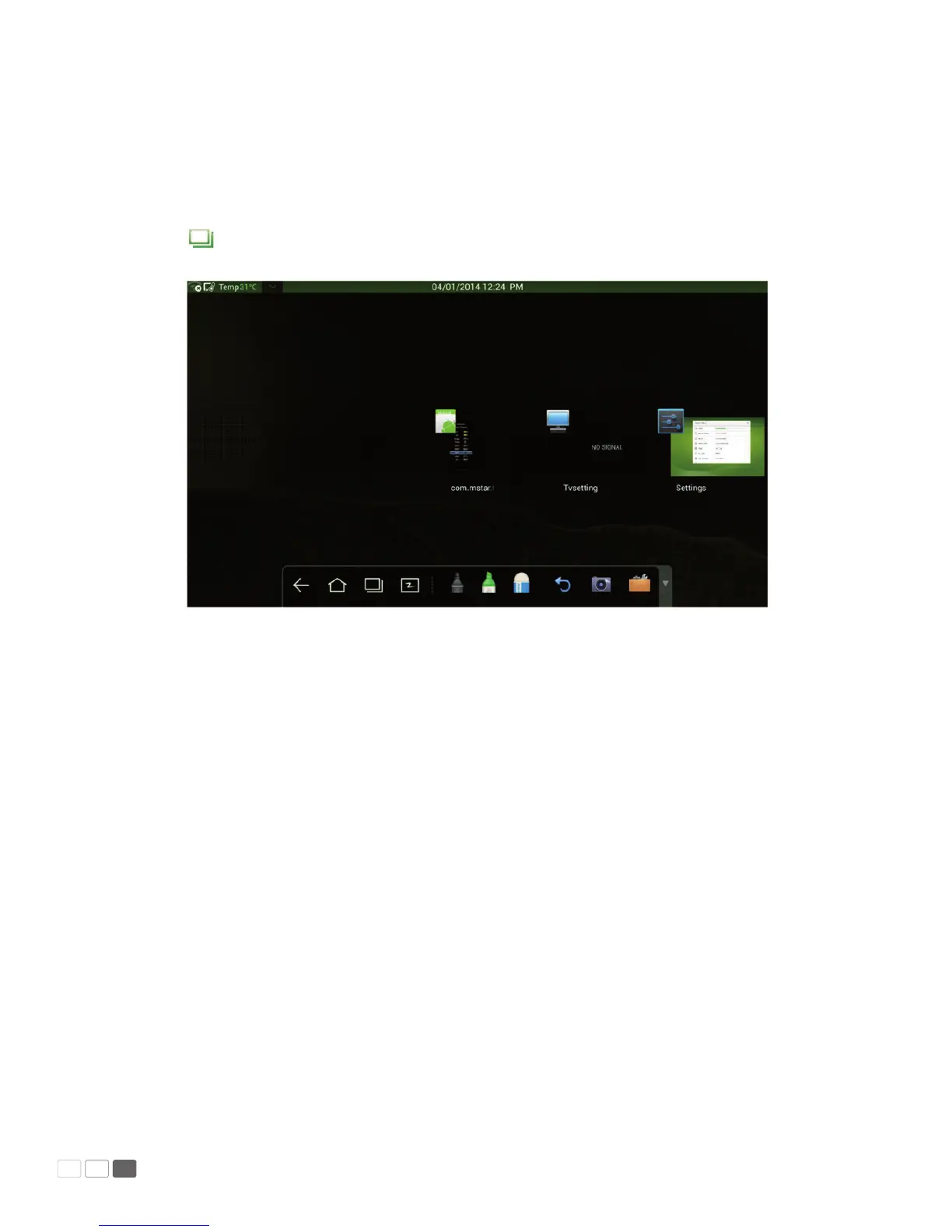
In the task manager, you can view currently running programs, switch and end programs.
Click to enter the task manager as shown in the following gure:
• View running programs
In the task manager, scroll left and right to view currently running programs.
• Switch programs
In the task manager, click a program to switch over to the program. For example, click View ES
File to switch over to the ES le program; click Gallery to switch over to the gallery; and click File
Browser to switch to the browser program.



 To Next Page