Manual Predia Touch Pro
32
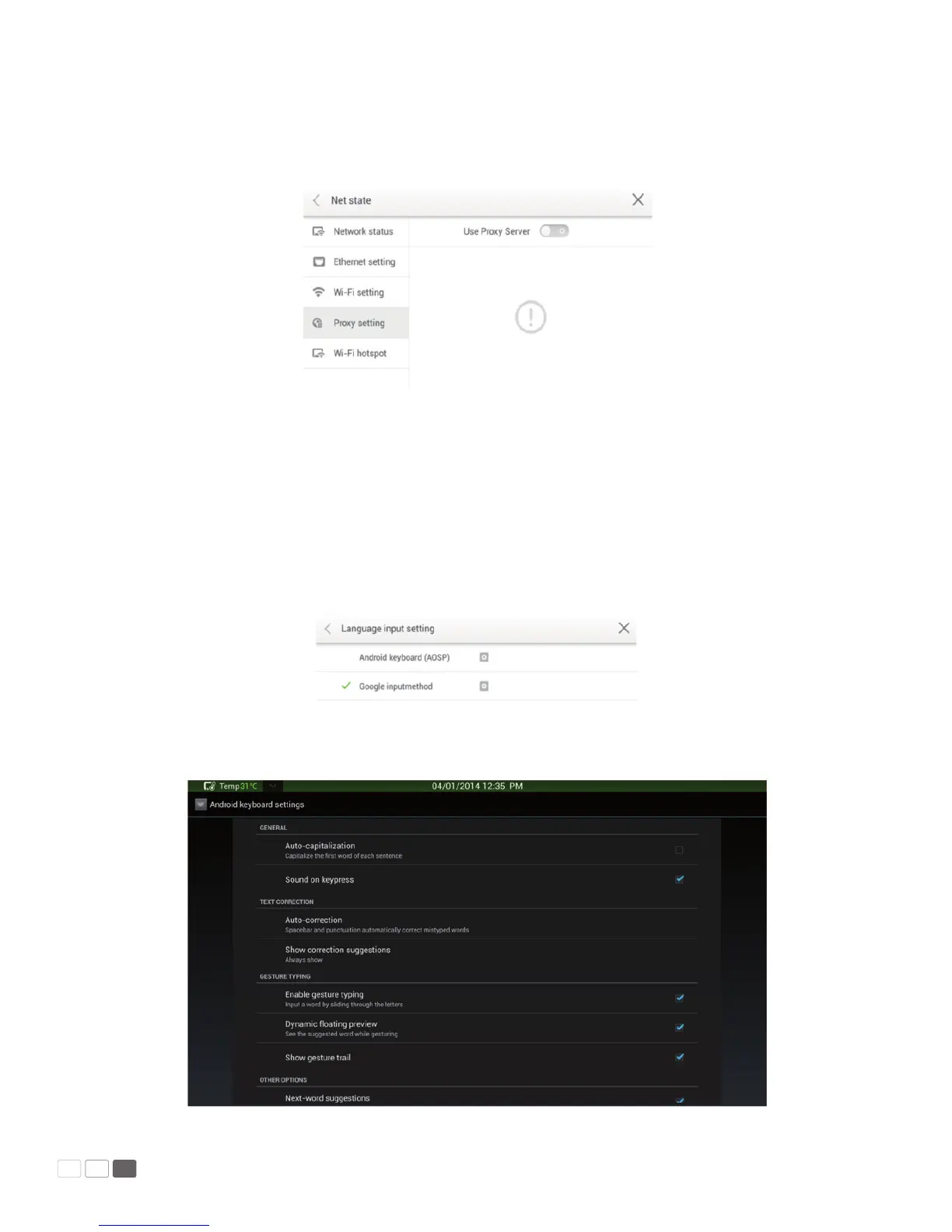
• Proxy
When the agency server is enabled, you can enter the master and agency server port numbers on
the software keyboard or remote controller.
After you enter the master and agency server port numbers, click Verify and enter the username
and password. After setting, click < on the upper left corner or Back on the remote controller to go
back to the parent menu. Click × to close the current page.
Input Method
Click Input to show options including ASOP and Google Pinyin. You can choose an input method
according to your preference. After setting, click < on the upper left corner or Back on the remote
controller to go back to the parent menu. Click × to close the current page.
Click AOSP and congure functions as follows:



 To Next Page