Manual Predia Touch Pro
40
Select Signal Channel
There are three ways to select a signal channel:
1.1 Press Signal on the remote controller.
1.2 Press Signal on the control panel of the interactive panel.
1.3 Click in the Programs page.
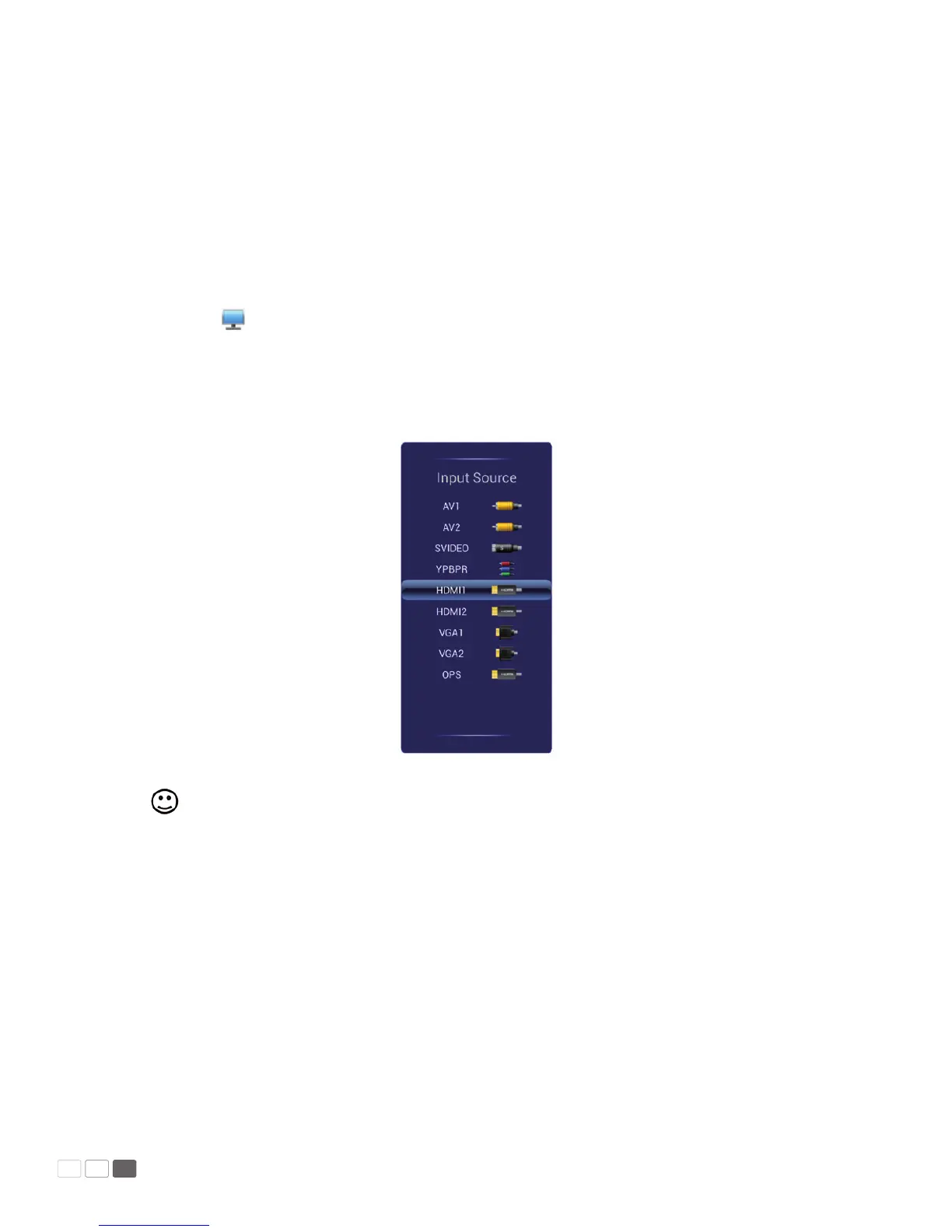
Open Signal to show the following interface. Press s / t to select an option and press OK.
You can also click an icon on the interface.
Note: The interactive panel will automatically detect signals when it is started or there is no signal.



 To Next Page