Manual Predia Touch Pro
24
Gallery
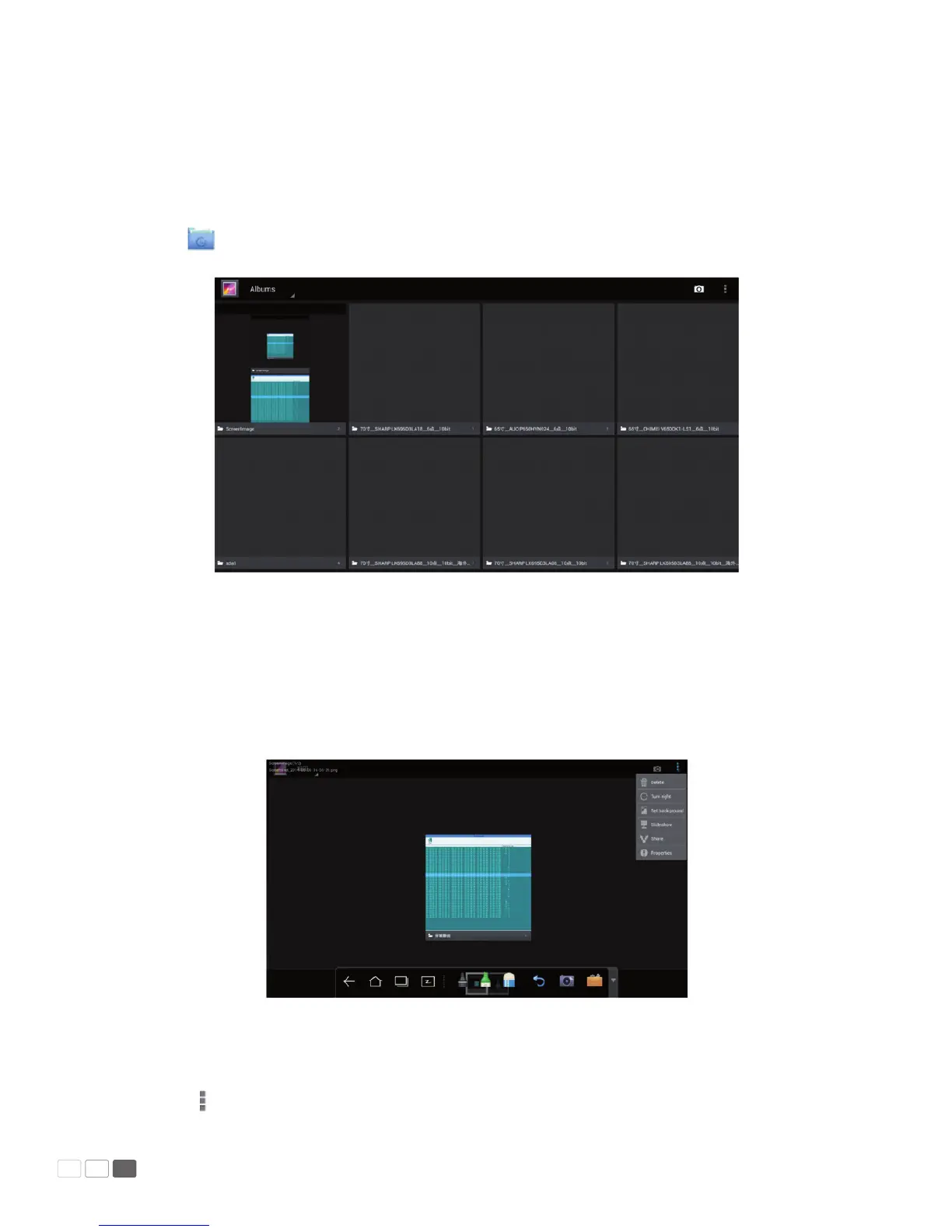
You can enter the gallery to view images one by one or as slides.
Click on Smartbar to enter the gallery to show all folders containing images.
Click a folder to show images contained in the folder.
• Single image
Click one image in a folder. Scroll left to show the previous image and right to show the next.
Under the single image mode, you can click icons on upper right corner of the image to delete,
cut and edit the image.
• Slide
Click on the upper right corner of the folder and select Slide to view images as slides.



 To Next Page