Manual Predia Touch Pro
34
Language
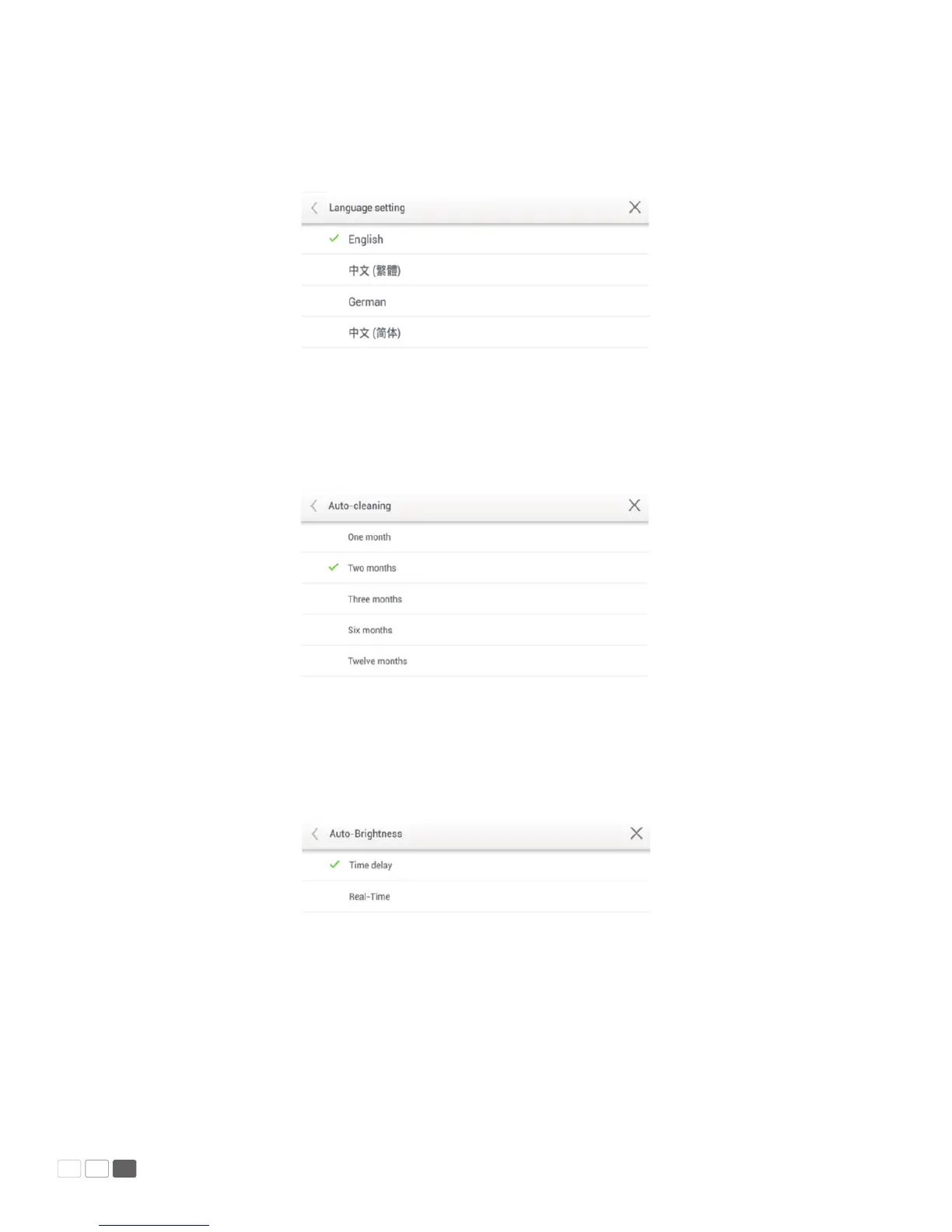
Click Language to show options including Chinese (Simplied), Chinese (Traditional), and English.
Select a language. Click < or Back to return to the parent menu. Click × to close the current interface.
Clear Screenshots
Click Clear Screenshots to show options including 1 Month, 2 Months, 3 Months, 6 Months,
and 12 Months. Select a period. Click < or Back to return to the parent menu. Click × to close
the current interface.
Auto Luminance
Click Auto Luminance to show options including Delayed and Instant. Click Delayed and auto lumi-
nance adjustment will be delayed for ve minutes. Click Instant to enable auto luminance adjustment
immediately. Click < or Back to return to the parent menu. Click × to close the current interface.



 To Next Page