Manual Predia Touch Pro
41
Menu
Press Menu on the remote control to show the menu (Image → Sound Mode → Channel →
Setting → Time → Parent Control). Scroll left and right on the screen or press / to switch
between options.
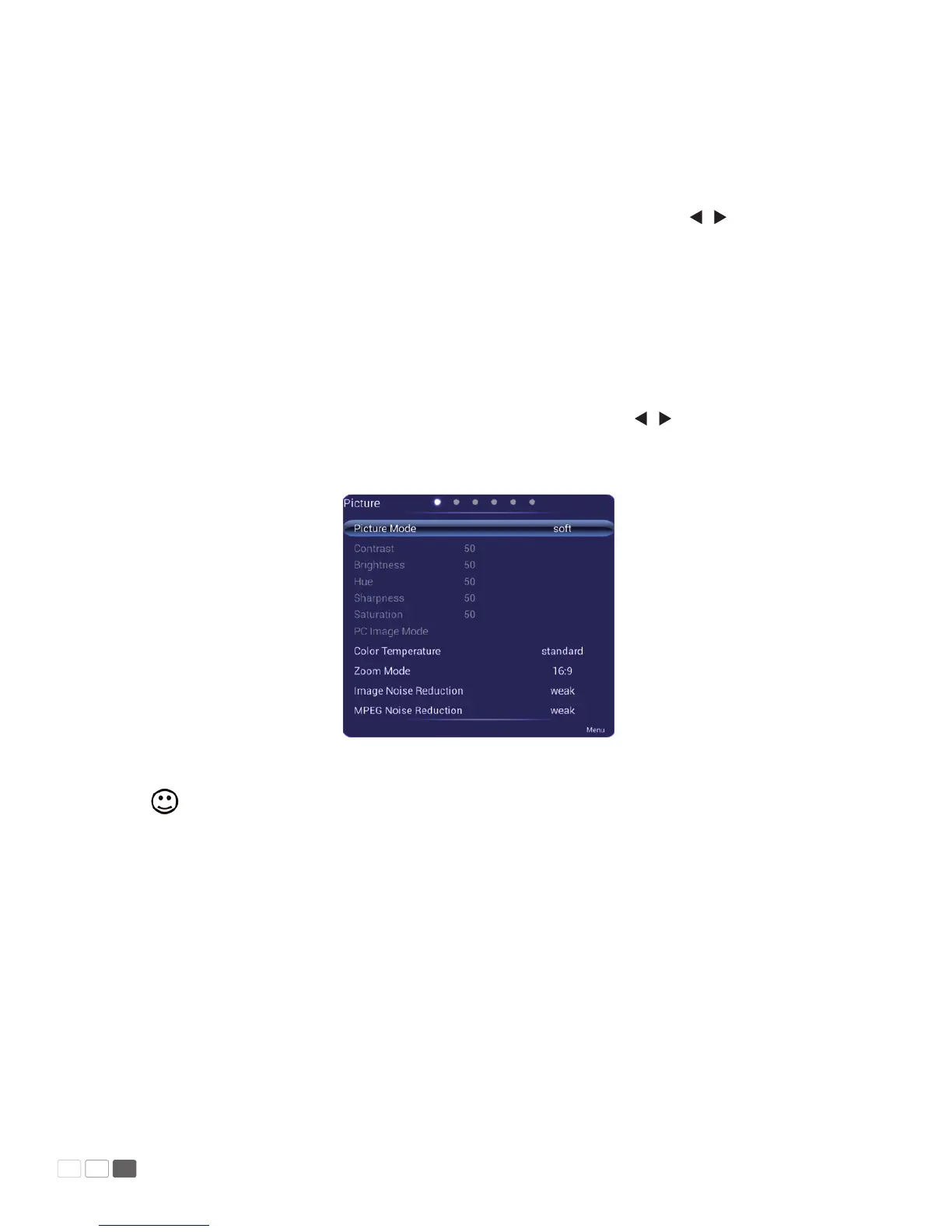
Image
The Image menu shows options including Image Mode, Color Temperature, Zoom, Image
De-noise, and MPEG De-noise. There are two ways to set it:
1.1 Click an icon and set it.
1.2 Press s / t to move the cursor onto an option. Press OK and press / to adjust the value.
Press Back to quit the menu.
Note: When the image mode is Custom, you can adjust the contrast, brightness, hue,
sharpness and saturation.



 To Next Page