Manual Predia Touch Pro
30
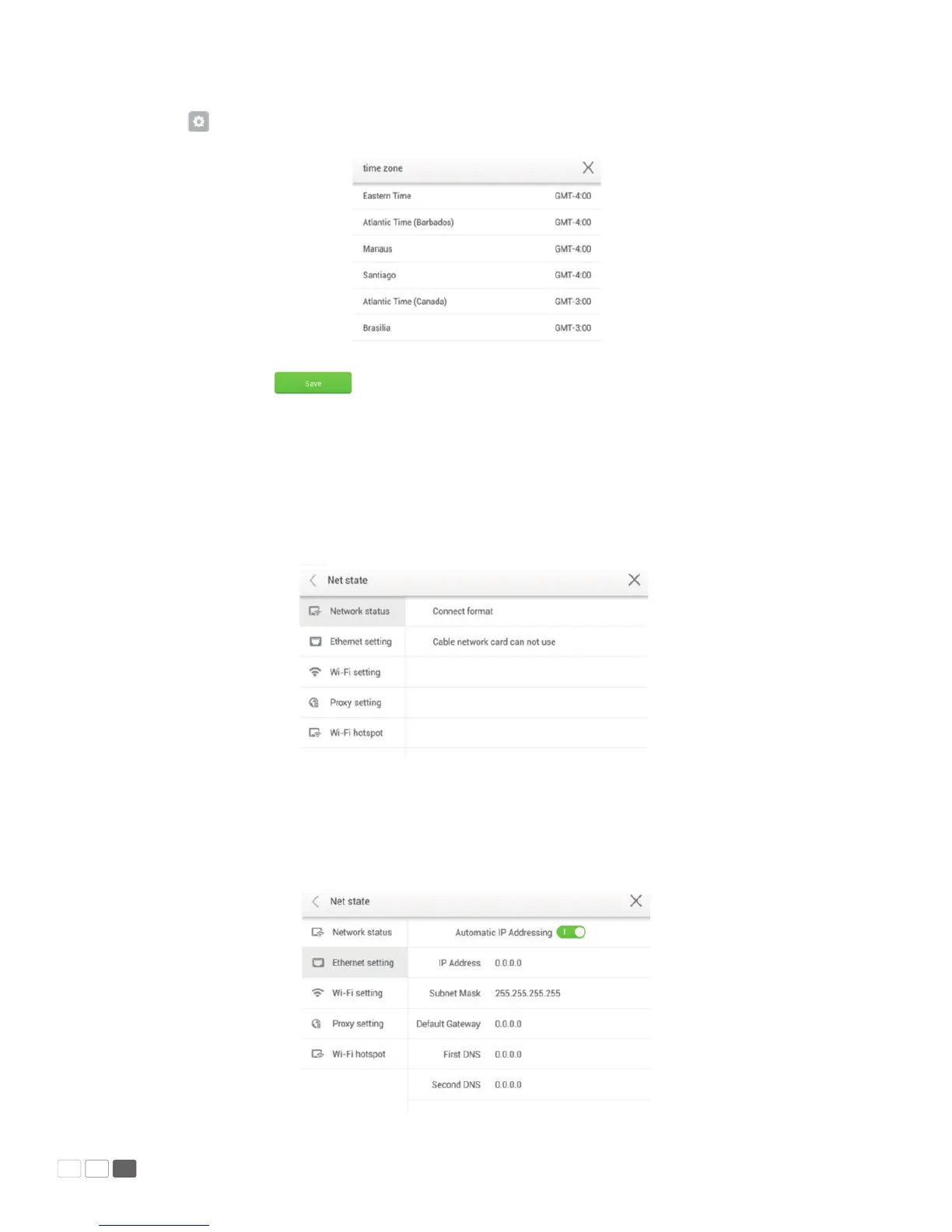
Click to enter the time zone setting interface as follows:
After setting, click to save it. Click < on the upper left corner or Back on the remote
controller to go back to the parent menu. Click × to close the current page.
Network
Click Network to show the network status, LAN, WIFI and agency settings. Choose a network connecti-
on method and set parameters accordingly.
• LAN setting
If the panel is connected with LAN cable and supports Dynamic Host Conguration Protocol (DHCP),
the system will automatically congure the network protocol (IP) value.



 To Next Page