Manual Predia Touch Pro
31
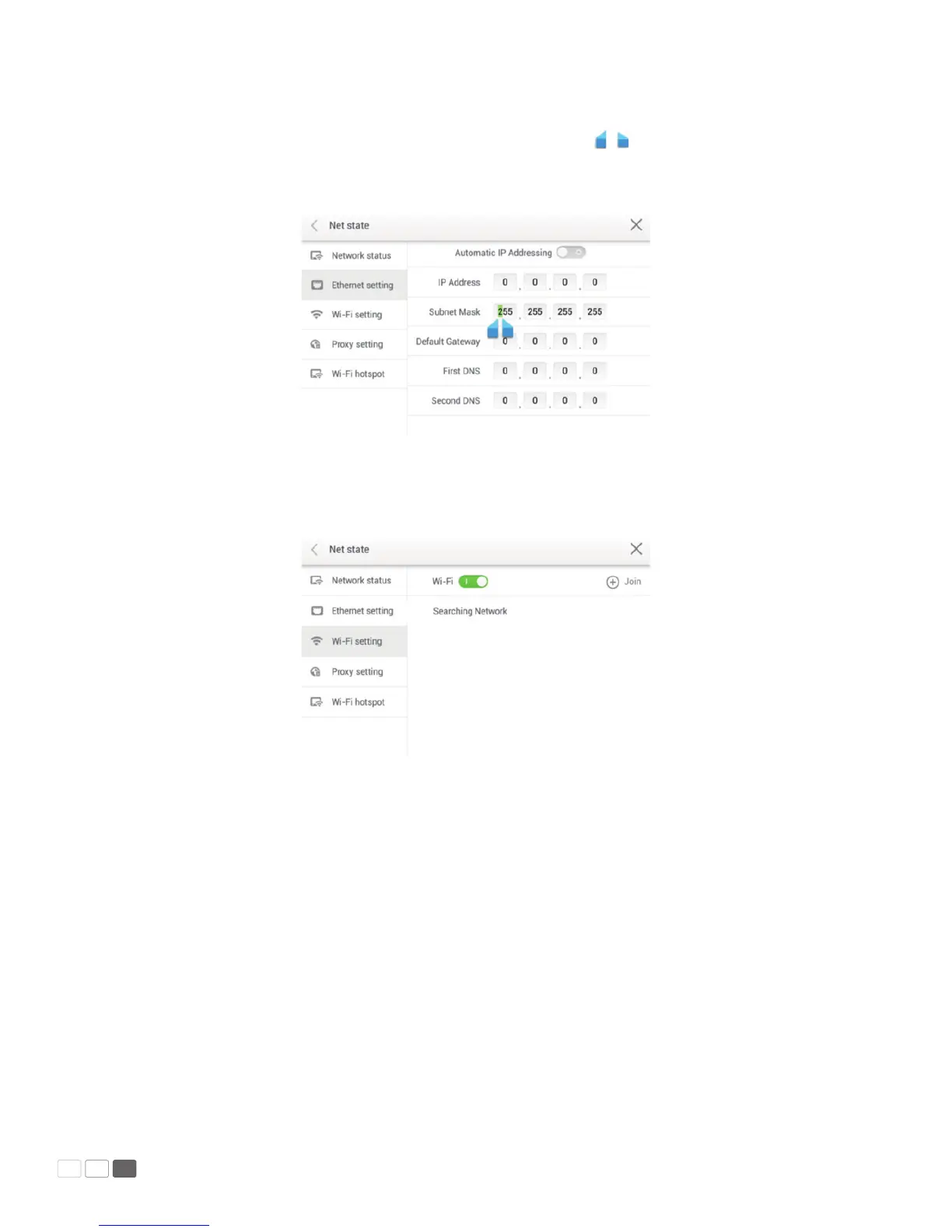
If you want to manually set the network protocol, enter the IP address, default gateway, and DNS ser-
ver parameters on the software keyboard or remote controller. Slide / to select the subnet mask
to be changed. After setting, click < on the upper left corner or Back on the remote controller to go
back to the parent menu. Click × to close the current page.
• WIFI setting
When WIFI is enabled, the system will automatically search available WIFI access points (AP). You can
choose an AP on the list.
If you select an AP with safety authentication, you need to enter the password on the software key-
board on the safety authentication interface.
After setting, click < on the upper left corner or Back on the remote controller to go back to the
parent menu. Click × to close the current page.



 To Next Page