Manual Predia Touch Pro
43
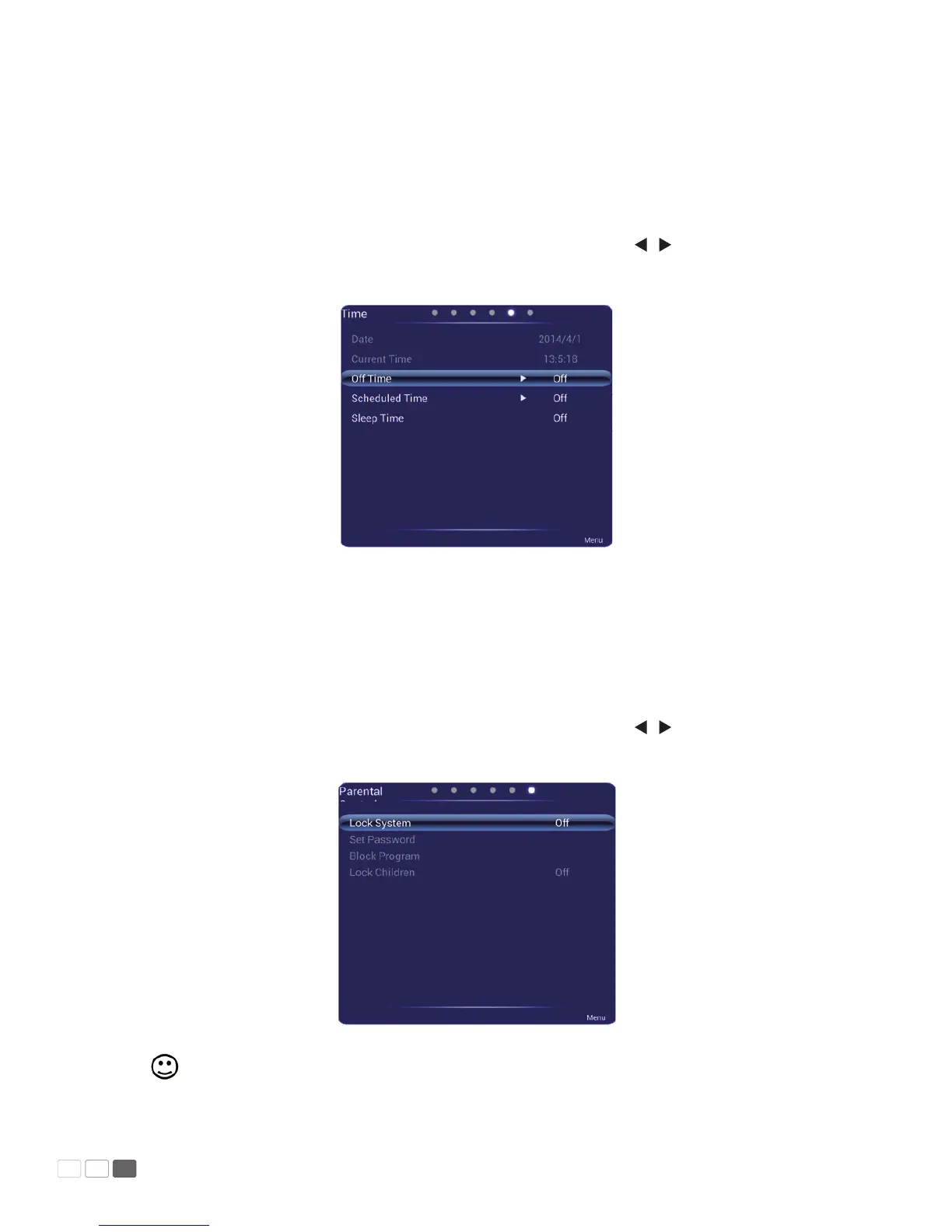
Time
The Time menu shows options including Date, Current Time, O Time, On Time, and Sleep
Time. There are two ways to set it:
1.1 Click an icon and set it.
1.2 Press s / t to move the cursor onto an option. Press OK and press / to adjust the value.
Press Back to quit the menu.
Parent Control
The Parent Control menu shows options including System Lock, Change Password, Program
Lock, and Level Setting. There are two ways to set it:
1.1 Click an icon and set it.
1.2 Press s / t to move the cursor onto an option. Press OK and press / to adjust the value.
Press Back to quit the menu.
Note: This menu is only available when TV signal source is used.



 To Next Page