Manual Predia Touch Pro
21
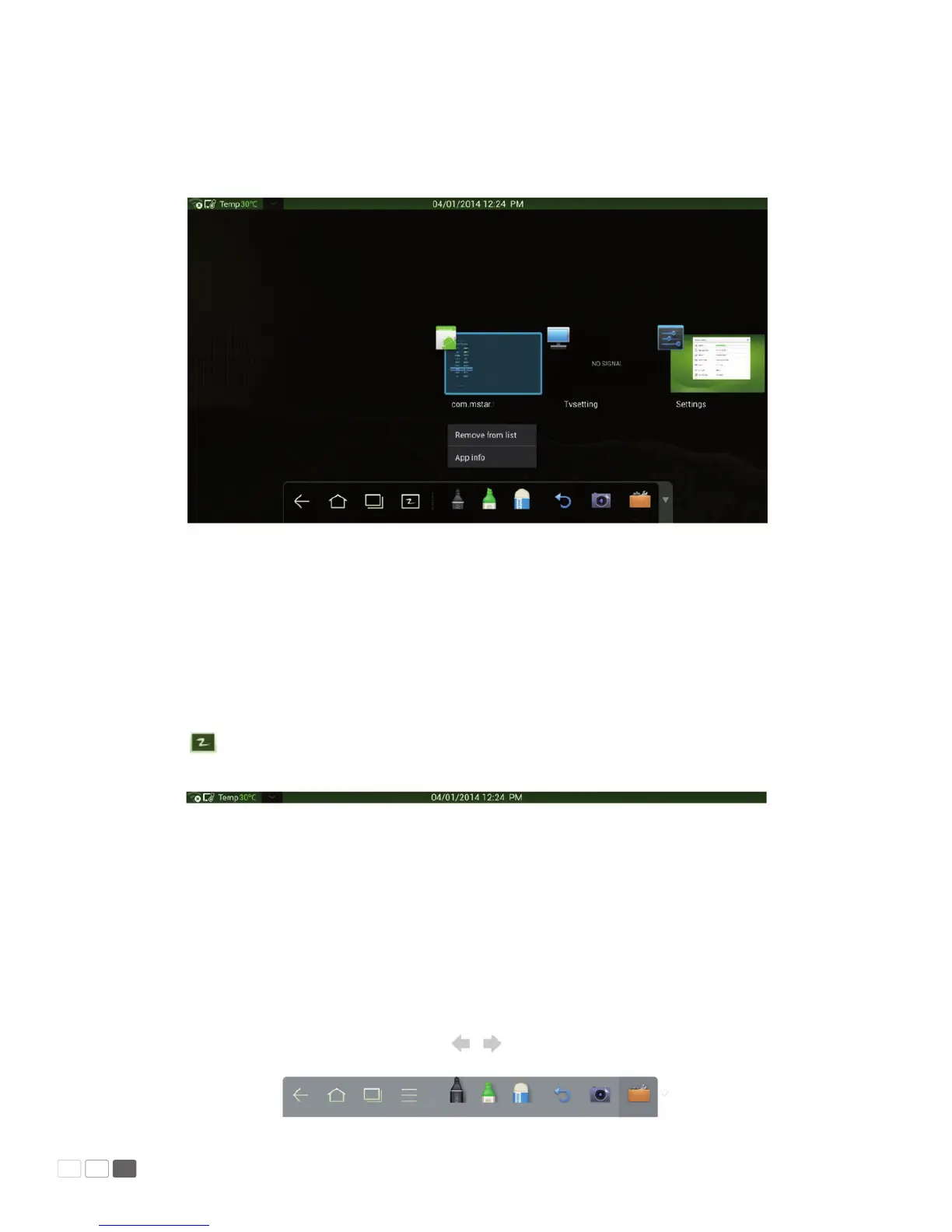
• End programs
In the task manager, click a program and scroll up and down to end the program, or click a program
and hold it for several seconds to show a prompt box. Click Remove from the List to end the program.
White Board
The white board provides the writing function. In the white board program, you can select a pen, line
and color to write and use eraser to erase content on the white board. You can also print and clear
the content on the white board.
Click on the smartbar or press White Board on the remote controller to enter the white board
interface:



 To Next Page