Manual Predia Touch Pro
22
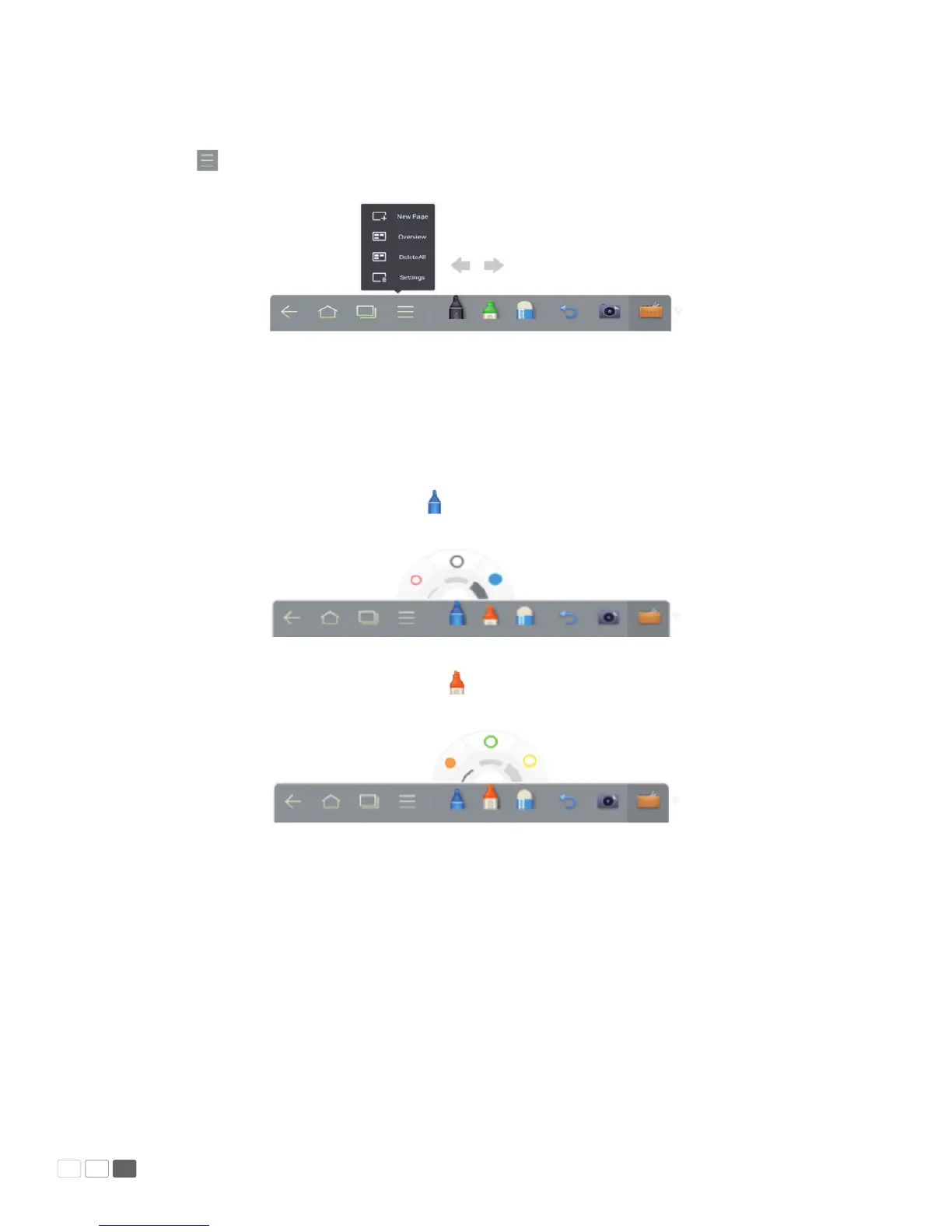
• New White Board and Setting
Click and select New, View, Delete or Set from the menu.
Click Set to set the color and shade of the white board as shown in the following gure:
• Pen/Line/Color
If you want to use marker, click and hold for two seconds to set the line and color.
If you want to use highlighter, click and hold for two seconds to set the line and color.



 To Next Page