Manual Predia Touch Pro
23
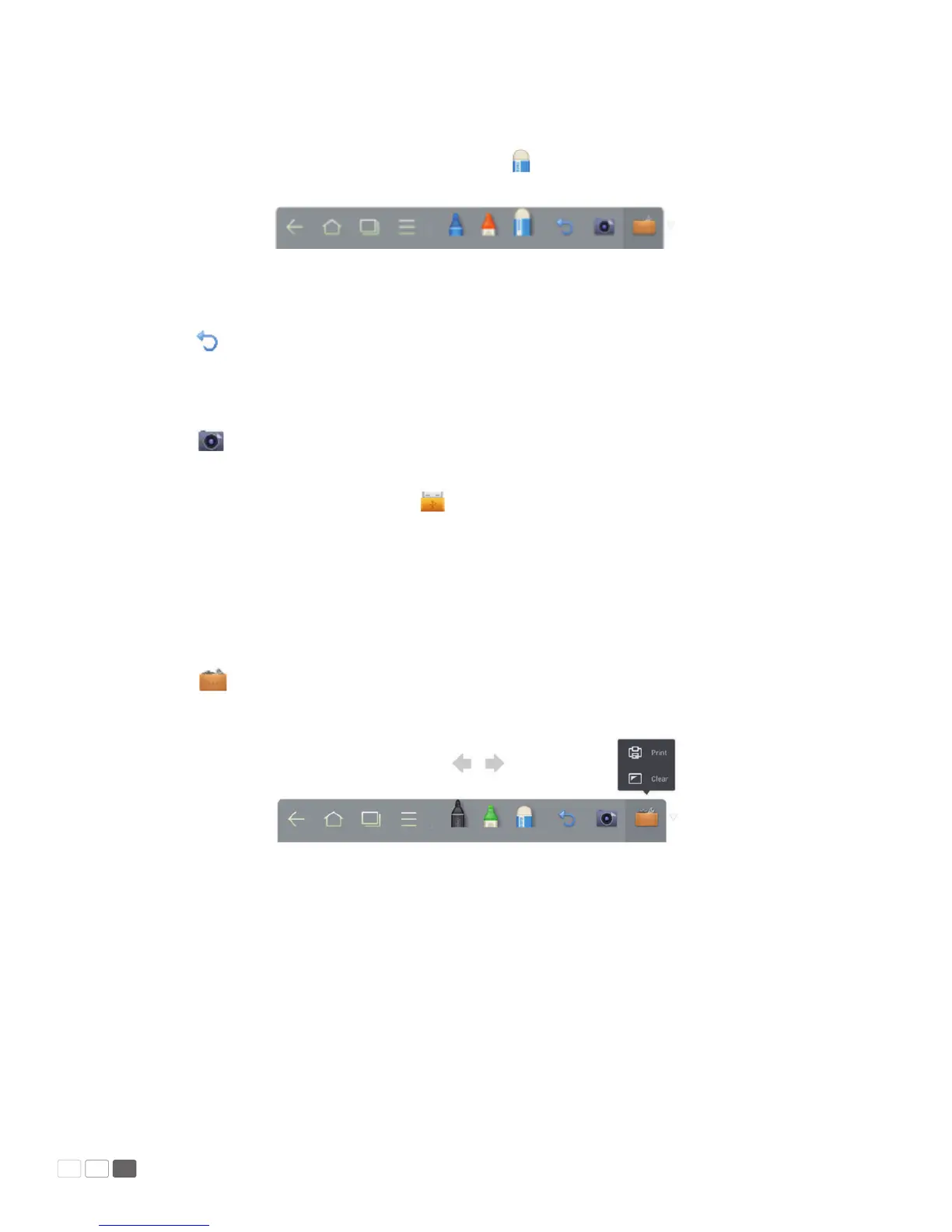
• Eraser
If you make an error or want to erase something, click to use the eraser to erase the content
that you want to erase.
• Cancel
Click to cancel operations.
• Capture
Click to capture the content on the white board and save it as an image under the Screeni-
mage directory. You can open the directory through the following ways:
(1) Go back to the home page and click on Smartbar to enter the le manager.
Find folder Screenimage in the le system.
Note: Press Capture on the remote controller to save it as an image under the Screenshot
directory in the le manager.
• Print/Clear
Click to show Print and Clear item. Click Print to print the content on the white board.
Click Clear to clear things written on the white board.



 To Next Page