Manual Predia Touch Pro
19
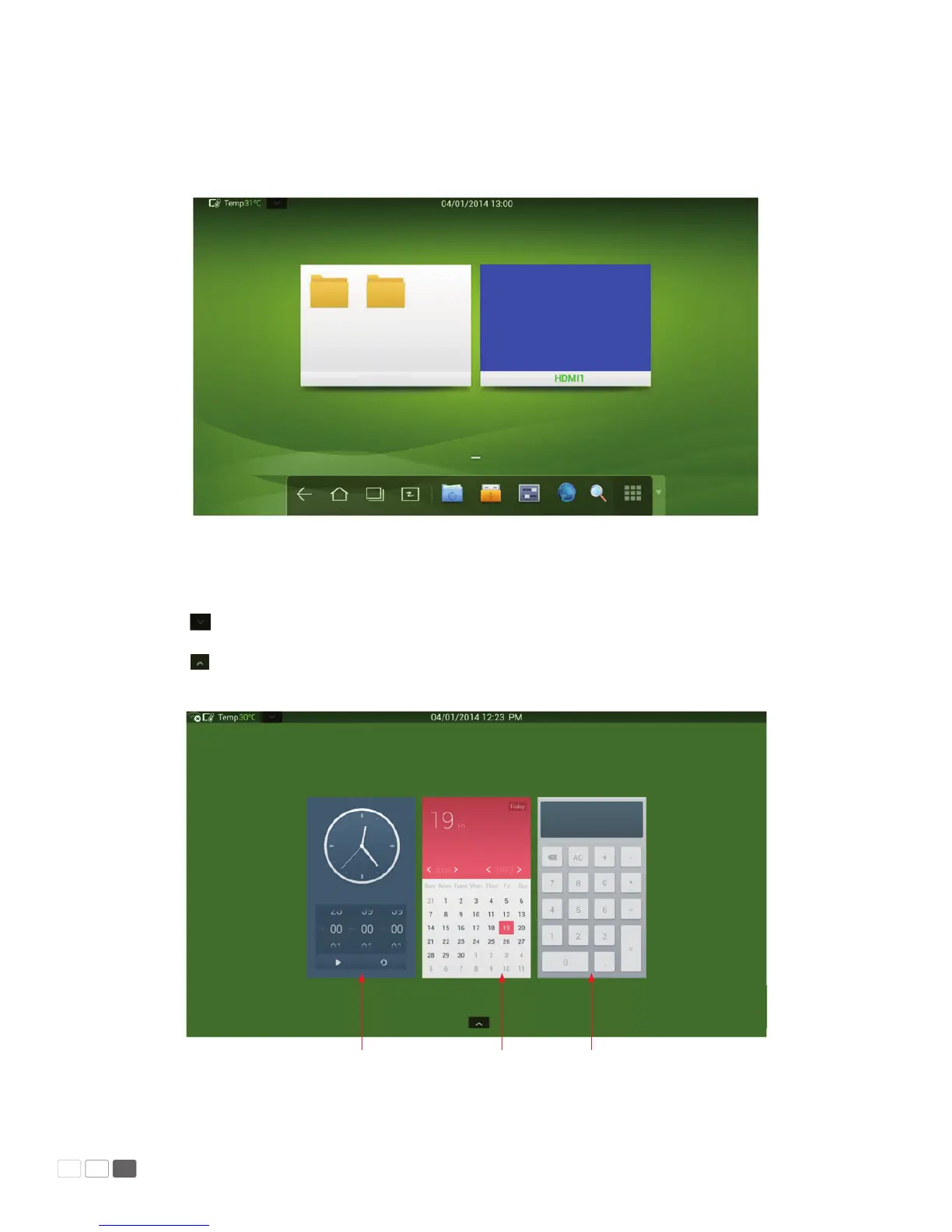
The following gure shows the interface when a SD card is inserted into an all-in-one interactive
touch screen . The following picture shows the desktop of the OPS computer and les in the portable
device.
Click any place on the preview window of the OPS computer desktop to display the interface informa-
tion. Click the SD card preview window to open the SD card interface.
Click on the upper left corner of the home page to show tools, clock, calendar and calculator.
Click at the bottom to hide tools and go back to the home page.
Clock Calendar Calculator



 To Next Page