Manual Predia Touch Pro
28
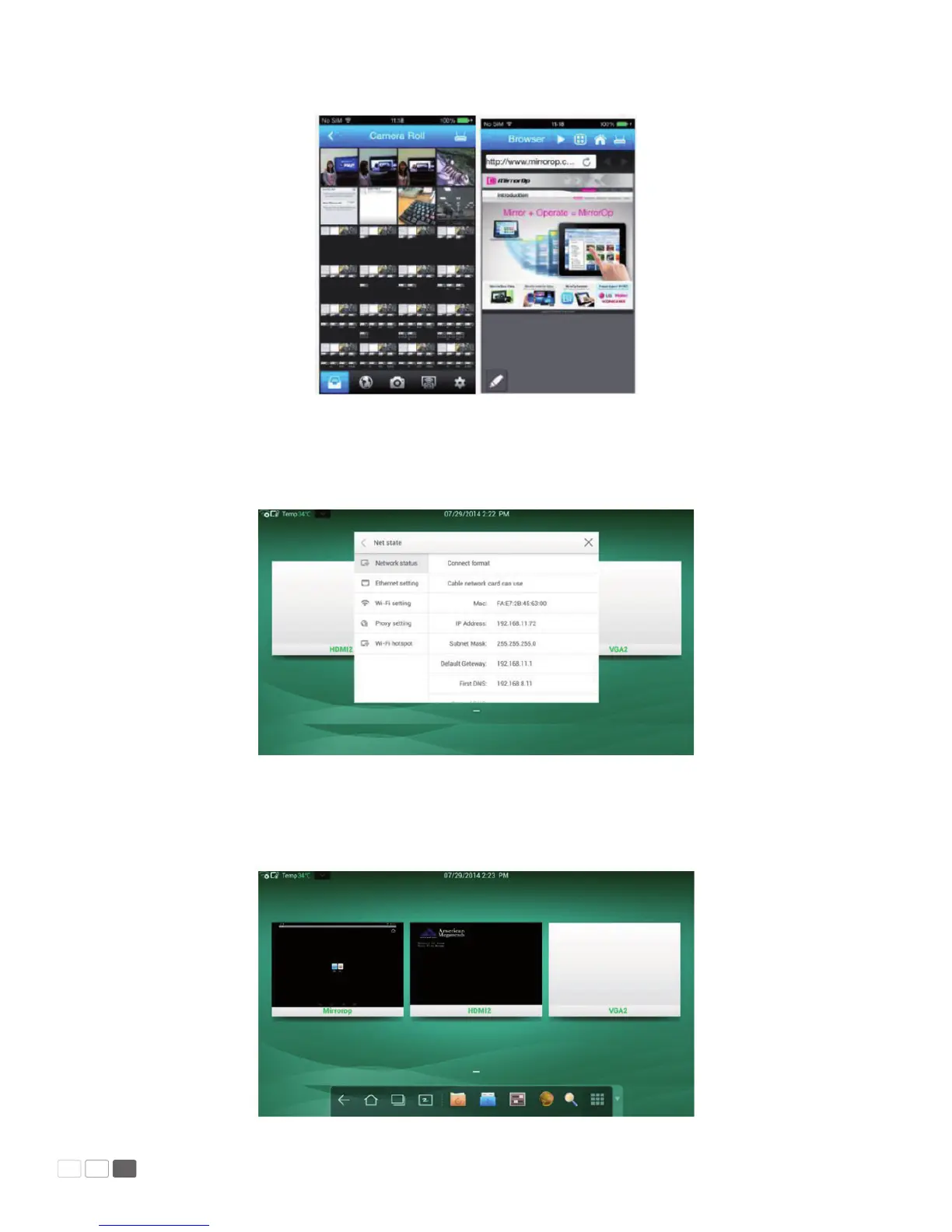
MirrorOp Receiver: MirrorOp Receiver and MirrorOP Sender must be in the same network en-
vironment. In order to make sure that serder and receiver are in the same gateway, please check the
current network state by opening the system settings interface.
Select the signal source: After successful connecting sender with receiver, the signal source of sender
(Mirrorop window) could be seen on home page, as shown in screenshot. Then click the Mirrorop
window, the window will be in full-screen mode.



 To Next Page