Overview Getting
Started
Controls and
Connections
Cascading
Units
Technical
Information
3 CONTROLS & CONNECTIONS PreSonus
™
FireStudio
™
Mobile
36
Overview Getting
Started
Controls and
Connections
Cascading
Units
Technical
Information
3.1 Software
CONTROLS & CONNECTIONS
3.1 Software
Like all members of the FireStudio family of
interfaces, the FireStudio Mobile is compatible with
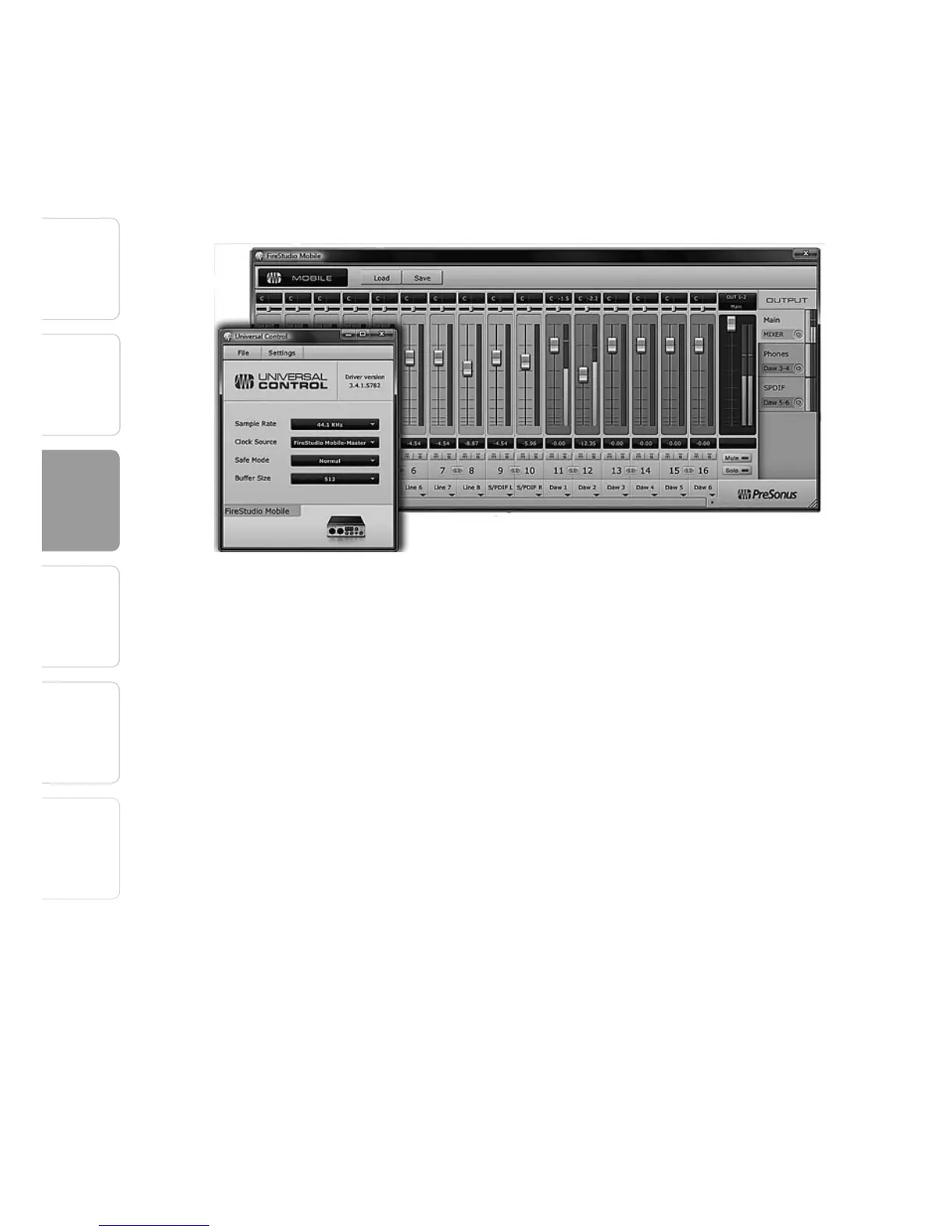
Universal Control. Universal Control is a powerful,
flexible, and easy-to-use control-panel application
for creating mulitple mixes from your input and
output signals for each of your FireStudio Mobile’s
output pairs (mains, headphone, and S/PDIF). This
application also allows you to daisy-chain FireStudio-
family interfaces. The FireStudio Mobile can be
connected to up to 3 other FireStudio-family devices
for a total of up to 52 inputs and outputs.
Universal Control consists of the Launch window and
the Device window.
In the Launch window, you can set basic parameters
such as sample rate, clock source, and buffer size.
The Device window of the FireStudio Mobile is the
FireStudio Mobile Mixer. The Mixer section of the
Universal Control Panel was designed to look and
feel like a hardware mixer, so most of the features
may already be familiar to you. From this mixer,
you can create a zero-latency mix for each output















 To Next Page