Overview Getting
Started
Controls and
Connections
Cascading
Units
Technical
Information
3 CONTROLS & CONNECTIONS PreSonus
™
FireStudio
™
Mobile
46
Overview Getting
Started
Controls and
Connections
Cascading
Units
Technical
Information
3.1 Software
Mixer Section
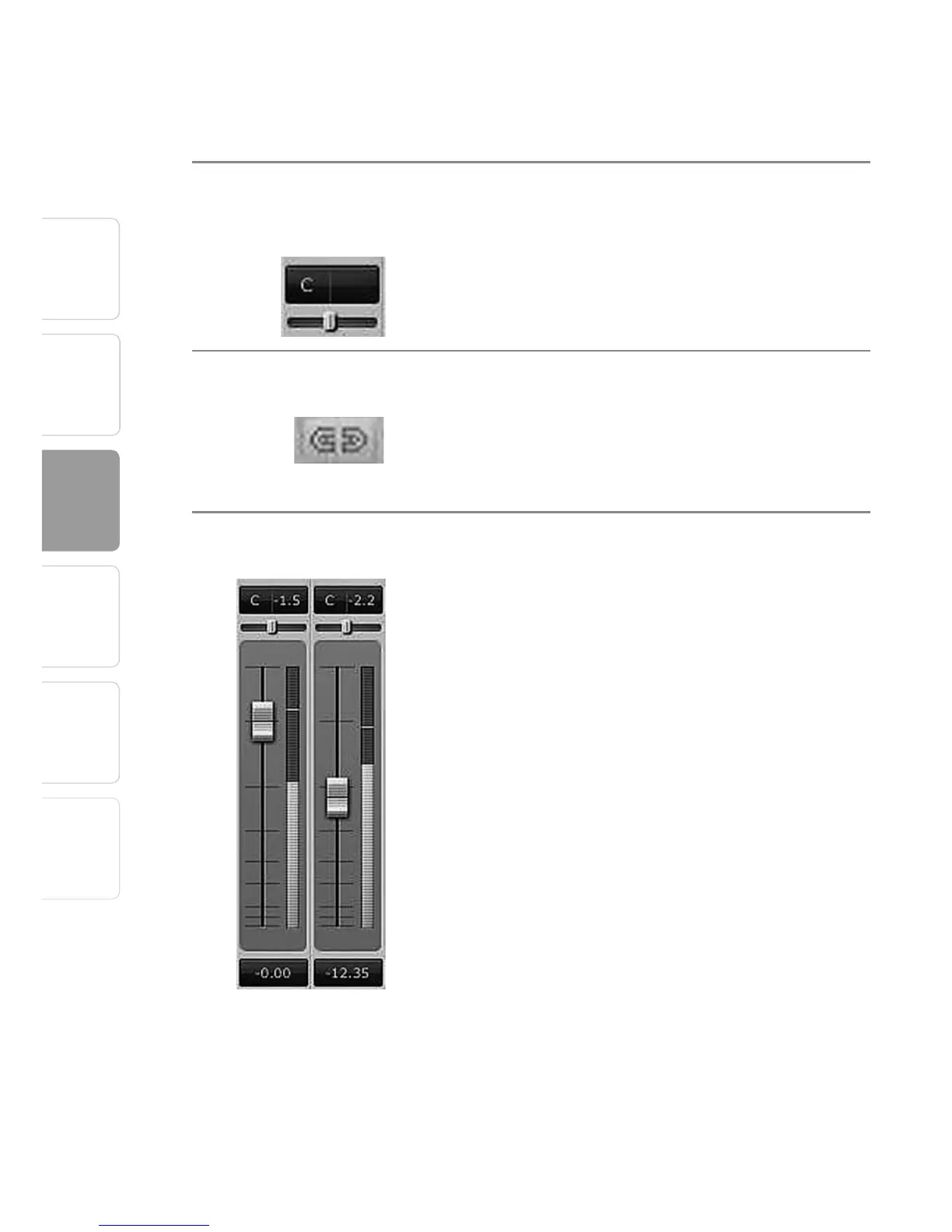
Channel Pan Sliders Moves the Channel’s Audio Left/Right
in the Stereo Field.
Double-clicking the slider returns the pan to center.
Link Buttons Links the Adjacent Channels as a Stereo Pair.
When channels are linked, changing either channel’s
level changes both channels’ levels, and the signals
are panned hard left and right.
Channel Faders Changes the Channel’s Audio Level.
Move the channel fader up and down to increase
and decrease the channel’s audio level.
The amount of boost or attenuation, measured in
decibels, is displayed below the Channel Fader. The
range is from –
∞
to +6 dB.
A virtual LED meter to the right of each fader
displays the postfader level of the channel’s audio.
The peak value, in dBFS, of the channel’s audio level
is displayed directly above each channel’s virtual LED
meter.















 To Next Page