CONTROLS & CONNECTIONS 3Owner’s Manual
45
Overview Getting
Started
Controls and
Connections
Cascading
Units
Technical
Information
Software 3.1
Master Output Section
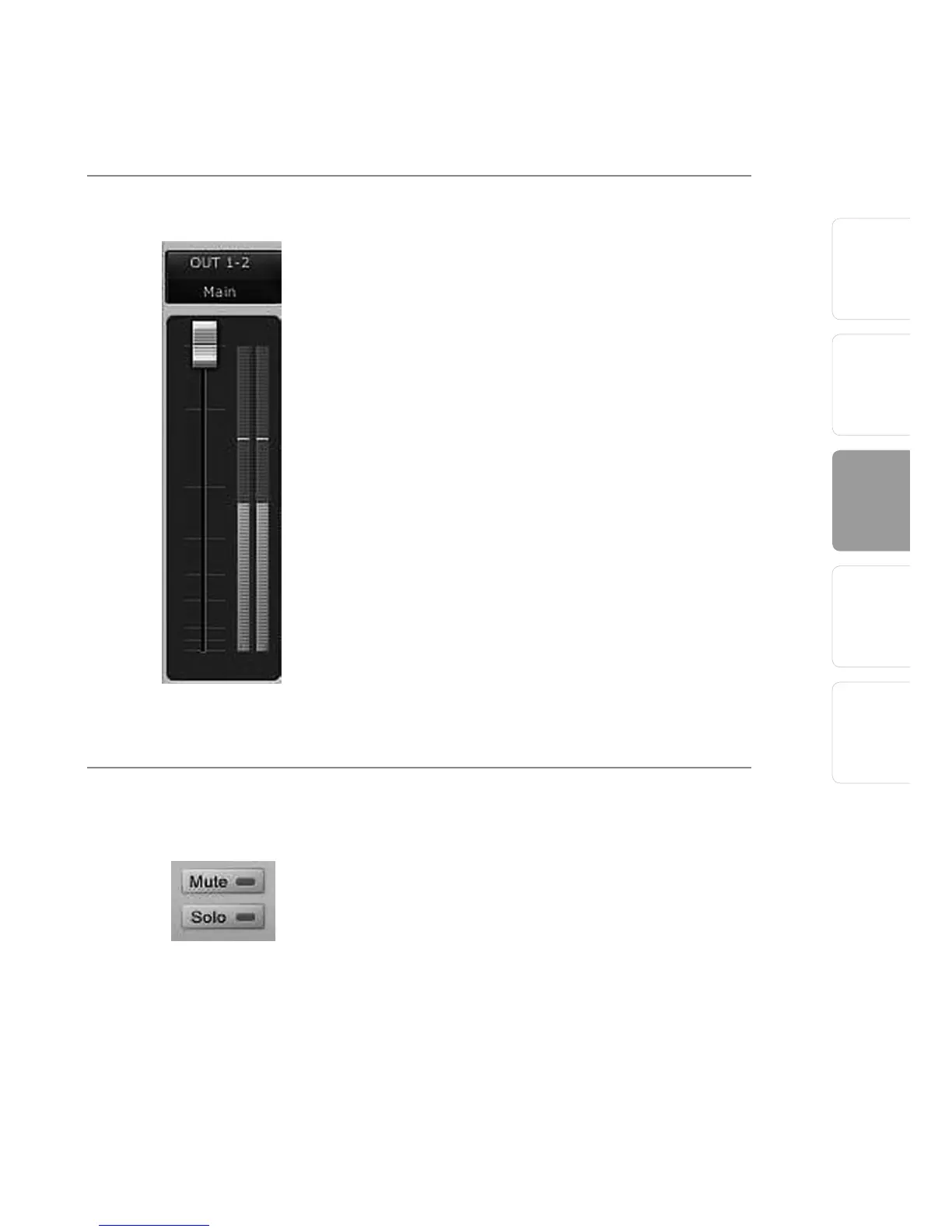
Master Output Fader Changes the Selected Output’s Audio Level.
Move the Master Fader up and down to increase
and decrease the level of the selected output’s
audio.
The amount of boost or attenuation, measured in
decibels, is displayed below the Channel Fader. The
range is from –
∞
to 0 dB.
Two virtual LED meters to the right of the Master
Fader display the pre-fader levels of the audio
signal.
The peak value in dBFS of the channel’s audio
is displayed directly above the Master Output’s
virtual LED meter.
NOTE: If the peak values display “CLIP,” then your
mixer channels and/or your DAW playback levels
should be reduced. The clip indicators clear when the
mouse pointer hovers over them.
Master Mute and Solo Clear
Clears All Active Channel Mutes or Solos.
The Master Mute and Solo Clear buttons are only
active when a channel’s mute or solo button is
active.















 To Next Page