Overview Getting
Started
Controls and
Connections
Cascading
Units
Technical
Information
3 CONTROLS & CONNECTIONS PreSonus
™
FireStudio
™
Mobile
42
Overview Getting
Started
Controls and
Connections
Cascading
Units
Technical
Information
3.1 Software
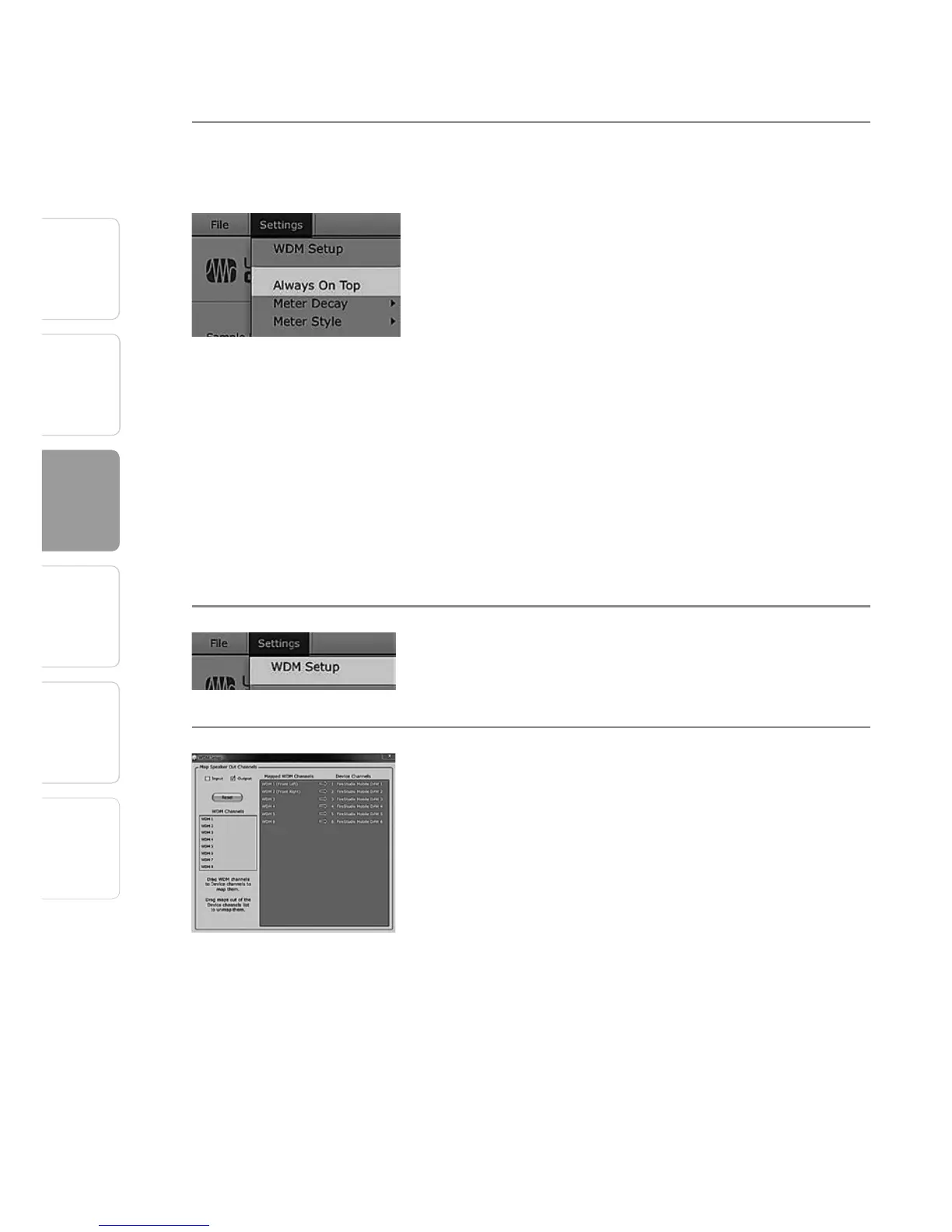
Settings: Always On Top Allows the Launch Window to Stay in View When
Other Applications Are in Use.
When this is enabled, the Launch window will
remain in the foreground when other applications
are active, rather than being in the background
behind the current application’s window.
3.1.3 WDM Settings (PC only)
Like the rest of the FireStudio family of interfaces, the
FireStudio Mobile features advanced WDM features
that enhance its use as an audio interface. In the
Settings menu of the Launch window, you will find
the WDM Setup option. From here you can configure
your WDM input and output streams.
1 In the Launcher window, go to Settings|WDM Setup.
2 The WDM Channel Mapper window will open. By
default, WDM Outputs 1 and 2 are routed to the
FireStudio Mobile main outputs. To change the de-
fault routing, simply select WDM Output 1 and 2 and
drag them to your preferred output pair.















 To Next Page