GETTING STARTED 2Owner’s Manual
27
Overview Getting
Started
Controls and
Connections
Cascading
Units
Technical
Information
Studio One Artist 2.2
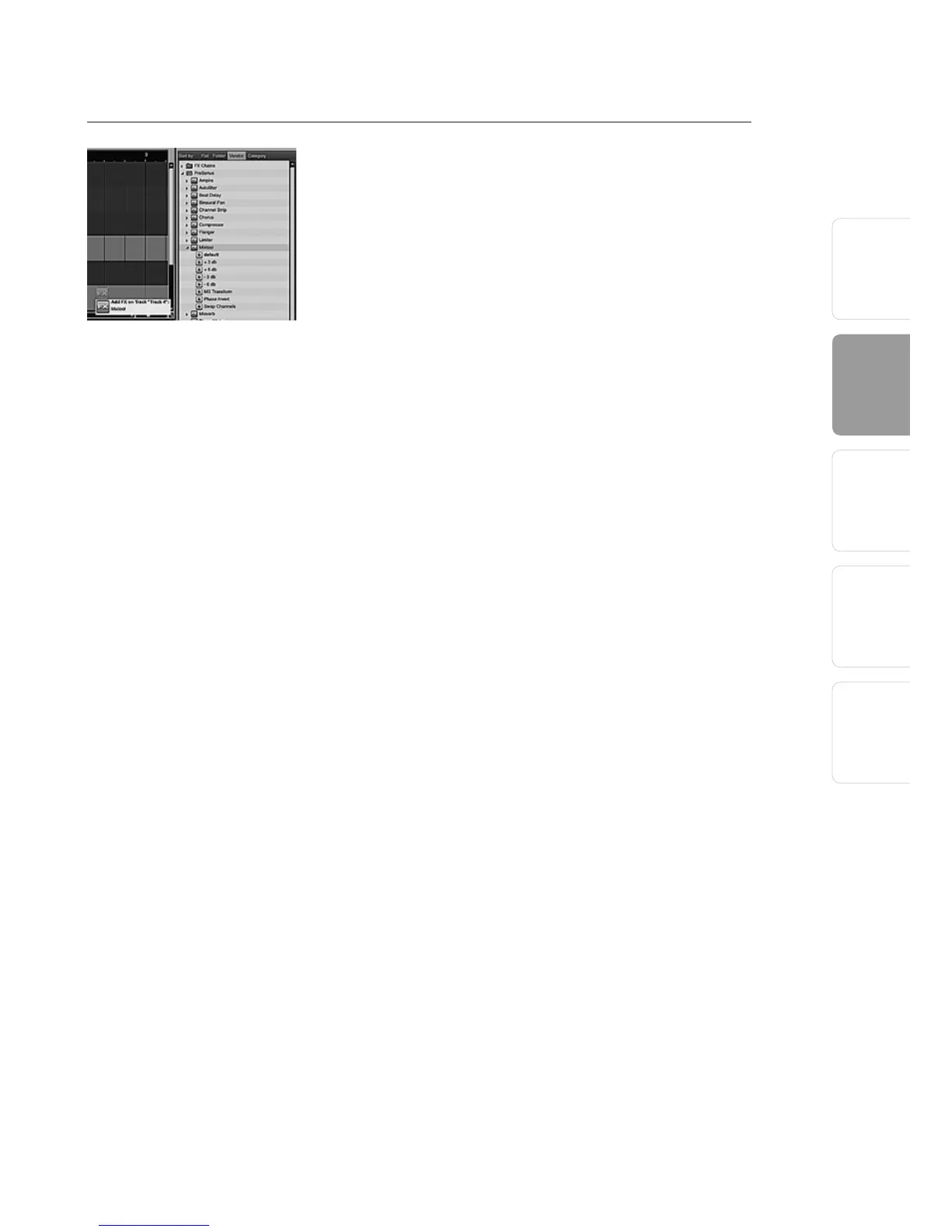
To add a plug-in effect to a track, click the Effects
button and select it or one of its presets in the
Effects Browser, then drag it over the track to which
you would like to add it.
Audio and MIDI files can also be quickly located,
auditioned, and imported into your Song by
dragging them from the File Browser into the
Arrange view. If you drag the file to an empty
space, a new track will be created with that file
placed at the position to which you dragged it. If
you drag the file to an existing track, the file will be
placed as a new part on the track.
.
2.2.6 Cue Mix and the FireStudio Mobile
In Studio One Artist, it is possible to quickly and
easily create multiple cue mixes. A cue mix is
separate from the main mix and is usually provided
to musicians for monitoring purposes during
recording.
For instance, when recording vocals, the engineer
and vocalist will probably want to hear different
mixes. Most vocalists want to hear more of their
vocals in the mix, possibly with some reverb to
make it sound natural, while the engineer might
focus on how the performance balances with
the rest of the mix. Together, Studio One and a
FireStudio Mobile make this simple.















 To Next Page