CONTROLS & CONNECTIONS 3Owner’s Manual
47
Overview Getting
Started
Controls and
Connections
Cascading
Units
Technical
Information
Software 3.1
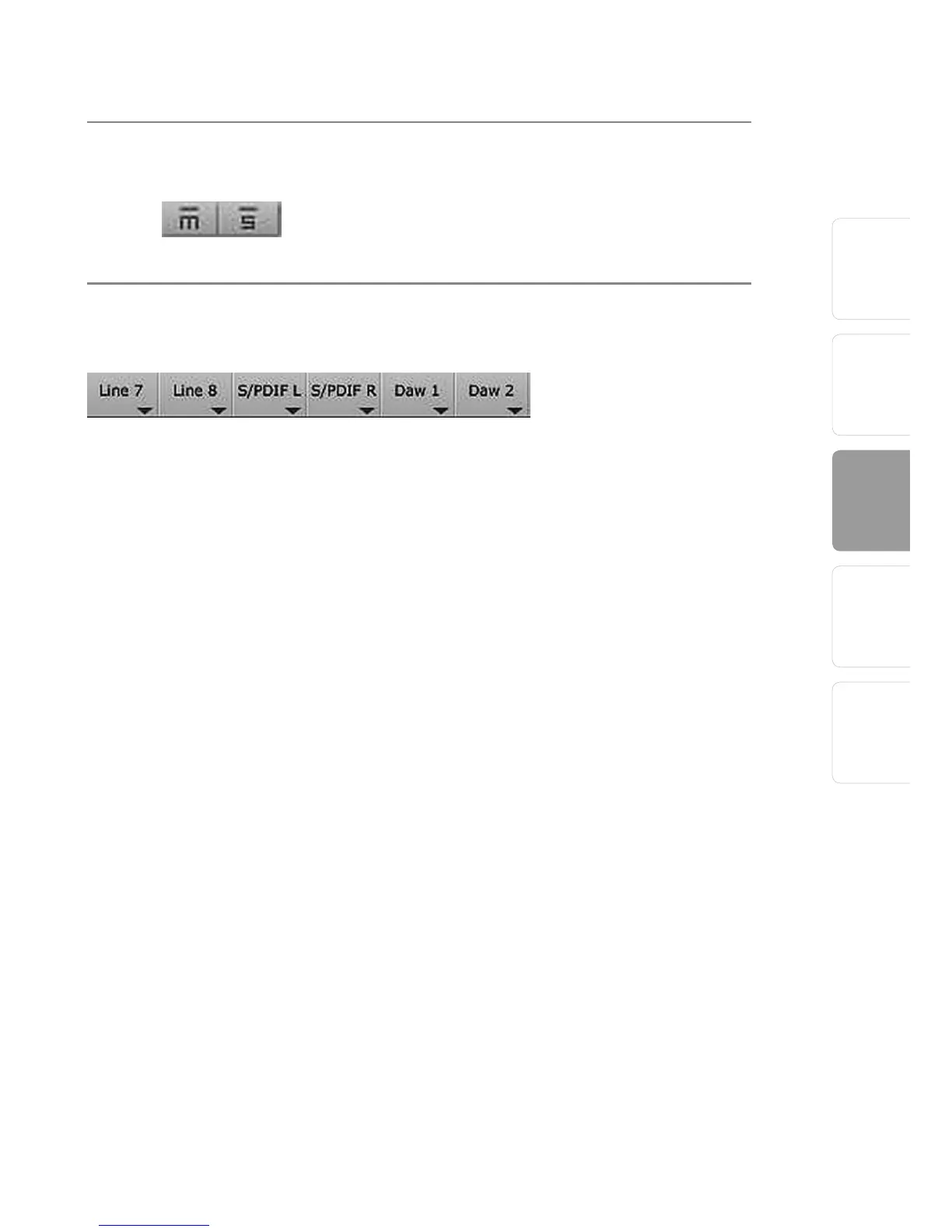
Channel Mutes and Solos Adds the Channel to the Mute or Solo Bus.
Muting a channel silences the channel’s audio.
Soloing a channel mutes all other unsoloed
channels.
Input Selectors Changes the Source of the FireStudio Mobile
Mixer Channels.
• Choosing “No Input” will hide the channel.
• “Inputs” are your hardware inputs (Mic, Inst, Line,
and S/PDIF).
• “Playback” are your software DAW outputs.















 To Next Page