+
FireStudio LightPipe
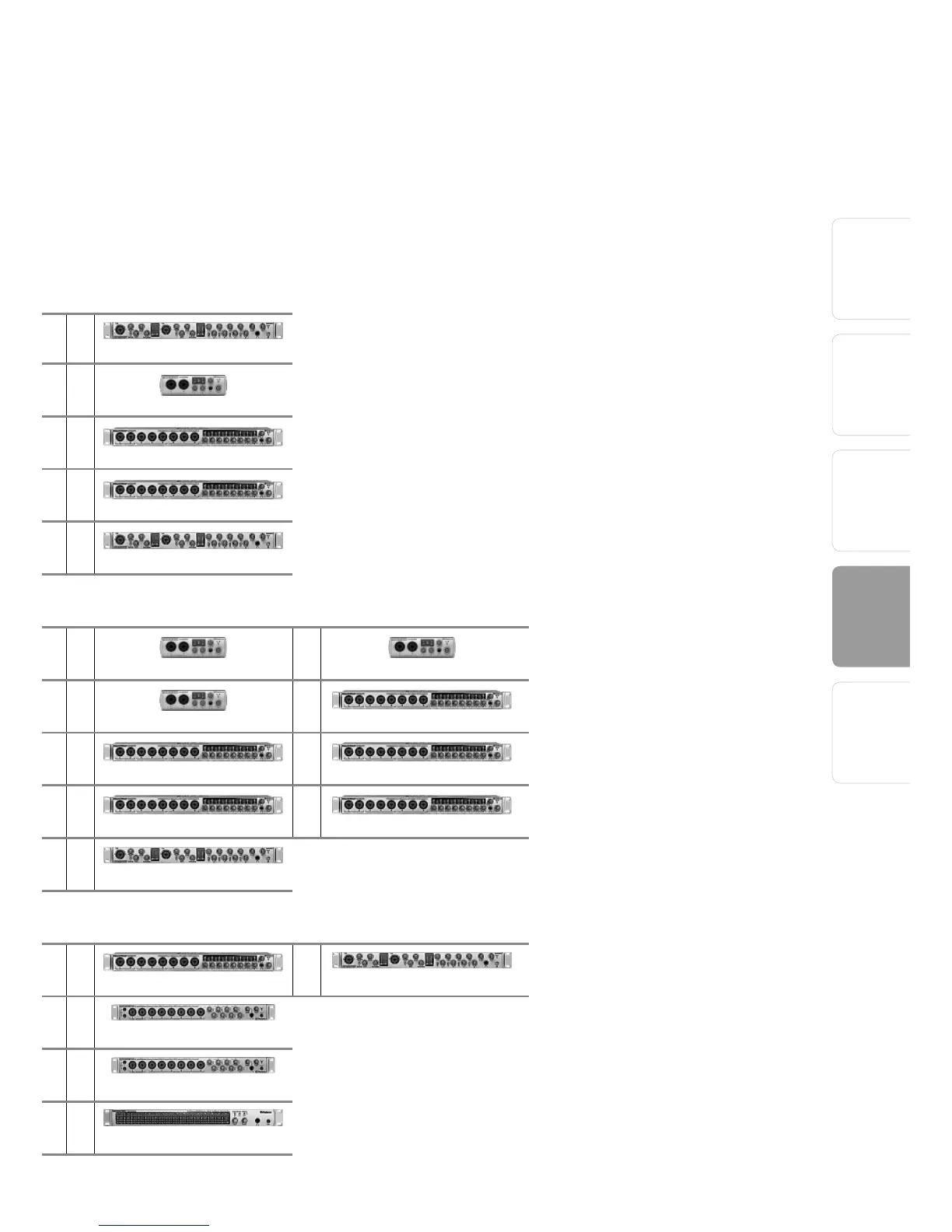
How to Cascade Multiple FireStudio Interfaces:
The first time you add any FireStudio-family
interface to your system, please follow these
guidelines:
1 Go to www.presonus.com and check for the
latest version of the Universal Control applica-
tion.
2 Connect and sync each of your FireStudio-
family interfaces to your computer separately
before cascading them.
3 Once a unit is individually connected, launch
the Universal Control application. In the
Launch window, go to Settings|Check Firm-
ware and verify that each unit has the latest
firmware.
4 When the last unit
has been updated,
connect a second
unit to the auxiliary
FireWire port on the
back of the first unit.
Allow the second
unit to sync to your
computer.
5 Connect additional
units to your comput-
er in this manner, one
at a time, allowing
each to sync before
connecting another
FireStudio-family
interface.















 To Next Page