Pos. Name Description
■ Tap
push-button = switch between normal (green LED) and op-
posite direction (yellow LED)
A36/
18
Push-button: Posi-
flex tiller premium
option
Rotor downward tilt
A36/
19
Push-button: Posi-
flex tiller premium
option
Rotor upward tilt
A36/
20
Push-button: Rear
tiller blocked (fixed)
or flexible (free),
ESC, Flat lock (Pre-
mium option)
■ Press push-button once = rear tiller blocked (fixed)
■ Press push-button again = rear tiller flexible (free)
■ Press and hold push-button for 3 s = Flat lock
For menu navigation, this push-button (ESC) is used to return to the
initial display.
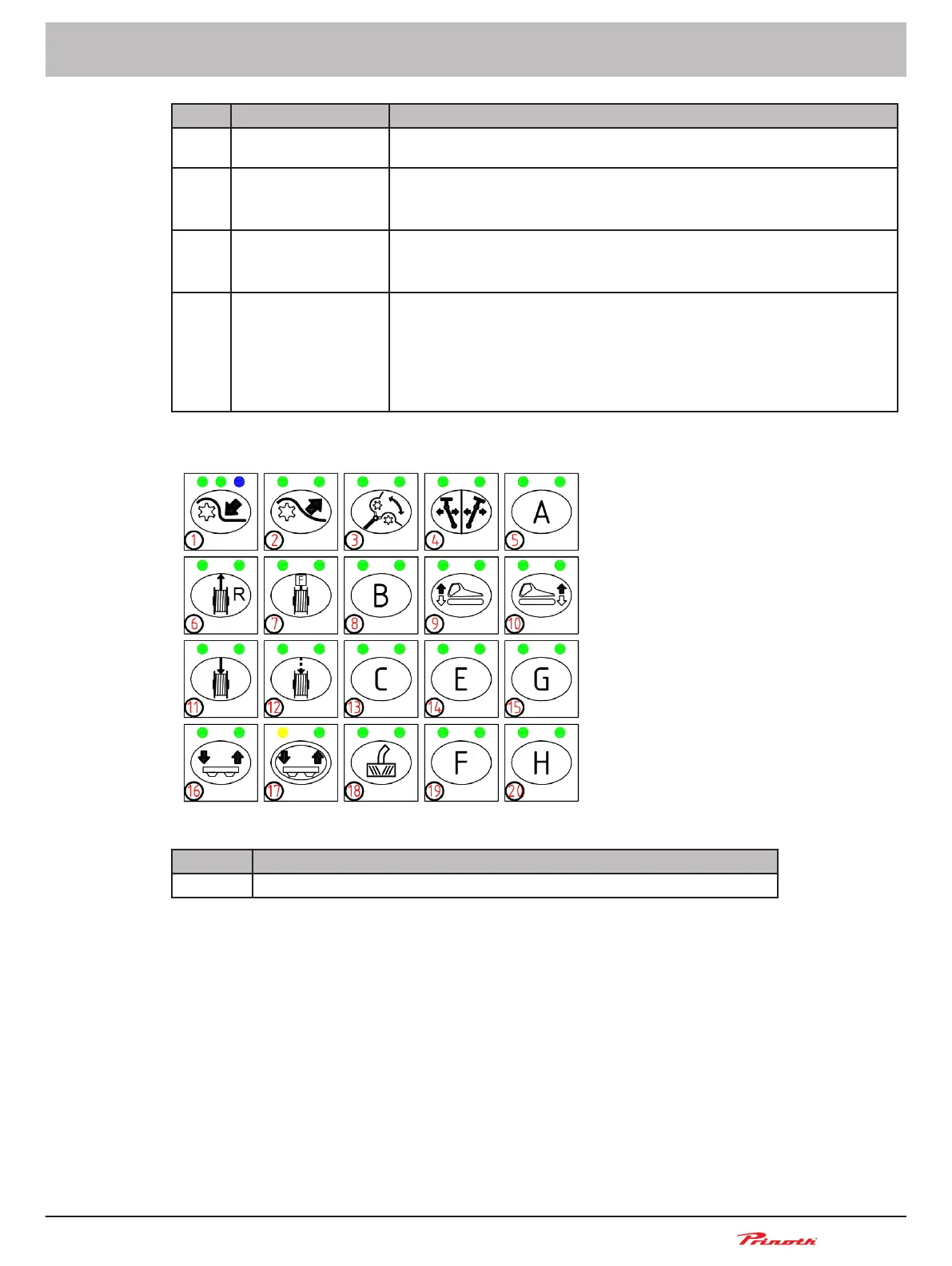
Keyboard 2
Figure 17: Controls on Keyboard 2 (A37)
Pos. Name
A37/ 1-20 Push-buttons not used, unless front drive hydraulics or winch is installed.
Snow groomer BISON
Operating and Maintenance Manual
BISON 908930245 - 30367
5 - Vehicle
59 (255)
5.9.3



 To Next Page