Pos. Name Description
49 Temperature or fault dis-
play
The temperature in the driver's cab is displayed here.
■ If
a fault occurs in the heater control, the text "ERROR" ap-
pears in the display.
A detailed fault description is available in the fault log in
menu item B.10.
50 Defrost mode
51 Fan speed control
Controlling the driver's cab heating and ventilation
The heating is controlled using rotary pushbutton B118.
1. Move rotary pushbutton B118 to the right once. The navigation within the heating operating
panel is activated.
2. Navigation in operating panel: Move rotary pushbutton B118 forwards and backwards or to the
left and right until the required position is reached.
3. To change the setting, turn rotary pushbutton B118 until the required setting has been reached
on the display.
4. To exit, press the escape button on the keypad or wait 3 seconds.
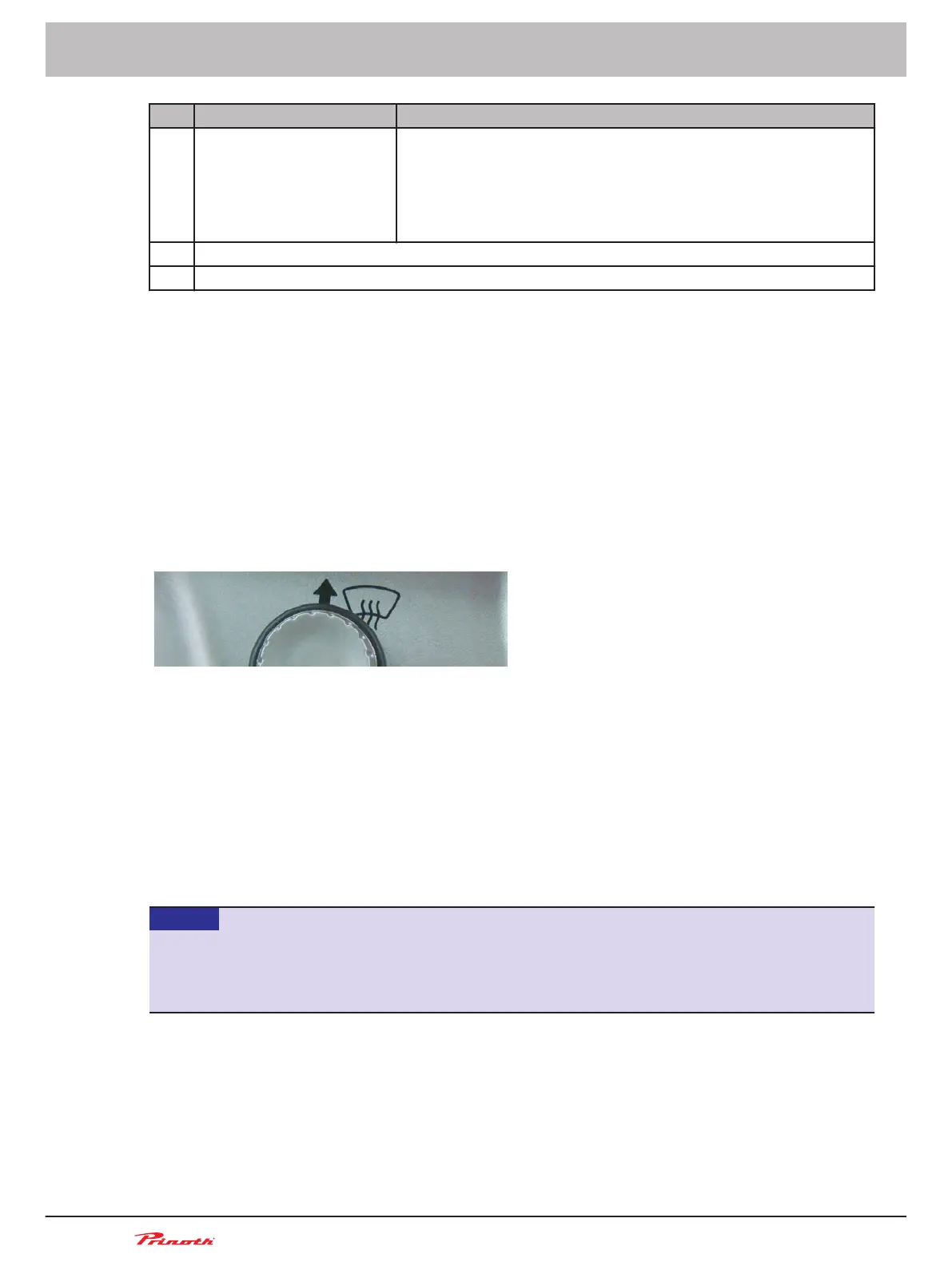
Activating the defrost function
Figure 20: Defrost function on B118 rotary push-button
The defrost function will turn on the fan speed and the cab temperature heater to the maximum.
1. Push the rotary push-button B118 forward once.
2. Monitor the disappearence of the frost and the improvement of the visibility.
3. To terminate the activation, push the rotary push-button B118 a second time.
Fuses and relays
Fuses and relays in the driver's cab
NOTICE
Risk of damage to electrical/electronic systems
Fuses with a too high ampere rating can cause severe damage to the electrical system.
►
Always use fuses with the specified rating.
Operating and Maintenance Manual
Snow groomer BISON
66 (255)
5 - Vehicle
BISON 908930245 - 30367
5.10.1
5.10.2
5.11
5.11.1



 To Next Page