Display
Display description
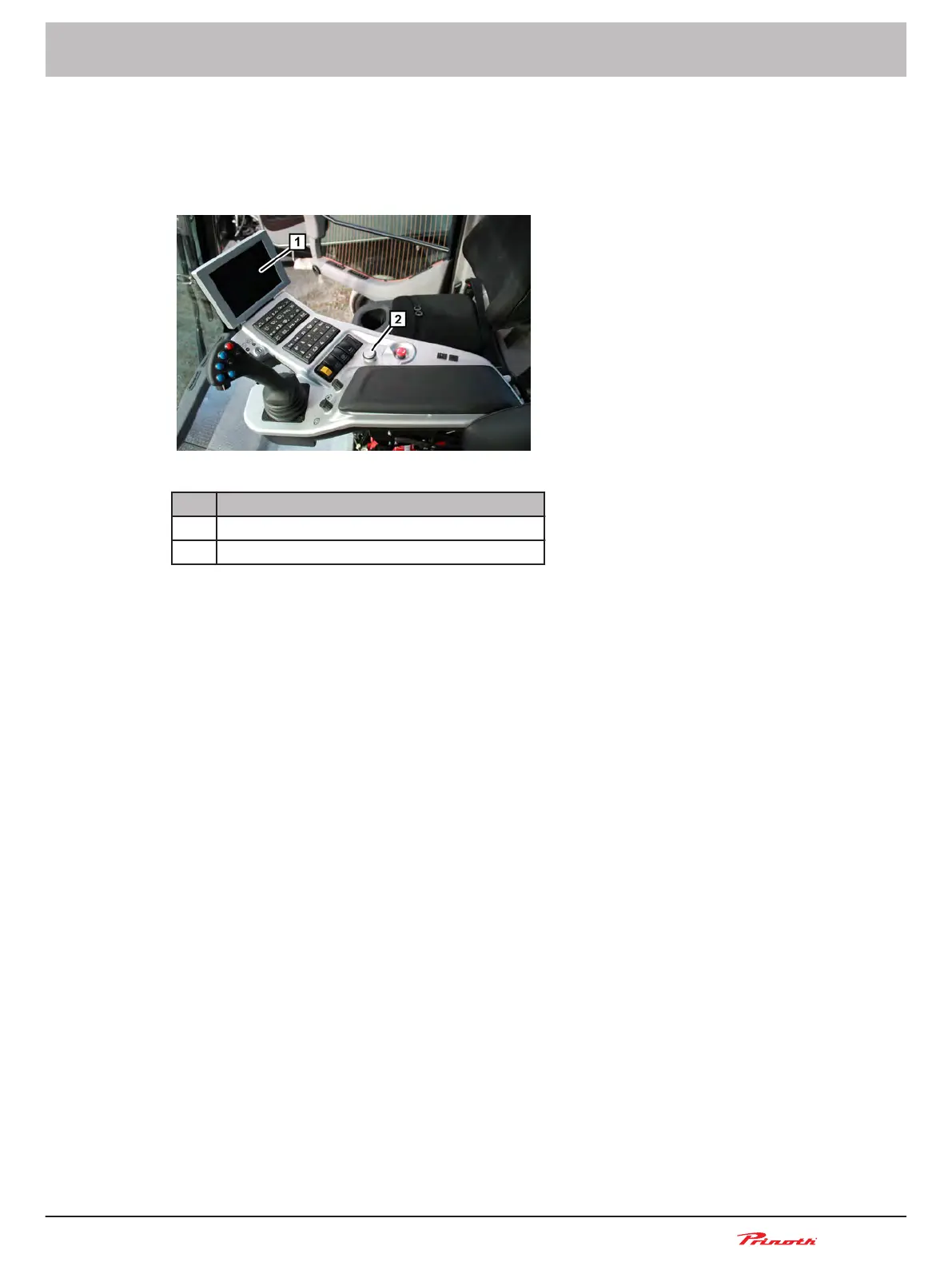
Figure 30: Control console
Pos. Name
1 Display
2 Rotary pushbutton B118 for menu navigation
The display is located in the front part of the control console. Menu navigation is carried out using the
rotary pushbutton B118 (2).
Once the ignition switch is in position 2, the display will provide current information about engine and
vehicle status.
You can navigate through the following menus:
■ Information
■ Service
■ Operation
■ Password
■ Exit
Some menus have restricted access and are only available to service personnel at PRINOTH or
trained personnel via the password menu.
Adjusting the display backlight
The backlight of the display is adjusted using the rotary push-button B118.
■ Return to the main display if necessary.
■ Turn rotary push-button B118 clockwise = increase backlight
■ Turn rotary push-button B118 anticlockwise = reduce backlight
Snow groomer BISON
Operating and Maintenance Manual
BISON 908930245 - 30367
6 - Display
75 (255)
6
6.1
6.2



 To Next Page