40
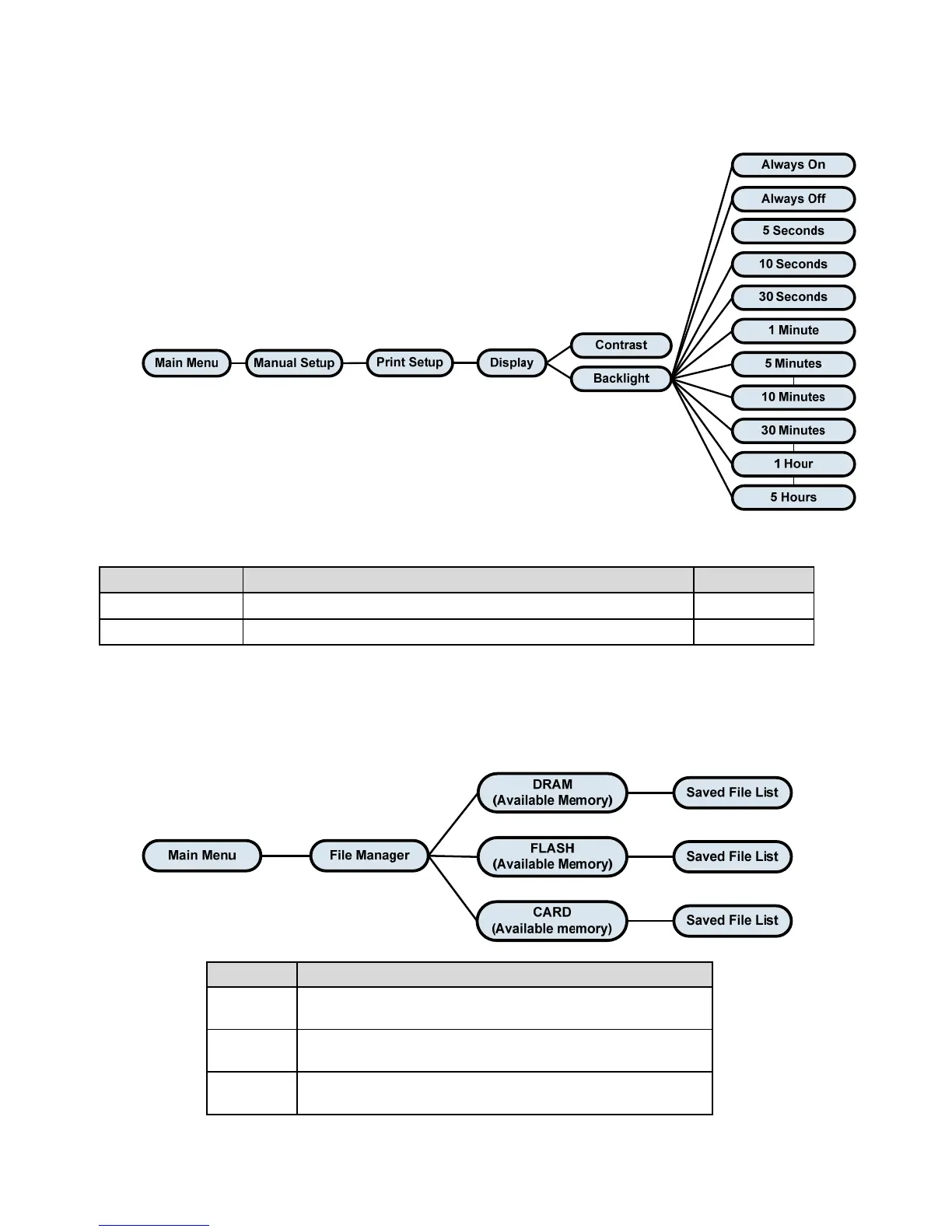
Display
Item Description Default
Contrast This item is used to set the contrast for the display. 50
Backlight This item is used to set the backlight time for the display. 10 Seconds
File Manager
This feature is used to check the printer available memory and file list.
Item Description
DRAM
Use this menu to show available memory space and run
(.BAS) the files saved in the printer DRAM memory.
FLASH
Use this menu to show available memory space and run
(.BAS) the files saved in the printer Flash memory.
CARD
Use this menu to show available memory space and run
(.BAS) the files saved in the printer MicroSD card memory.















 To Next Page