42
This feature is used to check the printer temperature, resistance and bad dots for the printhead.
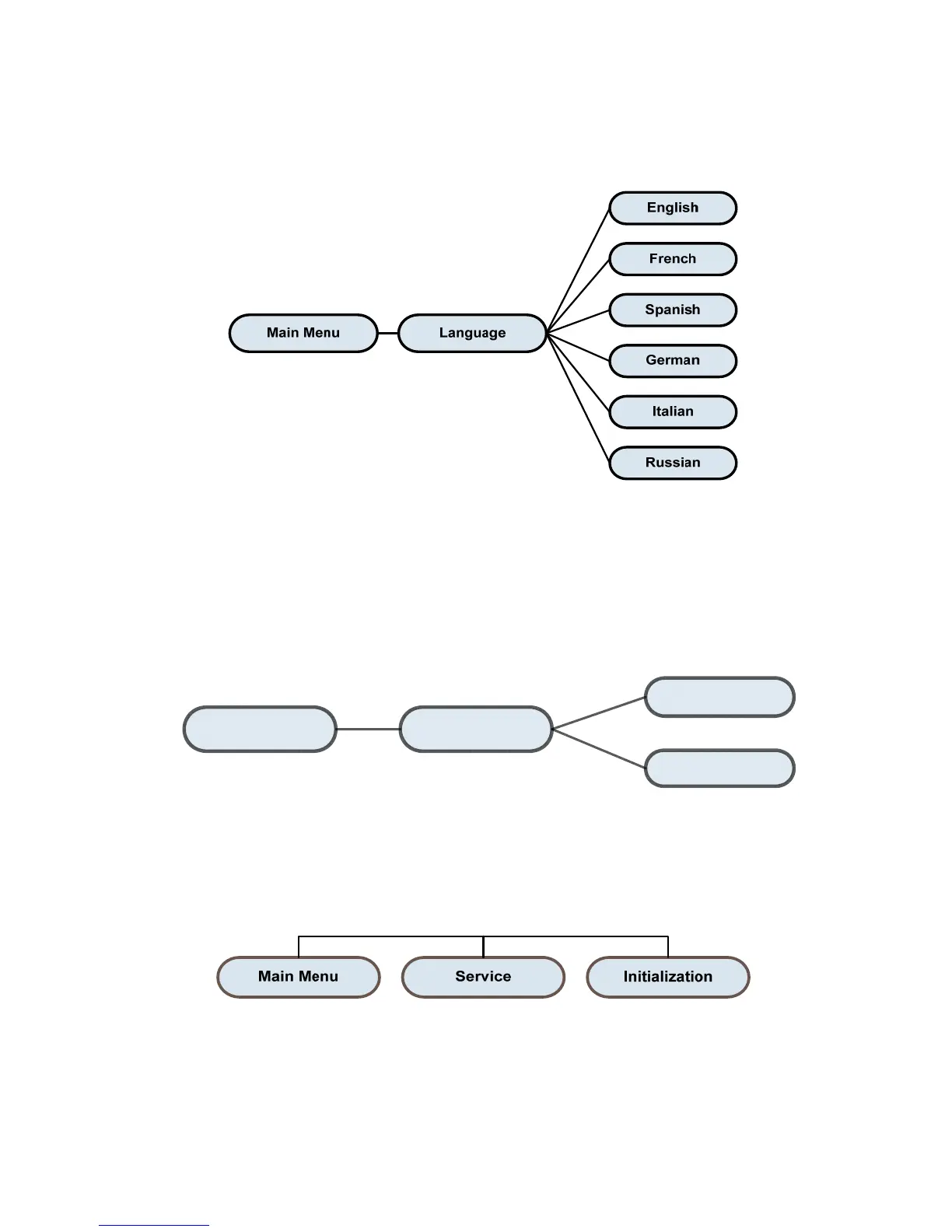
Display Languages
This option is used to setup languages on LCD display
Emulation
Main Menu Emulation
Zpl2
CPCL
This option is used to select the emulation
Service
This feature is used to restore printer settings to defaults. Please refer to Printer Defaults in
Chapter 4.
Note: When printer initialization is done, calibrate the gap or black mark sensor before printing or
attempting any Self Tests.















 To Next Page