47
8
Maintenance
This section discusses how to maintain your printer.
1. Use one of following materials to clean the printer.
Cotton swab or authorized Printronix Thermal Printhead Cleaning Pen (203502-002)
Lint-free cloth
Vacuum / Blower brush
100% Ethanol or 99.7% Isopropyl Alcohol
2. The cleaning process is as follows:
Printer
Method Interval
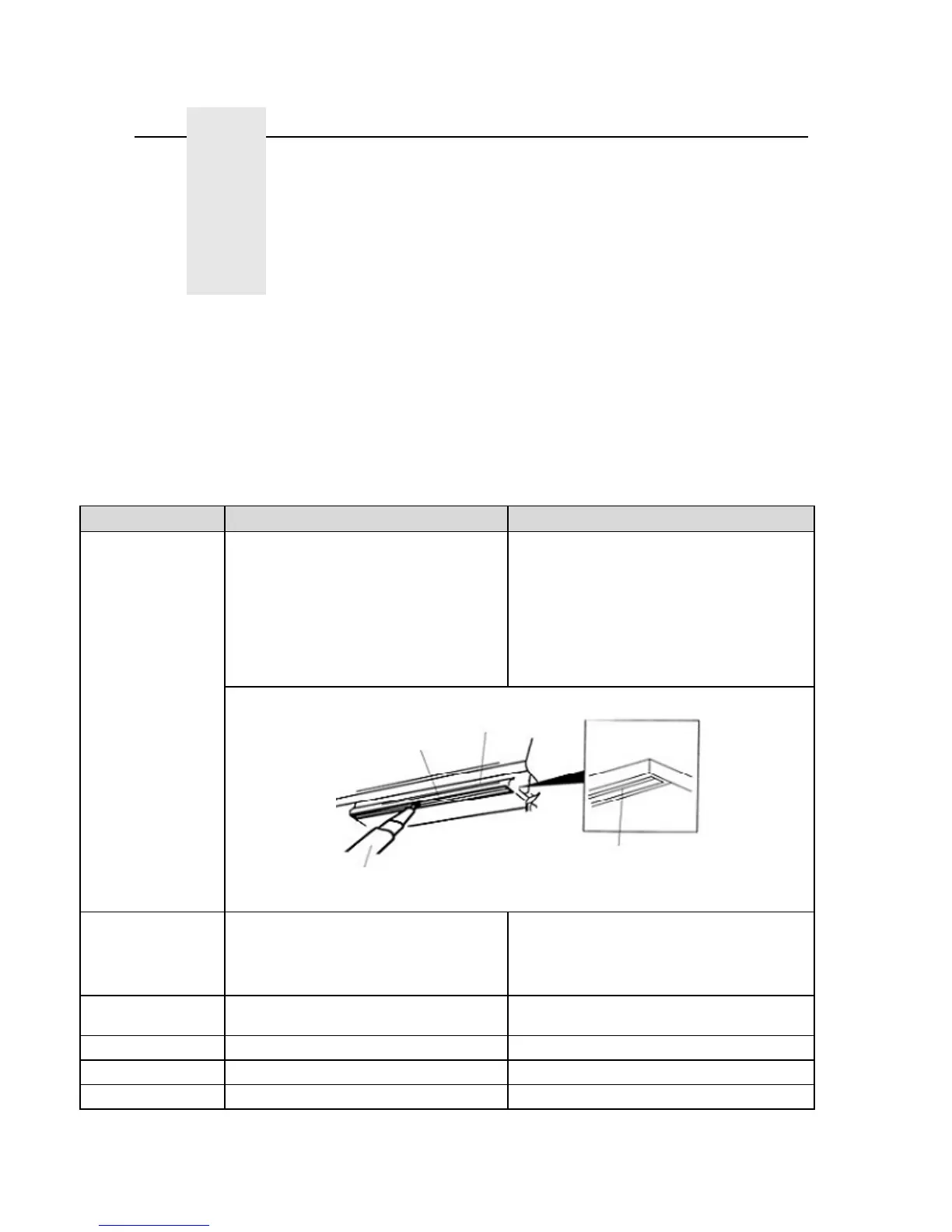
PrintHead
1. Always turn off the printer before
cleaning the printhead.
Clean the printhead prior to installing a new
label roll.
2. Allow the printhead to cool for a
minimum of one minute.
3. Use a cotton swab or thermal
printhead cleaning pen and 100% Ethanol
or 99.7% Isopropyl Alcohol to clean the
printhead surface.
Platen Roller
1. Turn the power off.
Clean the platen roller when changing a new
label roll
2. Rotate the platen roller and wipe it
thoroughly with 100% ethanol alcohol or
99.7% isopropyl al a lint-free cloth.
Tear/Peel Bar
Use a lint-free cloth with 100% ethanol
alcohol to wipe the Tear/Peel bar.
Clean as needed
Sensor Use compressed air or vacuum Clean monthly
Exterior Wipe it with a damp cloth Clean as needed
Interior Brush or vacuum Clean as needed
Head Cleanin
Pen
Element
Element
Printhead
Printhead















 To Next Page