General Commands
265
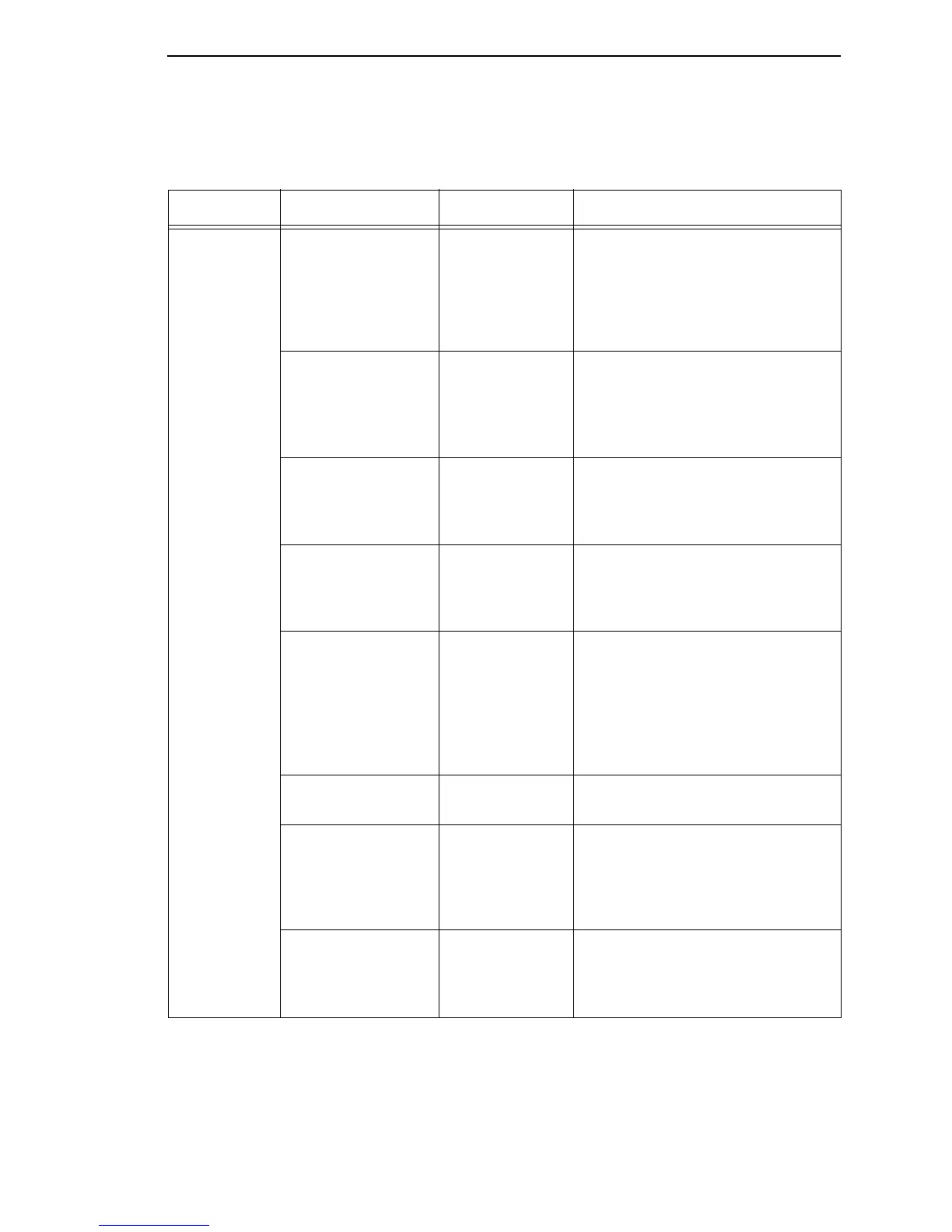
Table 22. General PTX_SETUP Commands
Command Sub-Command Parameter Description
CONFIG LOAD
Cfg Cfg
can be 0-8. The PTX_SETUP
will load configuration
Cfg
. If
configuration
Cfg
was not previously
saved, the operator panel will
display an error message and the
current configuration will be kept.
SAVE
Cfg Cfg
must be 1-8. This command will
save the current configuration as
configuration
Cfg
. If
Cfg
is not in the
range of 1-8, the command is
ignored.
SETMENU
Value;Menu_tag Menu_tag
is the name of the menu
as defined in the menu file.
Value
is
the value to which the menu is to be
set.
POWERUP
Cfg
Sets the power-up configuration to
Cfg
and loads Configuration
Cfg
.
Cfg
can be any value from 0-8,
where 0 is the factory default.
PRINT
Cfg
Print Configuration
Cfg
.
Cfg
can be
a number 1-8, or one of four pre-
defined configurations. The four
non-numeric configurations are
requested using the first character
for the CURRENT, FACTORY,
POWERUP, or ALL configuration(s).
DELETE
Cfg
Deletes Configuration number
Cfg.
Cfg
must be in the range of 1-8.
UPLOAD
Port;Cfg
This command uploads the
configuration stored in location
Cfg
to the port specified by
Port
.
Port
must either be 1284 or SERIAL.
Cfg
may be 1-8 or ALL.
DOWNLOAD
Cfg
This command saves the
configuration data that follows as
configuration
Cfg. Cfg
must be 1-8
or END.














 To Next Page