OVOPRINT
UM-PSPC-06-E/10-2012 USER MANAUL PSPC Page 93 of 99
OPERATION
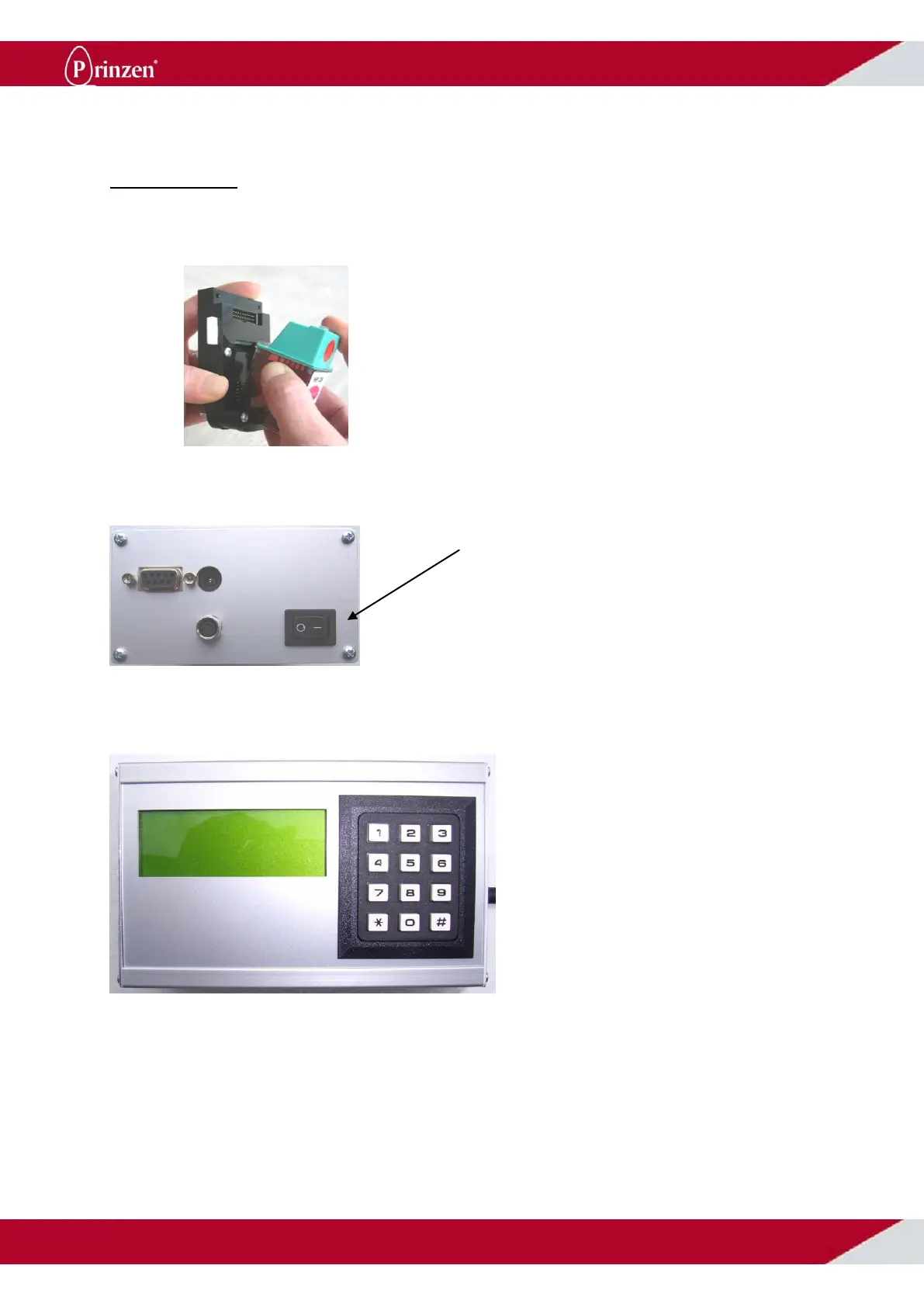
Ensure that the ink cartridges are clean and dry, and that is no ink leakage. Place the cartridge in the
holder.
Switch on the printer, using the button on the side of the CPU.
After 2 seconds, the display shows: row 1; the code that will be printed.
The printer will now print message number 1. To print message number 2, touch 02 on the keyboard,
for message number 3, touch 03, etc.
Once printing is finished, switch off the printer. You may then click the cartridge out of the holder by
gently pressing the lock-clip upwards and remove the cartridge. Clean the cartridge and place it in the
synthetic cartridge holder provided.



 To Next Page