The dew point monitoring device series - TPK is designed with an internal data logging - and
event logging - function.
The datas will be stored as *csv - files on a included SD-card
To transfer the datas from the SD-card onto your computer, please proceed as follows:
1. Please unplug the power supply, otherwise you will get an failure message at the display.
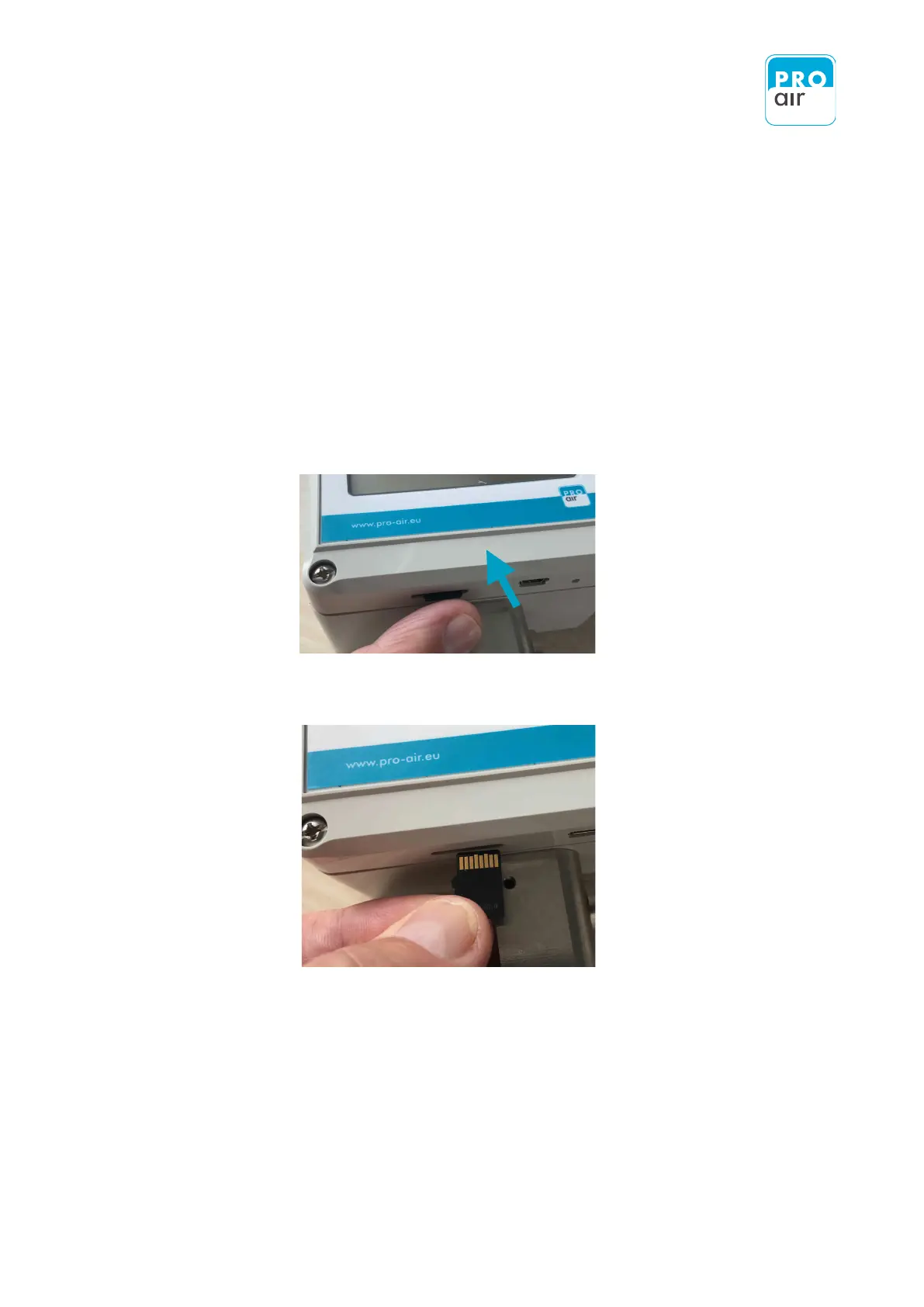
2. Press gently at the Button side of the device against the MICRO-SD-CARD
3. Remove carefully the storage card.
4. Now, you are able to read out the stored datas from the SD-card via a suitable card reader.


 To Next Page