EasyManua.ls Logo

PRO AIR TPK 21 - Setting Source (Output Parameters)

PRO AIR TPK 21
132 pages
Print Icon
To Next Page IconTo Next Page
To Previous Page IconTo Previous Page
Loading...
9.1 Setting Source (Output Parameters)
74
You are now at the level that allows you to determine the necessary configurations.
„Source“ allows you to set the parameter that you wish to monitor using Relay 1
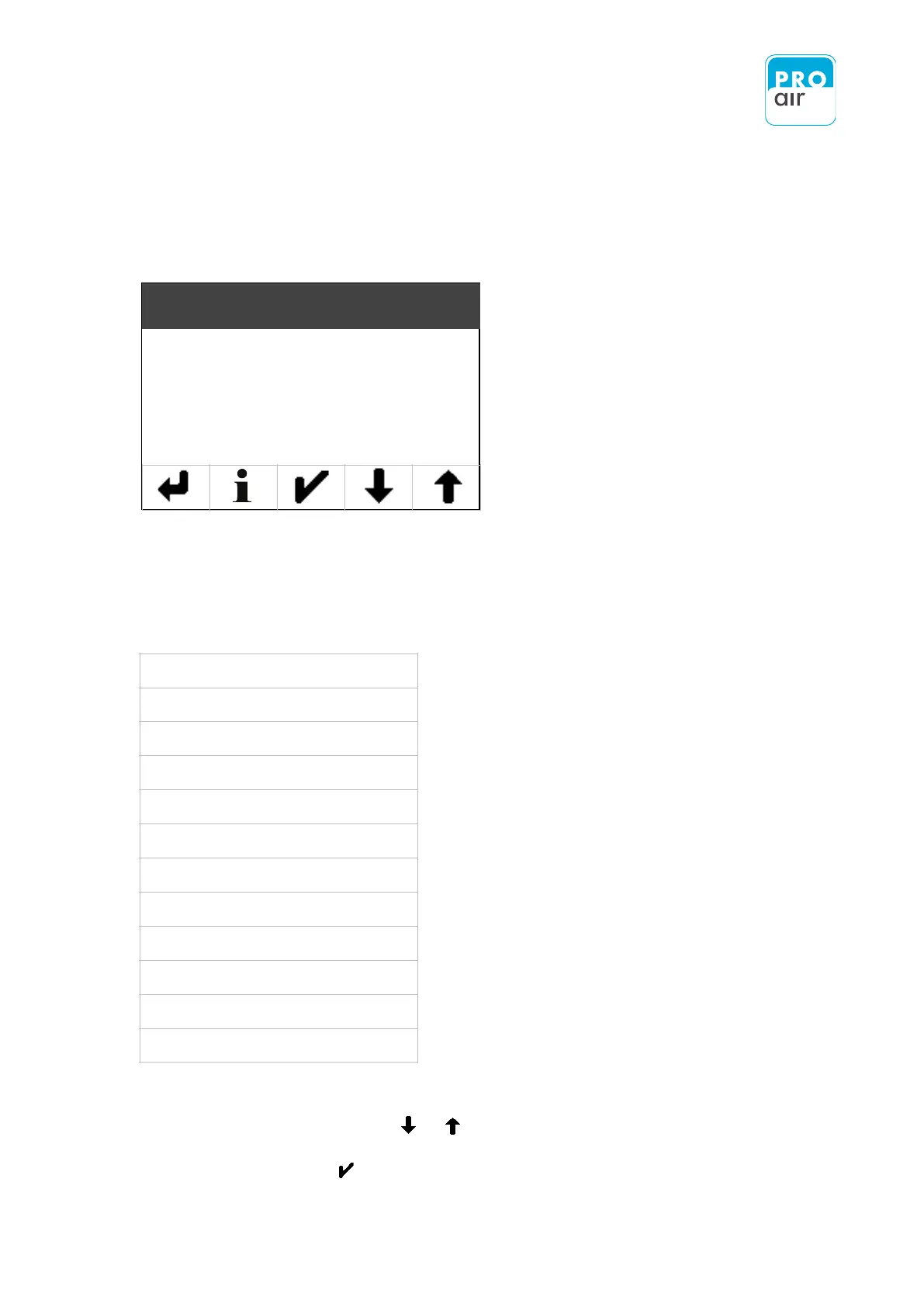
You may chose between the following sources:
None
System Pressure
Ambient Pressure
Temperature
Rel. Humidity
Dew-/Frostpoint
ppm Volume
Absolute Humidity
Pre-alarm 1
Alarm 1
Pre-alarm 2
Alarm 2
Select the „Source“ field (the field will be highlighted) and go to the desired value in the list that
appears (using the scroll function or if necessary).
Confirm your choice with .
Geteeinstellung
Filter
Einheit
Datum / Uhrzeit
Geteeinstellung
Filter
Einheit
Datum / Uhrzeit
Source
NC / NO
Upper Limit
Lower Limit

Table of Contents