Each field can be adjusted on site to meet your specific needs.
The procedure is as follows:
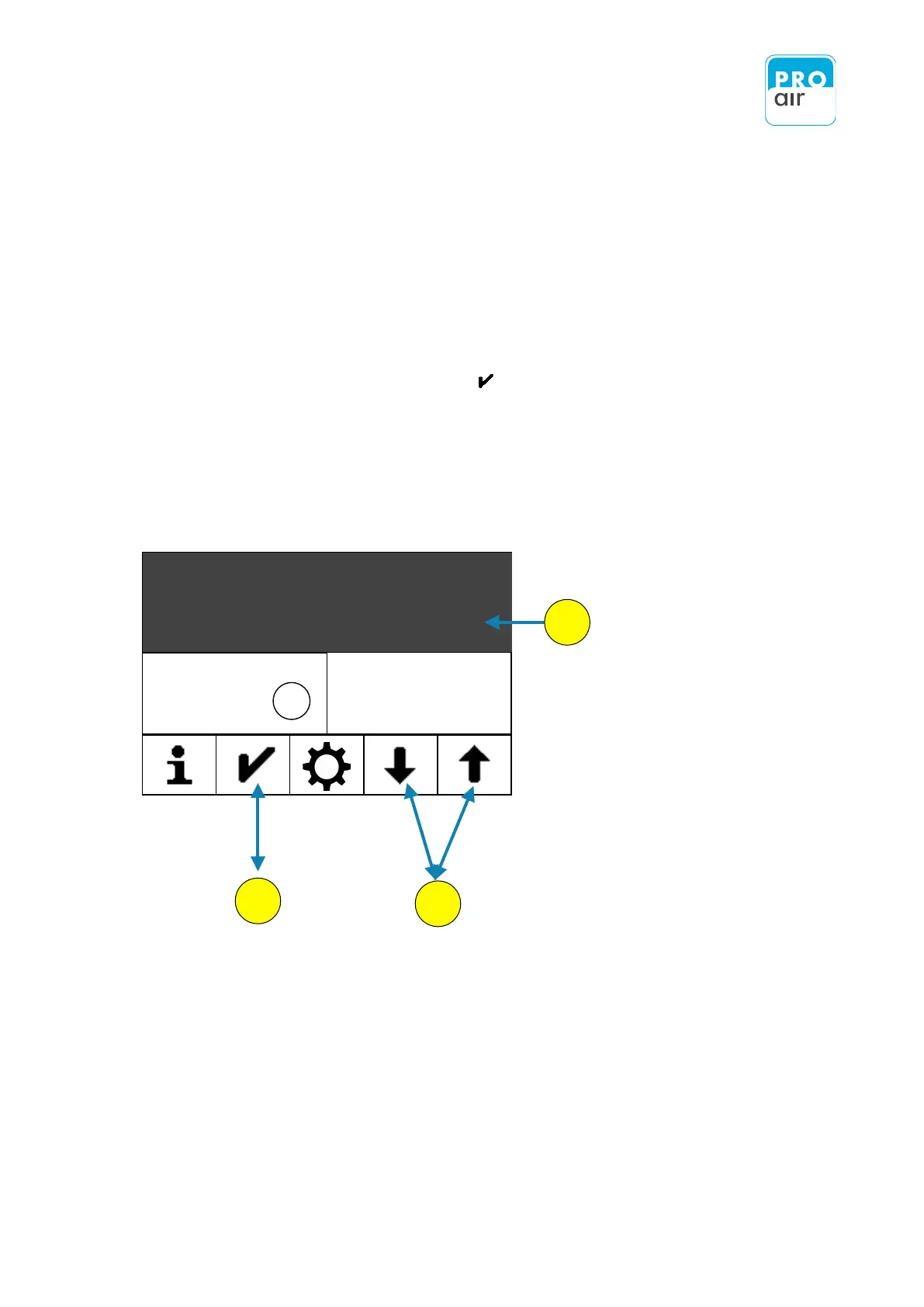
1. Select the desired field on the display (the background turns dark and control
keys appear at the bottom of the display).
2. Scroll up or down to the desired setting using the two arrow keys.
3. Confirm the setting using the "Confirm" key. The display jumps back to the
home screen, where the modified field contents can be seen.
example: Changing the display value in the main field


 To Next Page