8.6 Switching the heating (Heater) system On and Off
The menu „Heater“ allows you to turn the sensor heating system on or off.
With some primary control systems the heating process can lead to system malfunctions. This
menu enables you to turn off the factory-set heating process.
With typical use in the upper dew-point range of over -10°C the trace heater should be
switched on. In the case of measurements at below -10°C, the trace heater may be switched
off if necessary.
The procedure is as follows:
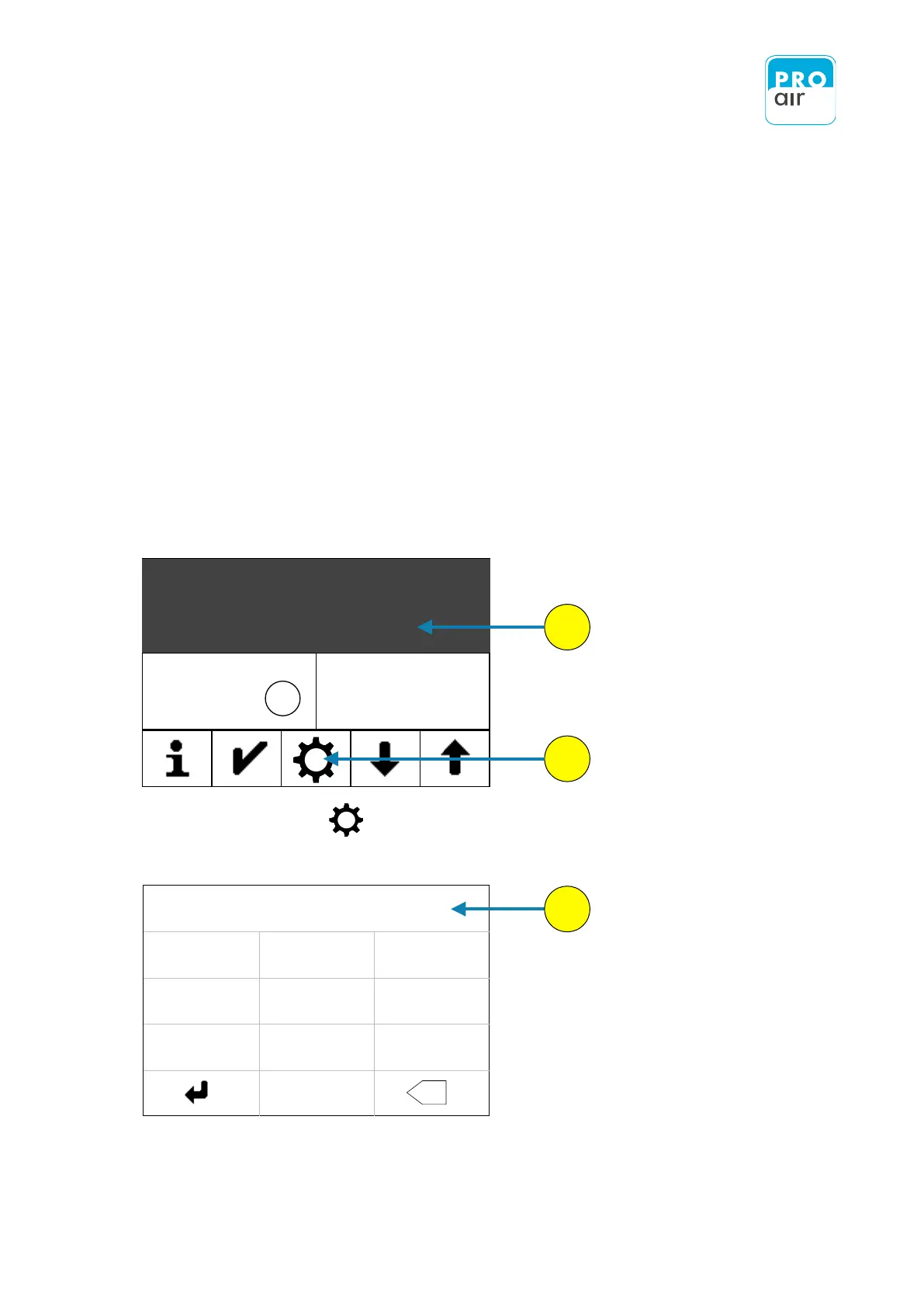
1. Select one of the three segment fields (the background turns dark and control keys appear
at the bottom of the display).
The following display appears:
3. Enter your personal PIN code (if it has already been changed). If the device is
still in its factory settings, key in 111111.


 To Next Page