10.1. Selection of the desired Source (Output Parameter)
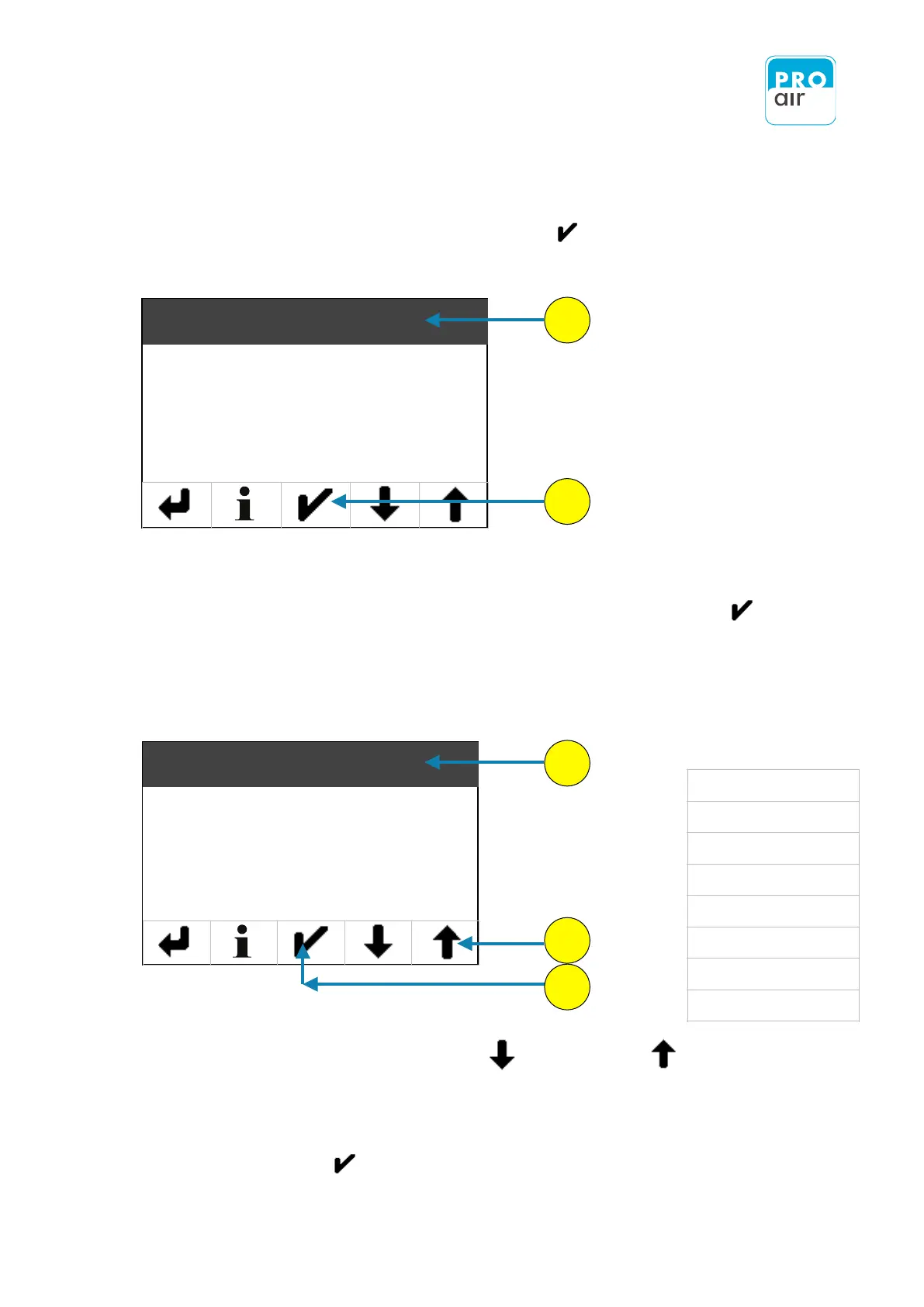
Wenn Sie den Menüpunkt „Analog Out“ mit „Enter“ bestätigt haben, kommen Sie in
folgendes Untermenü.
1. To see the list of available measurement parameters for which an analogue output value can
be generated, select "Source" (if the field is not already highlighted, this will be the case once
you have made the selection) and confirm your choice by pressing „Enter“ .
A list appears of all of the measurement parameters for which an analogue output can be
3. Scroll up or down using the „scroll-down“ and „scroll-up“ keys
until you reach the parameter for which the analog output is to be generated.
4. Select the desired parameter (the field will be highlighted).
5. Confirm with „Enter“ .
Complete list of parameters for which an
analogue output can be generated.


 To Next Page