EasyManua.ls Logo

PRO AIR TPK 21 - Selection of the Desired Analog Output Value

PRO AIR TPK 21
132 pages
Print Icon
To Next Page IconTo Next Page
To Previous Page IconTo Previous Page
Loading...
10.2. Selection of the desired analog output value
81
Menu item „4…20 mA/0…10 V“ allows you to chose whether you wish the analog output signal
to be a current- (4…20 mA) or a voltage (0…10 V) signal.
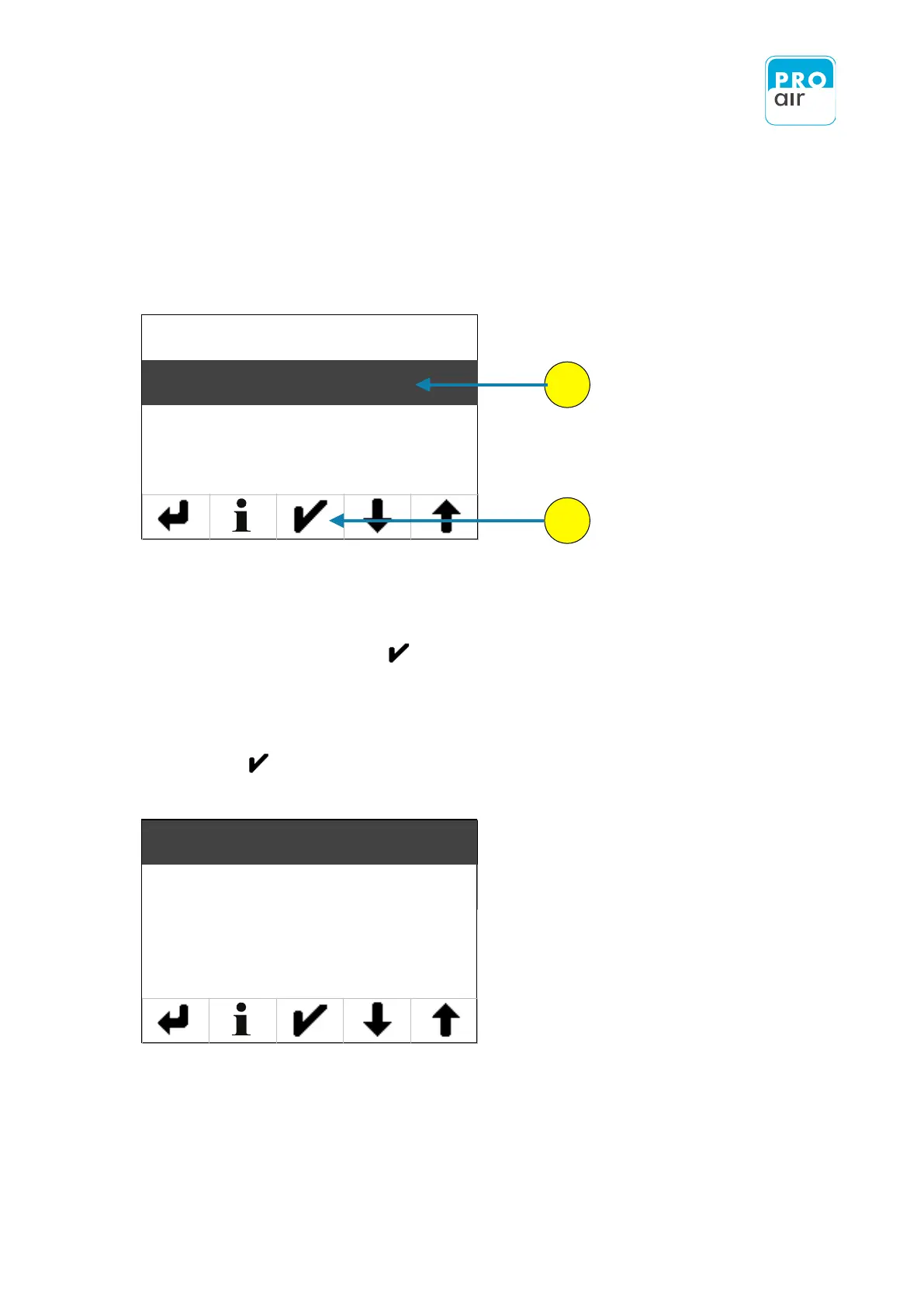
1. To see the list of available output signals select "4…20 mA/0…10 V" (if the field is not already
highlighted this will be the case once you have made the selection) and confirm your
choice by pressing „Enter“ .
The following screen appears, which allows you to set the desired output and confirm
with „Enter“ .
1
2
Source
Current / Voltage
Setpoint 4mA/0V
Setpoint 20mA/10V
Current Mode
Voltage Mode

Table of Contents