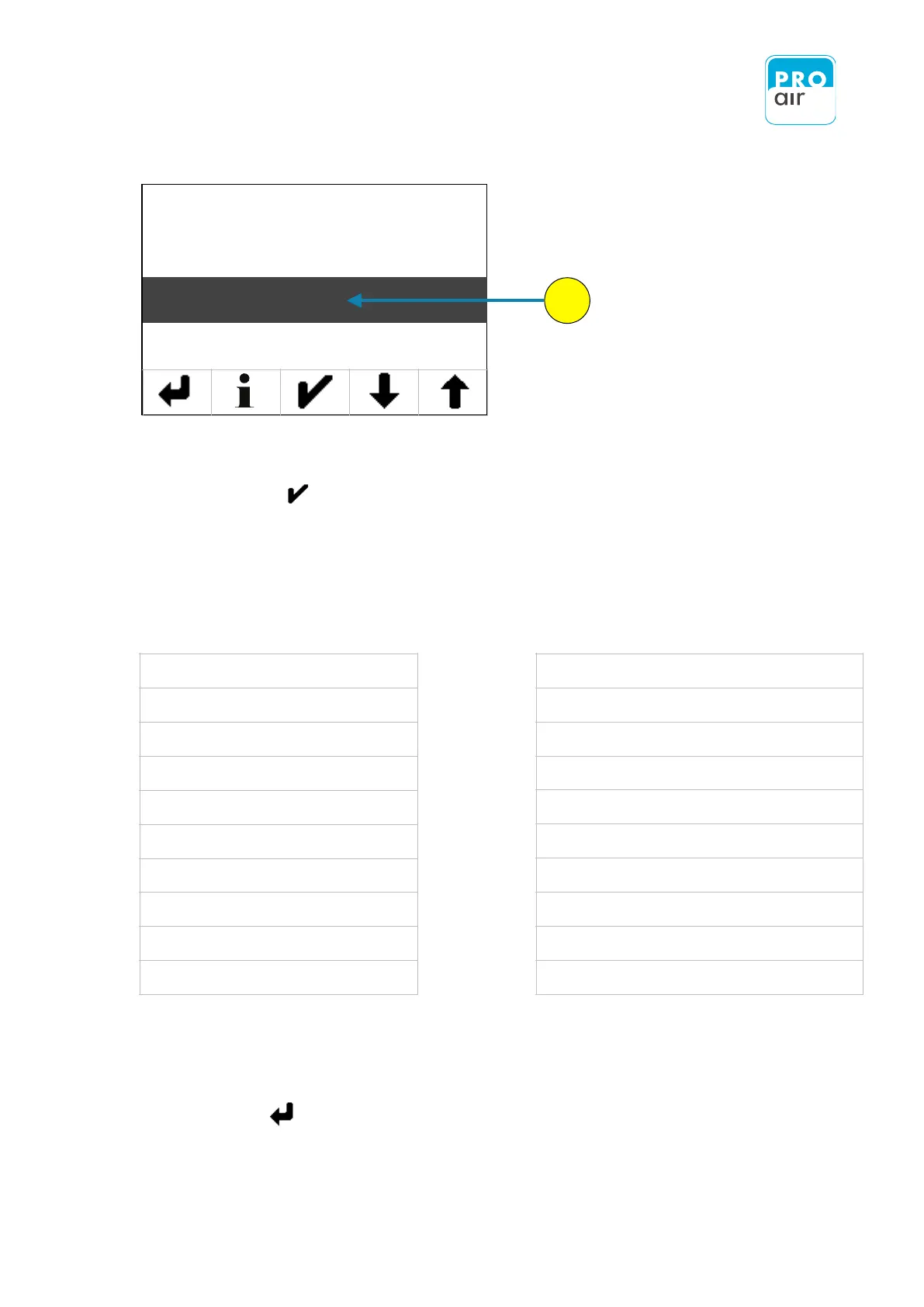
The following display of the settings menu appears (Level 3):
8. If the „Info“ field is not already highlighted, select the field and
confirm with. .
A screen is displayed which provides you with an overview of the most important information.
A list of this information is given below:
Freier Speicherplatz auf SD Karte
Serial number of the device
Free memory on the SD card
Relative Humidity: set offset value
Temperature: set offset value
System pressure: set offset value
Ambient pressure: set offset value
The „Back“ key takes you back to the previous level until you are back at the home screen.


 To Next Page