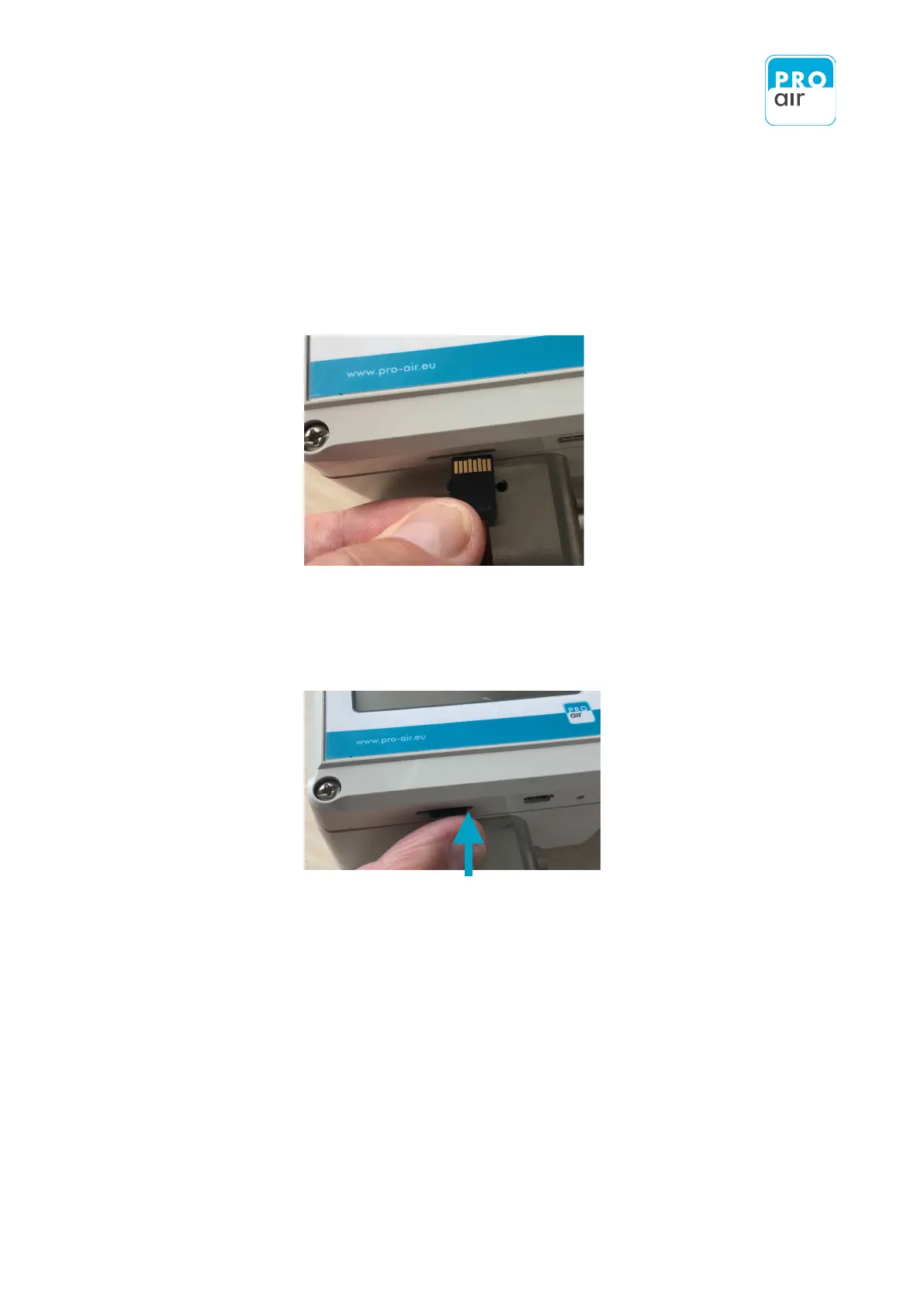
Once you have imported the data into your PC, put the card back into the measuring device.
The procedure is as follows
1. Re-insert the memory card into the card slot with the gold contacts facing upwards.
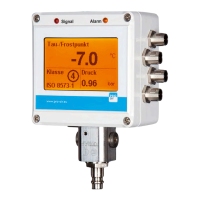
2. Gently press the micro SD card into the slot. You will clearly notice the card click into place.
3. Reconnect the TPK to power supply.


 To Next Page