EasyManua.ls Logo

PRO AIR TPK 21 - Page 33

PRO AIR TPK 21
132 pages
Print Icon
To Next Page IconTo Next Page
To Previous Page IconTo Previous Page
Loading...
28
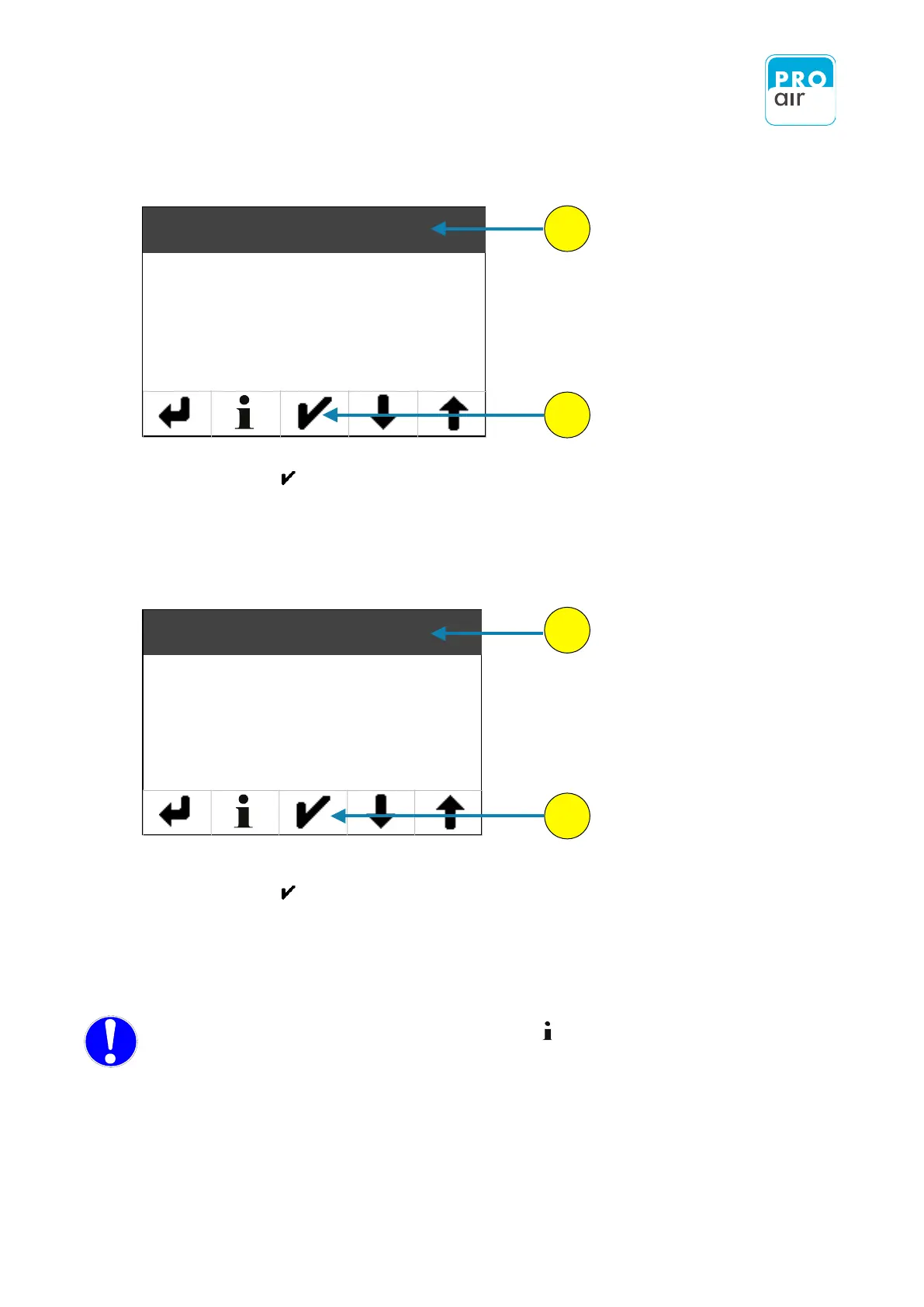
You are now in the settings menu (Level 1).
4. If the „Main“ field is not already highlighted, select the field and
confirm with .
Under the menu item „Main“ you will find all of the device settings, as well as the settings for
displaying the measured values.
The following display of the settings menu appears (Level 2):
6. If the „Device“ setting field is not already highlighted, select the field and
confirm with .
Under the menu item „Device“ " you will find all of the basic settings for the device.
NOTE: For each relevant menu item you can press to call up the help text in your
selected language.
4
5
6
7
!
Main
Out
Alarm 1
Alarm 2
Device
Filter
Unit
Clock

Table of Contents