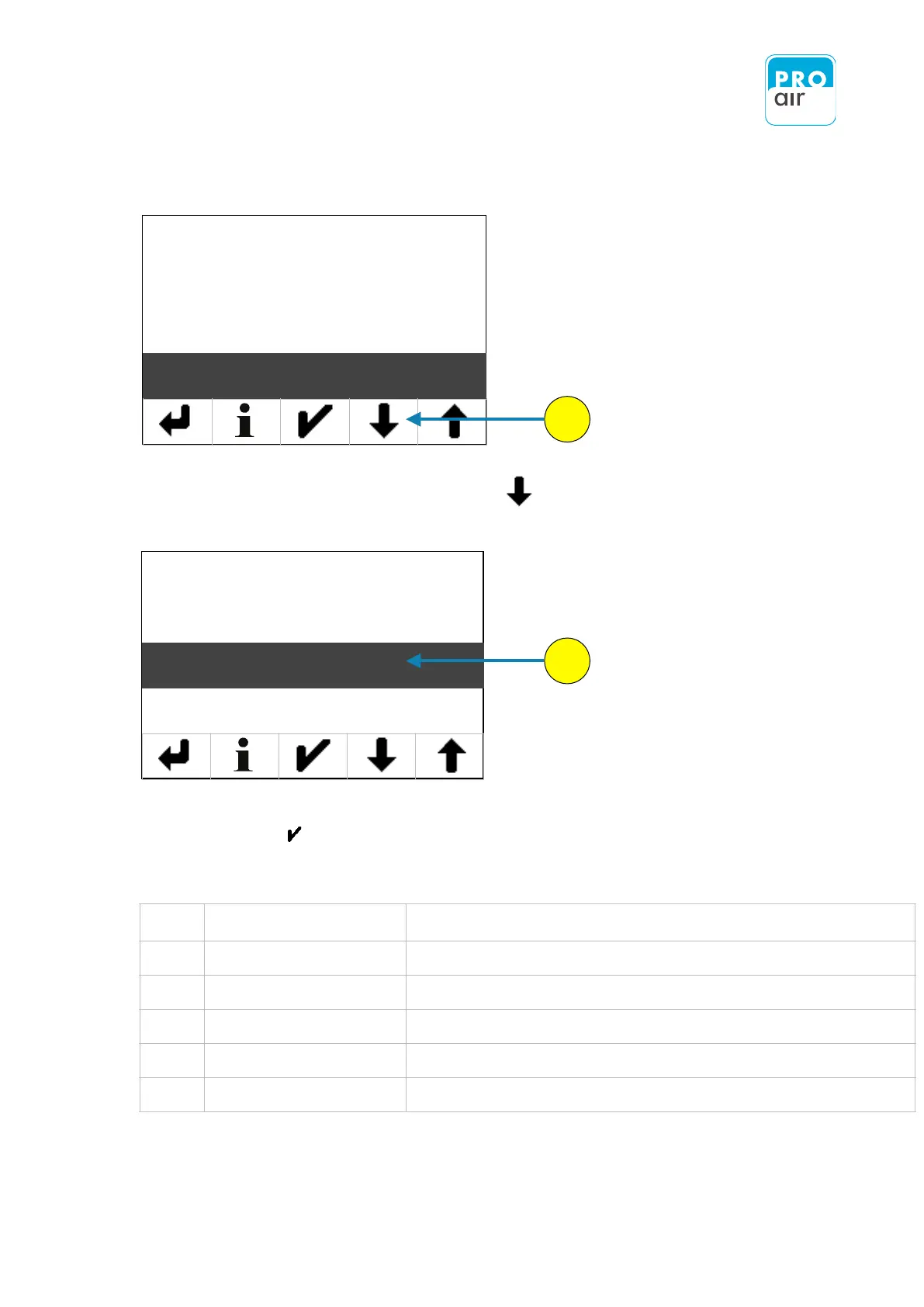
The following display of the settings menu appears (Level 3):
8. Please scroll down with „Scroll-down“ key until you see the following screen.
9. If the „Touchscreen Calibration“ field is not already highlighted, select the field and
confirm with .
To calibrate the touchscreen, proceed as follows
Tap the screen until the view changes
Touch the target cross on the screen for around 2 seconds
Touch the target cross on the screen for around 2 seconds
Touch the target cross on the screen for around 2 seconds
Touch the target cross on the screen for around 2 seconds
The display will then automatically jump back to the home screen.


 To Next Page