EasyManua.ls Logo

PRO AIR TPK 21 - Page 65

PRO AIR TPK 21
132 pages
Print Icon
To Next Page IconTo Next Page
To Previous Page IconTo Previous Page
Loading...
60
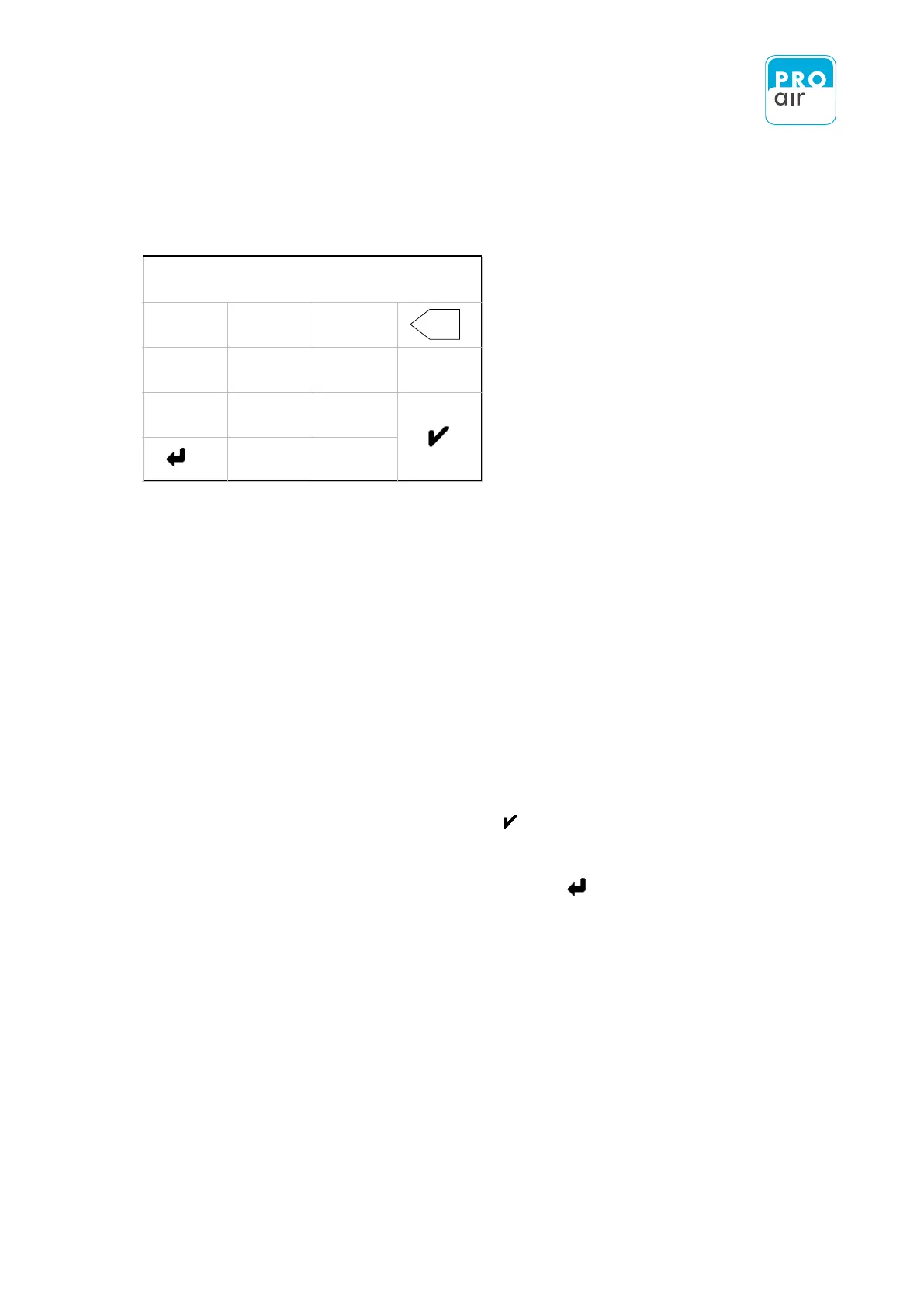
You are now on the screen which allows you to specify the desired filter.
A permanently-stored algorithm determines how the measured values are averaged.
The value "0" corresponds to unfiltered measured values.
The higher the selected value, the "slower" the display.
It makes sense to set the filter on a scale of 0 to 20. It makes no sense to use values greater
than 20.
The factory default setting is „5“.

8. Select the desired value and confirm with .
9. Leave the input field by pressing the „Back“ - key
X
0,00
1
2
3
4
5
6
-
7
8
9
0
.
X

Table of Contents