Once you have selected whether or not the alarm must be acknowledged in the event of lower
limit violation, the "Upper Limit" for the main alarm can be set.
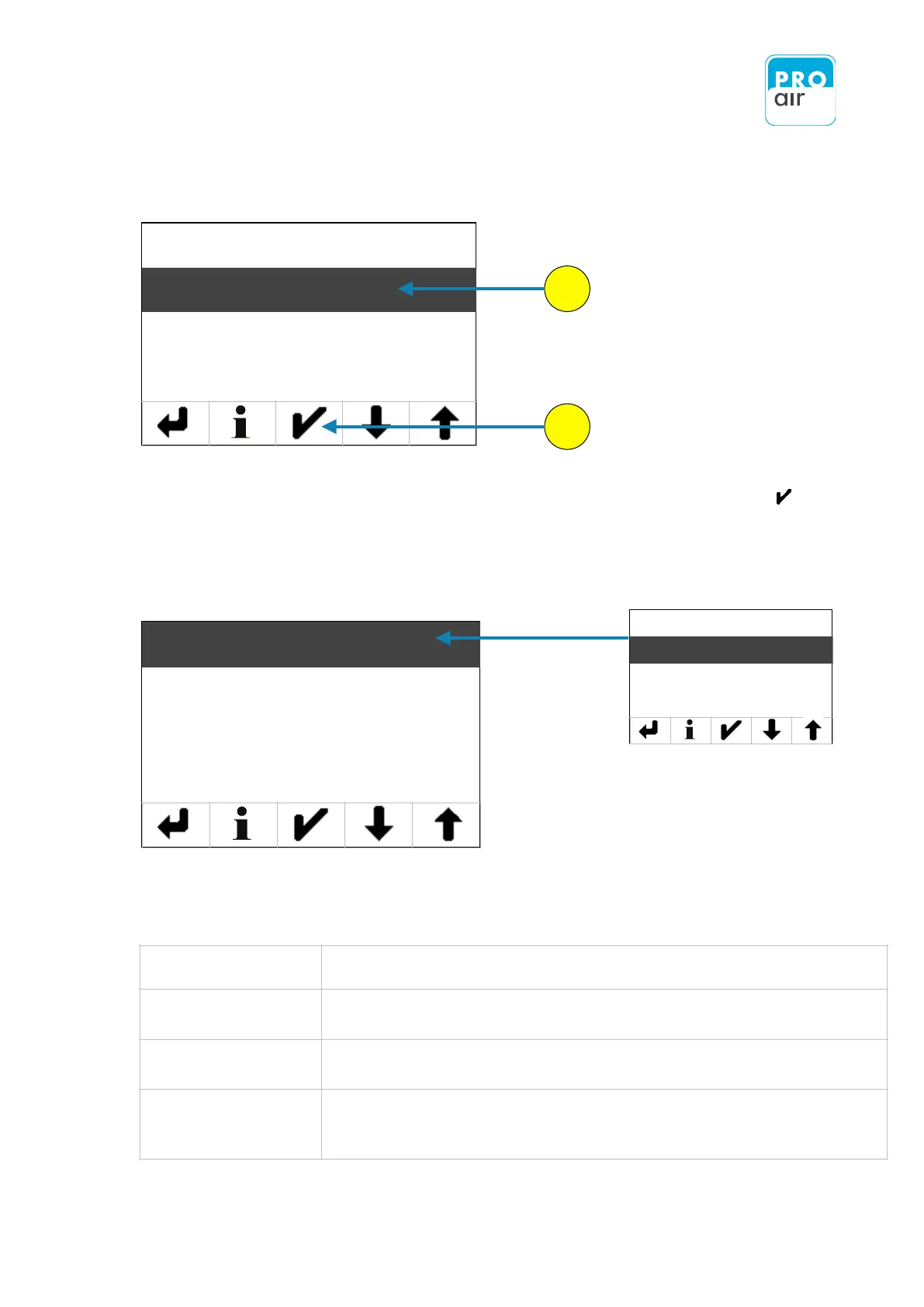
3. To do this, select the "Upper Limit" field (highlighted) and confirm with "Enter .
This brings you to the following setting menu:
This menu item can be confirmed with
„Yes“ or „No“ by selecting the field in the
following screen.
The setting determines whether the upper limit for the Main Alarm should be used.
If it is not used, the following settings (limit value and hysteresis) are not possible.
The (upper) limit value is the switching point, beyond which the main-alarm is
triggered.
Hysteresis is the difference between the switch-on and switch-off points at the limit
value. The switch-on point is the limit value plus half of the hysteresis, and the
switch-off point is the limit value minus half of the hysteresis.


 To Next Page