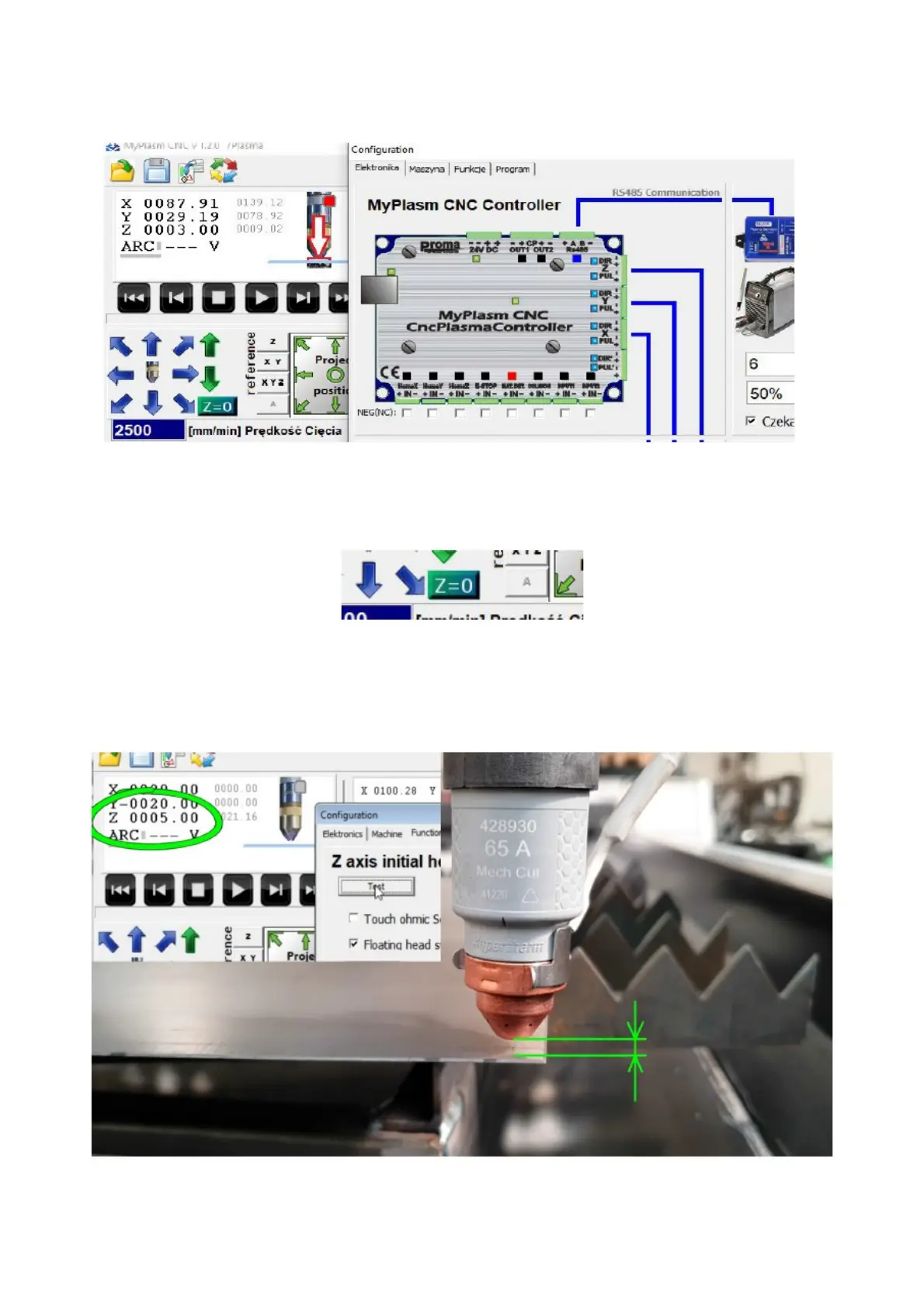
In order to test the correct operation of the function, make sure that
the material detection input light lights up when the torch is lifted (sensor
activation).
The material Z-coordinate should then be reset to zero - touch the material
to the torch and click Z = 0,
Then click on the TEST button, as a result of which the torch will perform
an automatic height detection of the material. Compare the indication of
the Z-coordinate with the actual height of the nozzle above the material,
which should be identical. If necessary, adjust the correction value.
31



 To Next Page