User Manual
PROTEC GmbH & Co. KG, In den Dorfwiesen 14, 71720 Oberstenfeld, Germany
High or low room temperature can influence the function of the film
processor.
5.2.9 Replenishment time
The replenishment of the developer and fixer chemicals is automatic. By means of the film detection
switches at the film-feed, the surface of the processed films is calculated and after 0.25 m
2
film a
replenishment cycle is automatically activated. The replenishing volume can be set by means of the
replenishment time. The replenishment time may be set in a range of 10-99 s. The replenishment can
be switched off by entering “0”. This is advisable in rare cases only.
The chart below shows the replenishment time to be set for the requested replenisher rate per m
²
-film
surface. The standard setting is 40 sec. with 600 ml replenisher rate per m
²
film surface. The replenisher
rate has to be adjusted depending on film material, chemicals and film throughput.
Relation of replenishment time and replenisher volume 2 pump version
Replenisher volume (ml/m) Replenishment time(s) Replenishment rate
(ml per cycle)
NOTE
Values for pump setting 100%
supply volume or fort o 85% for 60Hz supply.
5.2.10 Machine cover Safety Disconnection
The machine cover may only be removed for service and maintenance purposes. The processor cannot
be started without the cover. In the event that the machine cover is removed during film-throughput,
the film transport will be stopped. On the display the error message “E1” will be displayed. This will
render the film unsuitable. The error will be reset when the machine cover is reinstalled. Thereafter the
motor may run a little faster for a short time.
5.2.11 Auto fill Function
In case new chemicals have to be filled into the processor (after installation, tank cleaning), the tanks
can be filled automatically by means of the auto fill function. In the process, the tank is filled for a fixed
period of 20 minutes, that is, chemicals are pumped from the replenishment containers to the tanks.
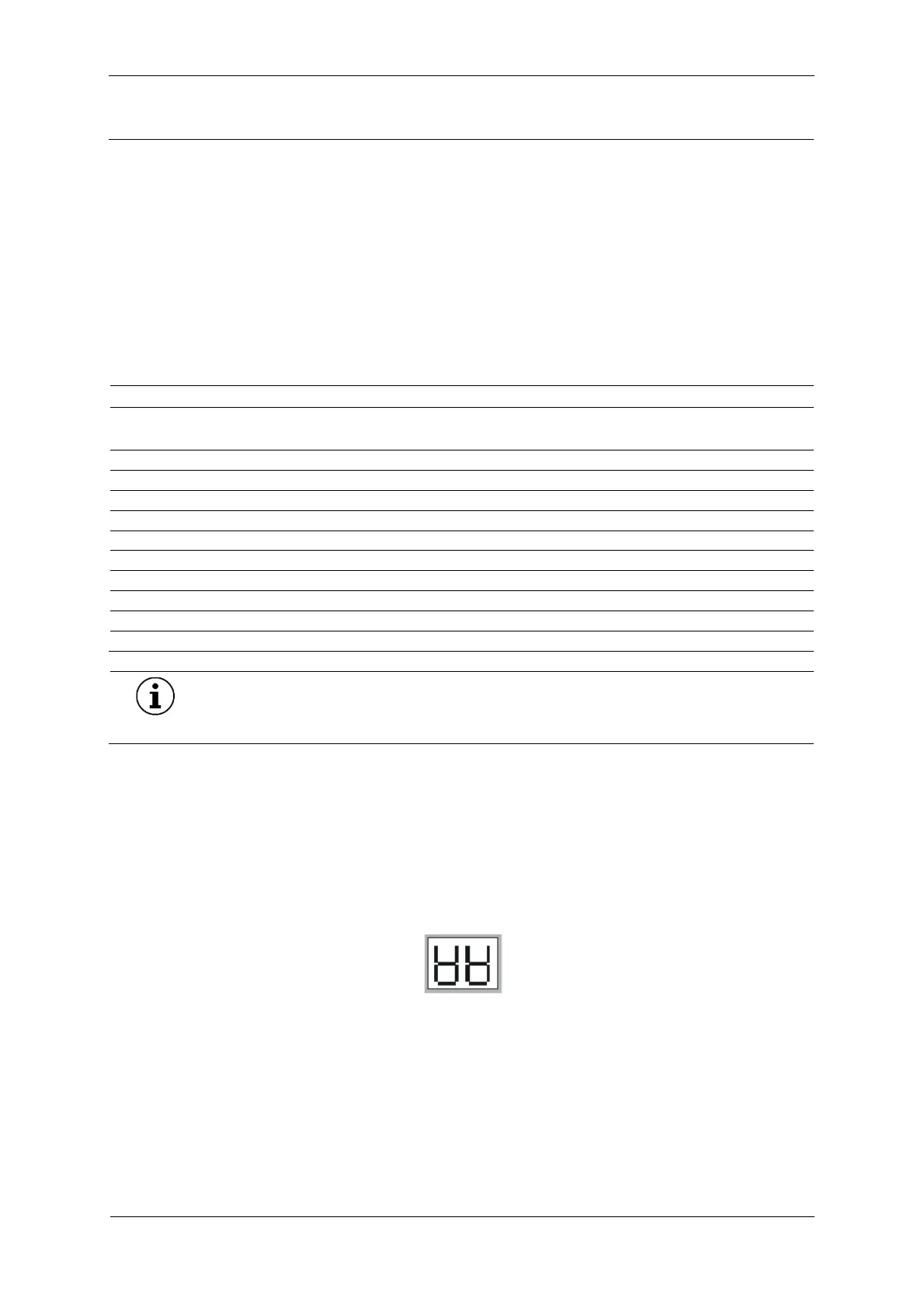
Also the water bath will be filled (3 min. period). The display will show two symbolized tanks (see right).
When the auto fill function has been completed, the machine enters the stand-by mode. If the
respective baths are full before the time is up, the auto fill function can be stopped manually. The level
switch in the developer bath detect a full bath and switches the pump off. The automatic tank filling
can also be terminated manually.
5.2.11.1 Starting up the auto fill function
1 Switch the unit off


 To Next Page