55
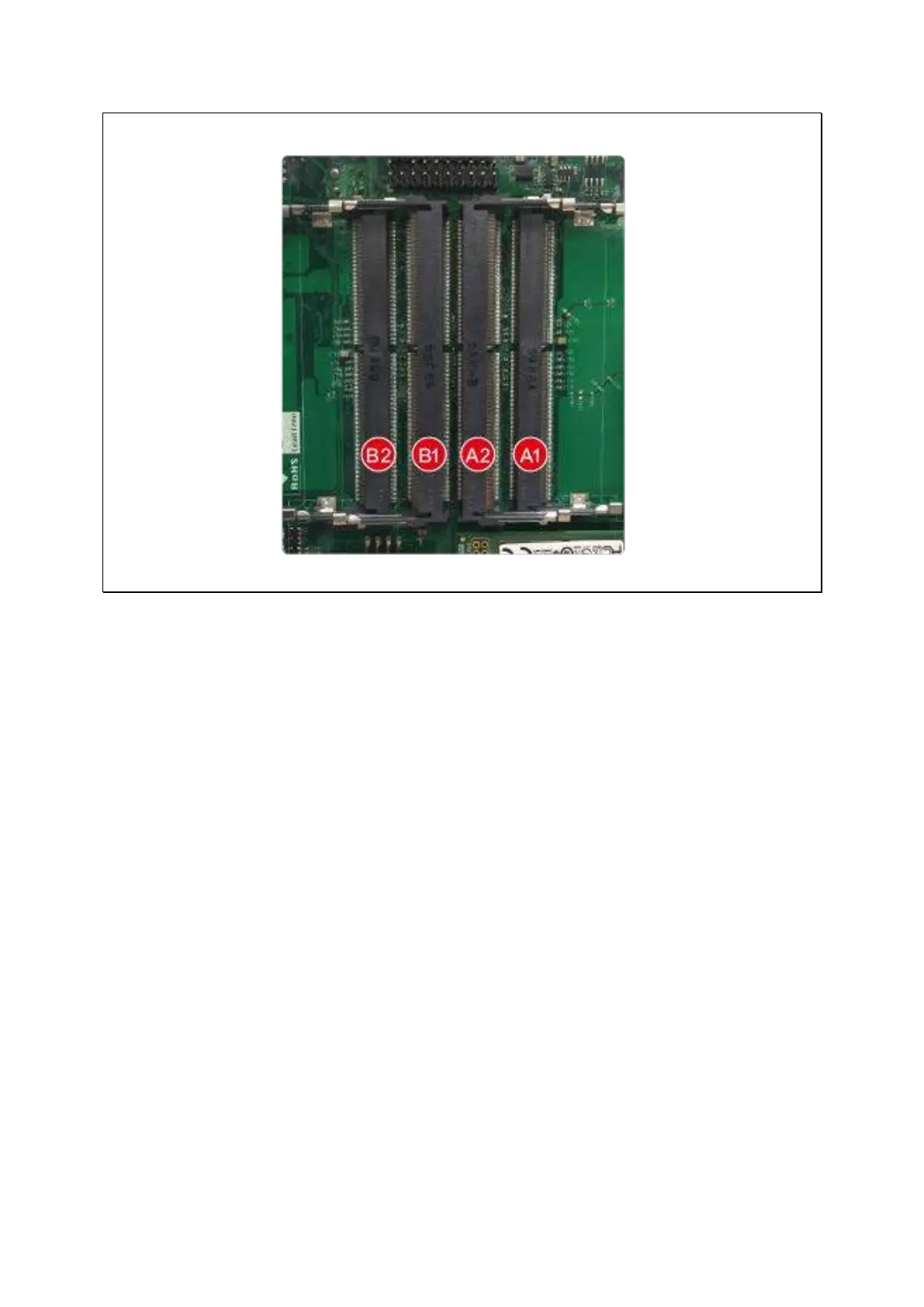
5. Gently push t he m em ory m odule towards the m ot herboard until t he ret ent ion clips
lock t he m em ory m odule in place.
6. Close the case cover and fasten the screws. Connect the power adaptor and cables
to t he NAS. Power on NAS.
7. To verify t hat t he m em ory m odule has been installed correct ly and is being
recognized by t he operat ing system , log int o QTS as adm inistrat or and go t o
“ Control Panel” > “ Sy st em ” > “ Syst em St at us” > “ Hardware I nform at ion” and
check for Tot al m em ory.
5 .6 TS- 4 3 1 U, TS- x3 1 XU serie s, TS- 4 5 1 U, TS- x5 3 U, TS- x6 3 U serie s
( 4 / 8 / 1 2 - bay)
1. Open t he NAS.
a. TS-431XU, TS-451U, TS- 453U, TS-463U series: Loosen all t he screws on the t op
of the NAS.



 To Next Page