92
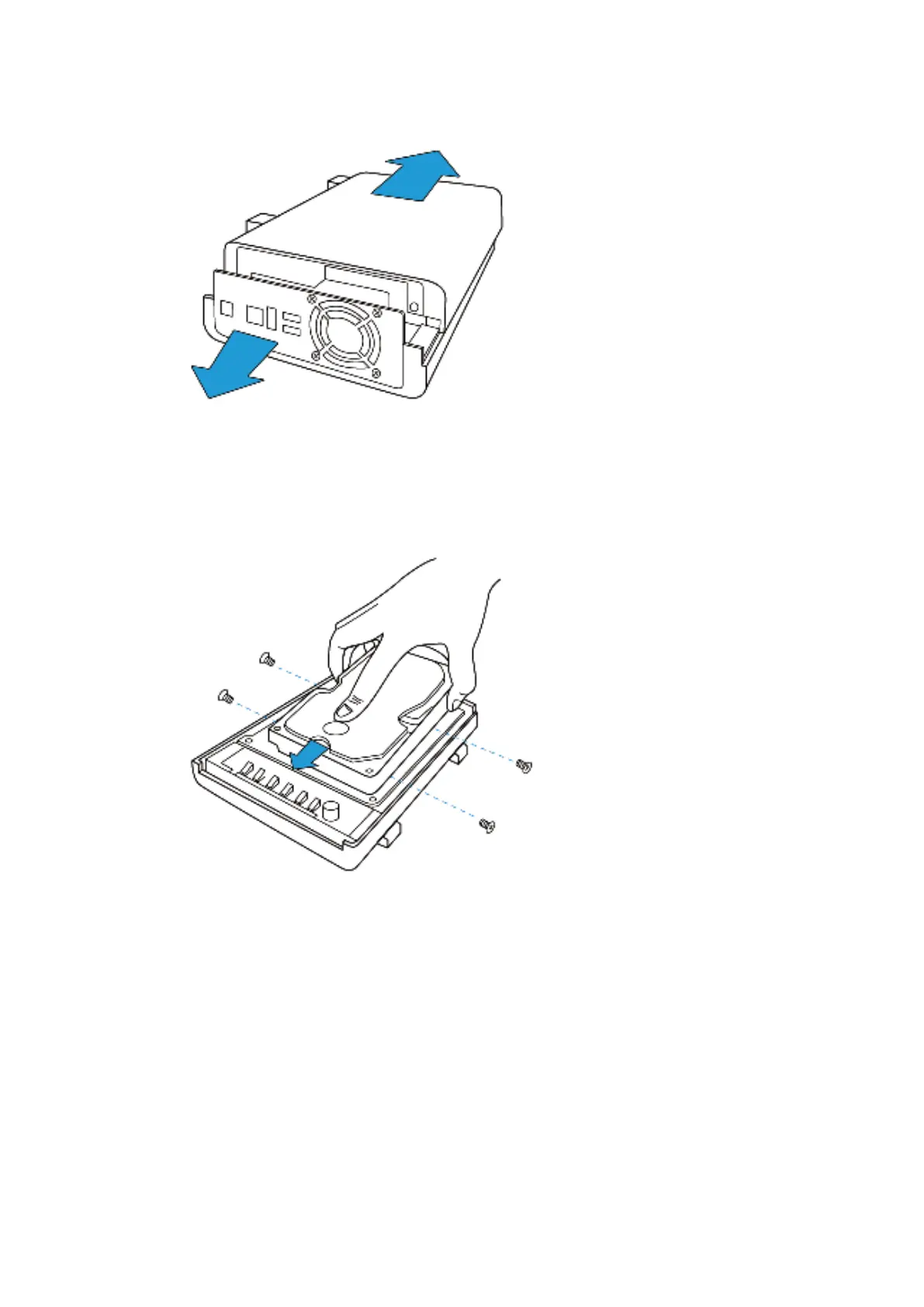
2. I nst all the hard drives:
a. For TS-112P: Place t he hard drive in t he hard drive cradle and slide it forward t o
lock it int o t he connect or. Secure t he screws on t he slides of t he hard drive.
b. For TS- 212P and TS-251C: Place the first hard drive in t he hard drive cradle and
slide it forward t o look it int o the connect or. Place t he second hard drive on t op of
the first hard drive and secure the screws on the slides of bot h hard drives.
Connect t he SATA cable and pow er cable t o t he connectors as shown in t he
pict ure.



 To Next Page