93
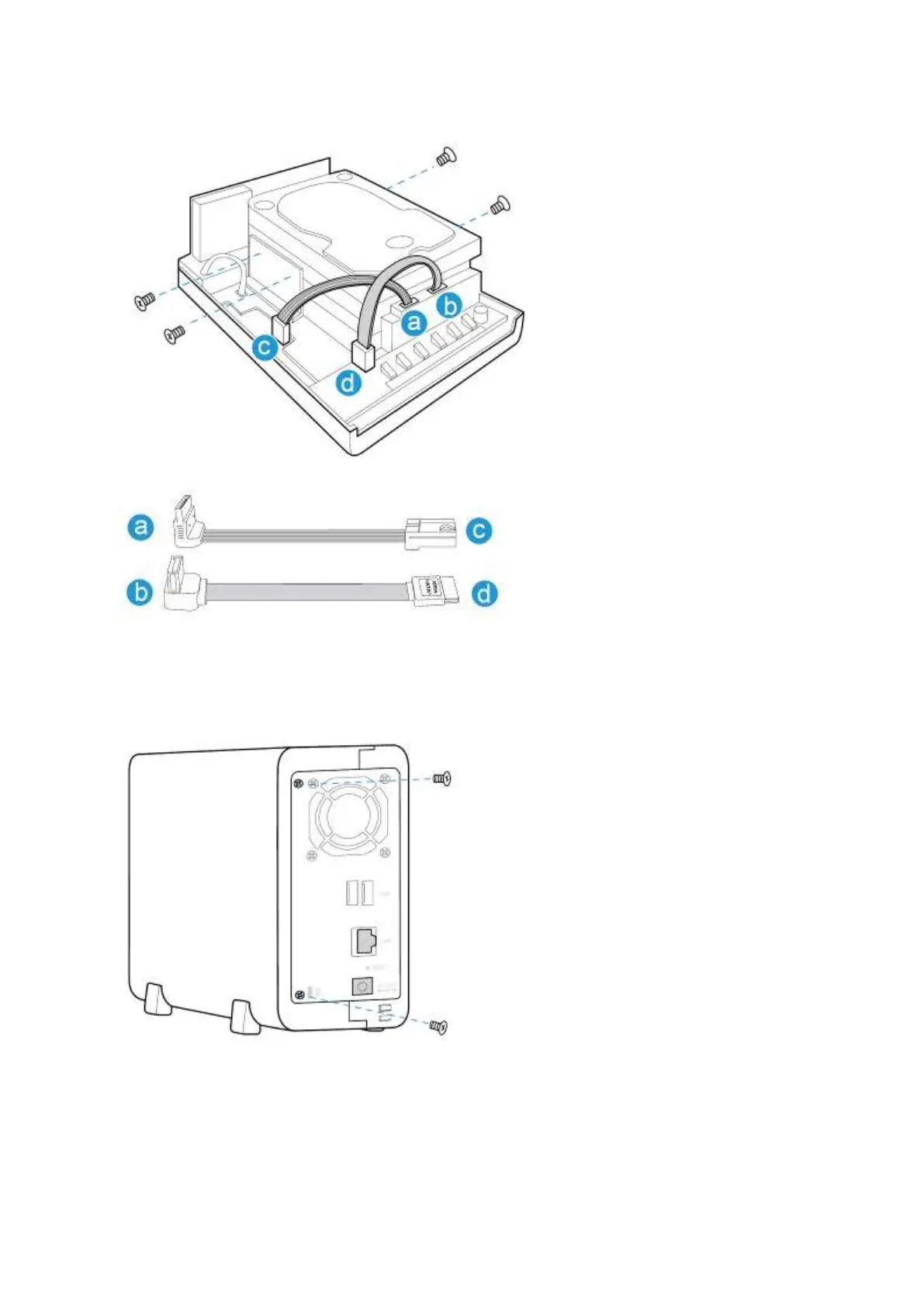
3. After installing t he hard drives, cover t he NAS wit h t he case cover and fast en t he round
head screws. Then, place t he NAS vert ically on t he stands.
7 .1 .6 . TAS- 1 6 8 , TAS- 2 6 8 , TS- 1 2 8 , TS- 2 2 8
1. Rem ove the hand screw and the t op cover.



 To Next Page