145
3.6.3 Remote Replication
3.6.3.1 Remote Replication
Y
ou can use this option to back up the files on the NAS to another QNAP NAS or
Rsync server over LAN or the Internet.
Make sure a network share has been created before adding a remote
replication task.
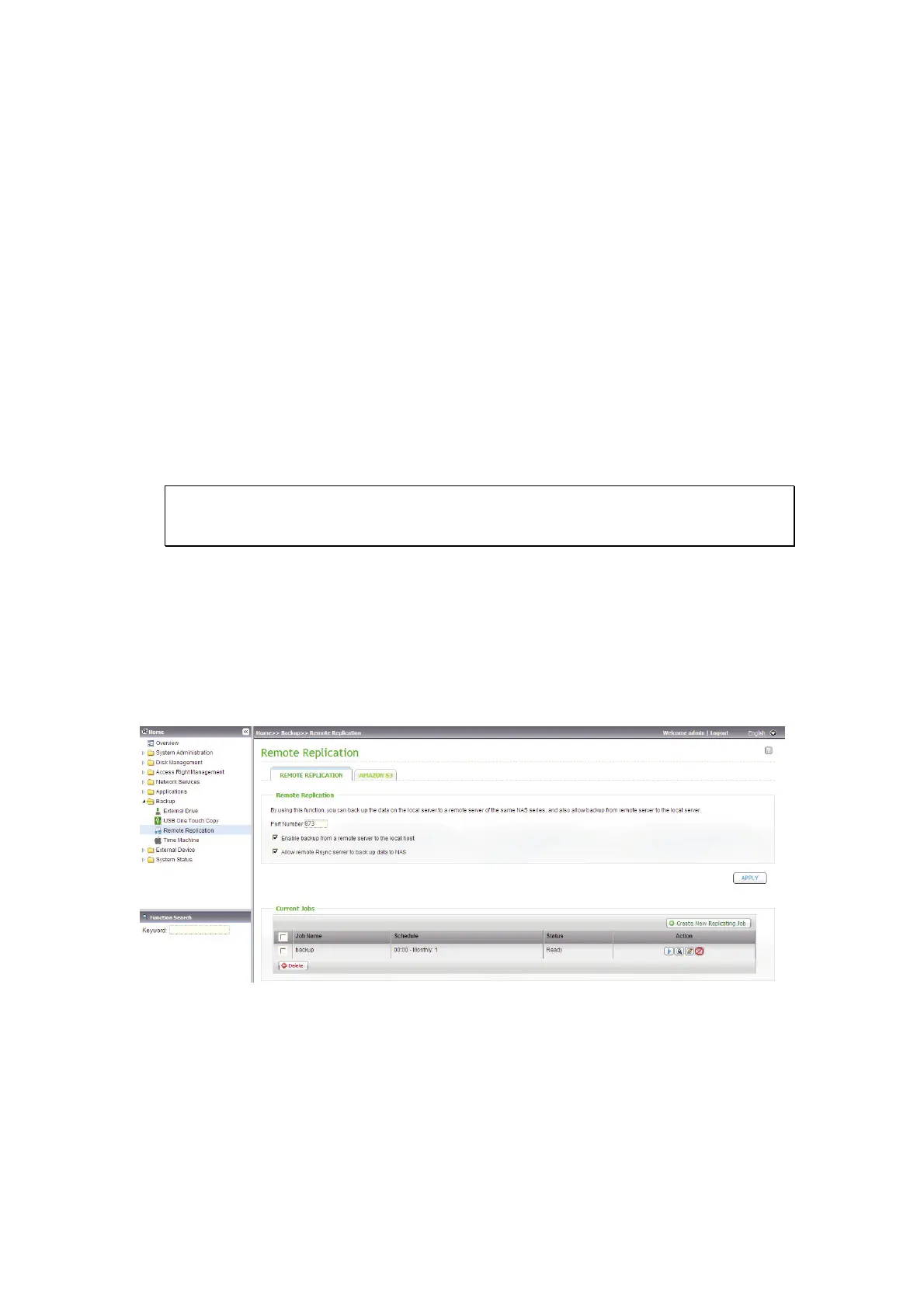
Port Number: Specify a port number for remote replication. The default port
number is 873.
Note: If this server connects to the Internet through a router, make sure the
specified port for remote replication is opened on the router.
Enable backup from a remote server to the local host: Select this option
to allow the remote server to back up data to the local host via remote
replication.
Allow remote Rsync server to back up data to NAS: Enable this option to
allow a remote Rsync server to back up the data to the NAS by remote
replication.



 To Next Page
 Loading...