Page40of86
QC Sample
PatientSample
Misc.TestSample
Inordertorunapatientsample,themeterrequires:
1. AvalidUserIDhasbeenentered(unless thisfeatureisbypassedoraSupervisorCODECHIPmoduleis
installed).Seepage31.
2. AQCDevicehaspassedwithinthespecifiedtimeperiod.Seepage41.
3. AQCSa mpleforthetestdevicelothaspassedwithinthe
specifiedtimeperiod.Seepage 42.
Ifanyoftheseconditionsdonotexist,themeterwillnotcontinueandwill prompttheusertoperformthe
requiredsteps.
IMPORTANT:
TheQuidelTriageMeterProwillalerttheuserifQChasnotbeenperformedforthe
devicelotbeingtested.
QCDevice
TheQCDeviceshouldberunoneachdayofpatienttesting.
ToruntheQCDevicetest:
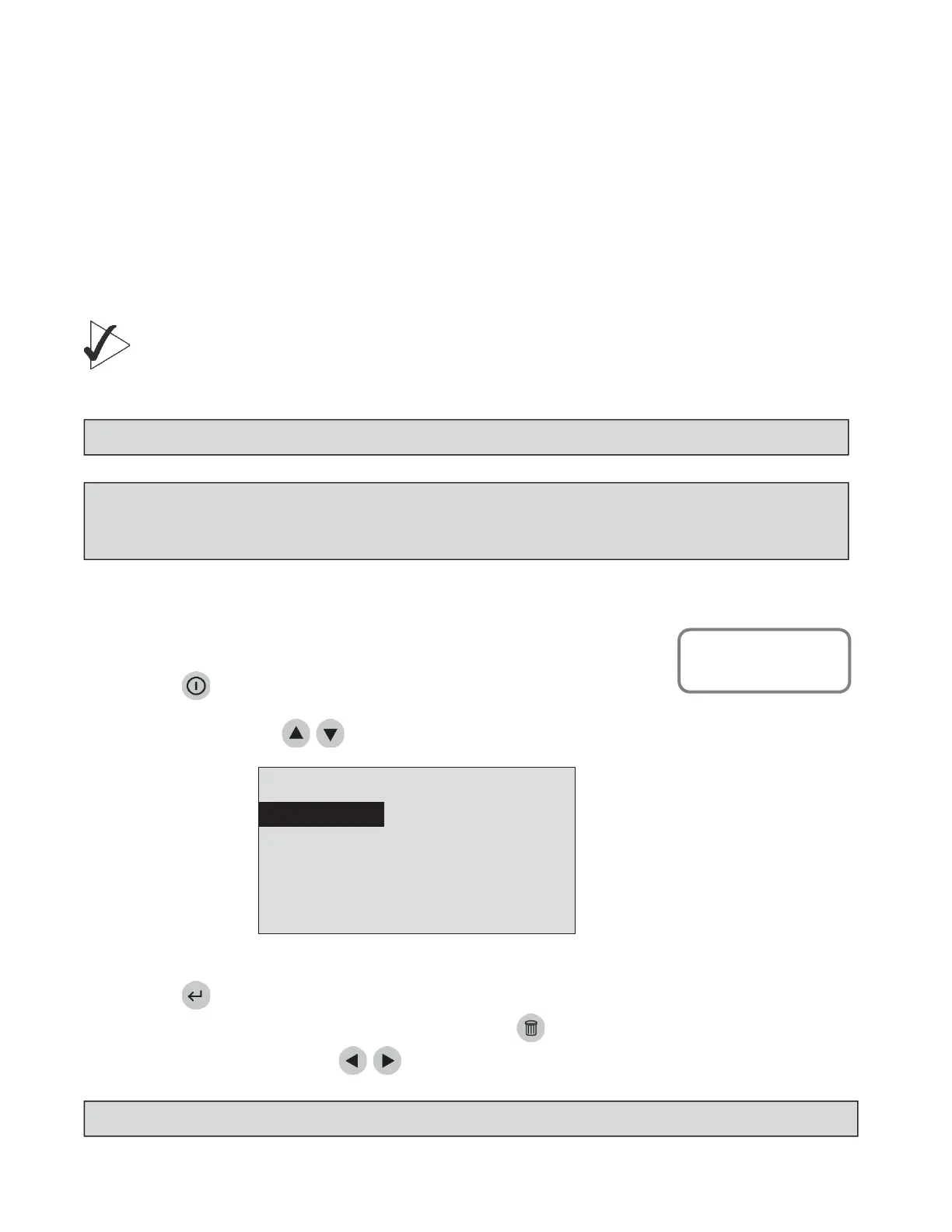
1. PressthekeytopowertheQuidelTriageMeterProon.
2.
SelectRUNTESTusingthe keys.
3. Pressthekey.
4. Typeinyouridentification(UserID).Tocorrect,pressthekeytocleartheentireID,orselectthe
incorrectcharacterbyusingthekeys.ThentypeinthecorrectID.
8:23AM01•20•18
RUNTEST
RECALLRESULTS
INSTALLNEWCODECHIP
SELECTWITHvOR^ANDPRESSENTER
PRESSEXITTOEJECTDEVICE
TheMainMenu
NOTE:
TheSupervisorCODECHIPmoduleprovidesaccesstofunctionsthatmayoverridetheseLockouts.
NOTE:
IftheQuidelTriageMeterPro’sinternalqualitycontrol(QC)resultsareunacceptable,exclamation
points(!)willbedisplayedonthescreenintheplaceofthepatientresults.Toobtainresultsrepeatthe
testusinganewdevice.
NOTE:
IftheUserIDbypa ss ison,themeterwillnotaskyoutoenteraUserID.
MainMenu
Run Test



 To Next Page