Page46of86
f Iftheinformationisincorrect,selectCORRECTTESTusingthe
keysandpressthekey
toreturntothelistsoftests.
IMPORTANT:
Importantinstructionsforalltests:
a. GentlyinsertthetestdeviceintotheQuidelTriageMeteruntilyoufeelthedevicecatchonthe
pin.Youwillhearanaudible‘click’thattellsyouthetestdevi cehasbeeninsertedproperly.
b. Pressthekeytostartthetest.
c. The
QuidelTriageMeterPropullsinthetestdeviceandscansit.
d. Whenthetestiscomplete,themeterwillbeepanddisplaytheresultsonthemeter’sscreen.
e. Pressthe keytomakeaprintedcopyoftheresults.
CAUTION
:
Afterthetestdevicehasbeeninserted,donotpushthedeviceinfurtherorattempt
topullitout.ThedevicemaybeejectedbyreturningtotheMainMenuandpressingEXIT.
IMPORTANT:Importantinstructionsforpatienttests:
a. Ifthetestdevice’sInternalQualityControl(QC)resultsareunacceptable,theresultsforthe
affectedanalyte(s)willnotappearonthescreen(insteadwillbeflaggedwitha!symbol).
b. IfanyoftheQCSampleresultsforthelotbeingtestedwere
outofrange,theresultsforthat
particularanalytewillnotappearonthescreen(insteadwillbeflaggedwitha#symbol).
PAT.ID89547326
PAT.ID89547326
BNP 15 pg/mL BNP 650 pg/mL
PAT.RESULTABNORMAL
PRESS1TOACCEPTOR0TOREJECT PRESS1TOACCEPTOR0TOREJECT
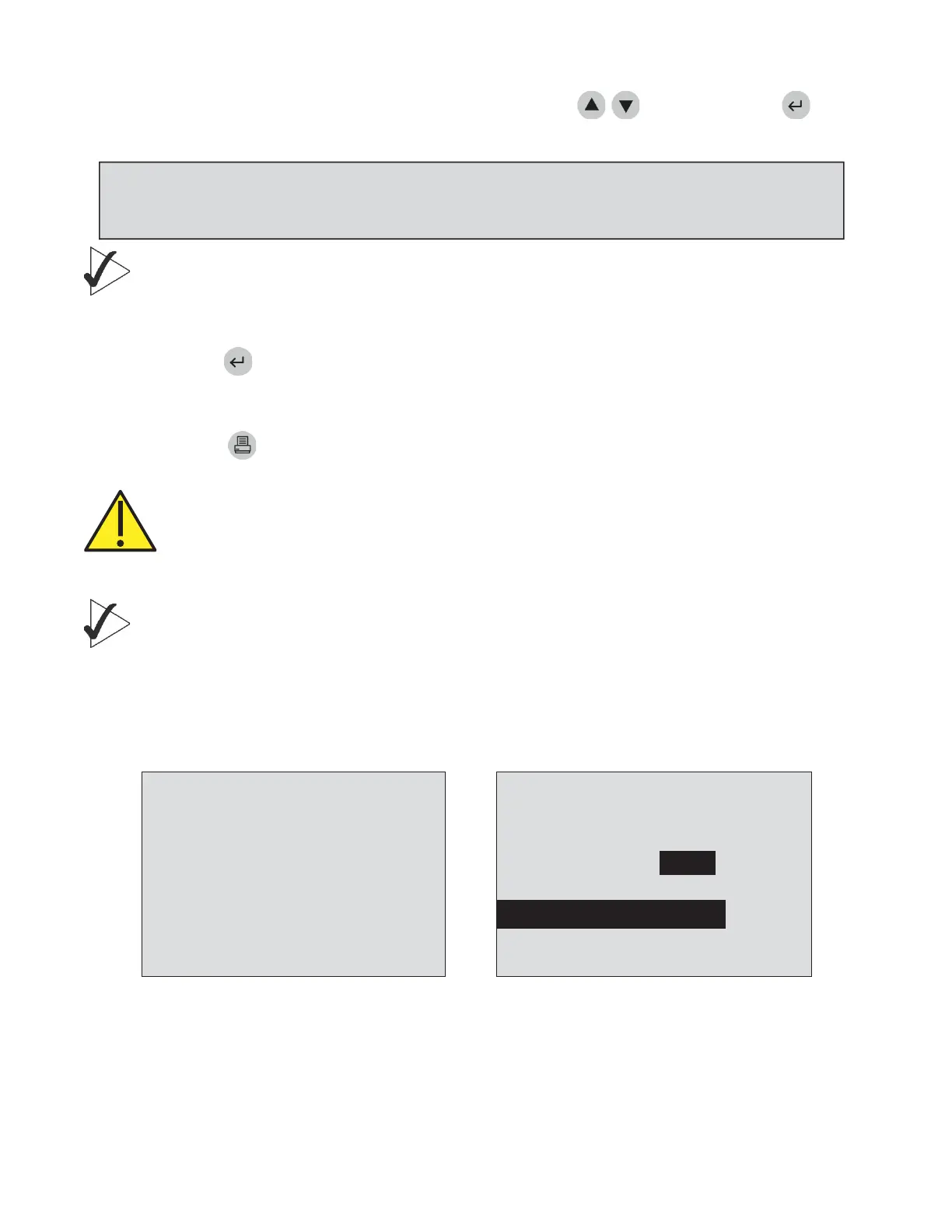
Screendisplayingpatientsresult
belowthecutofflevelandacceptor
rejectinstructions.
Screendisplayingpatientsresultabovethe
cutofflevels.
NOTE:IfnokeyispressedontheSELECTTESTSscreen,themeterwaits30secondsthenproceeds
usingonlytheselecteddefaulttests.Then,ifnokeyispressedontheCONFIRMATIONSCREEN,the
testproceedsafterwaiting30seconds.



 To Next Page