Page 52 of 133
Version 3.0 Rev r000
Date 25-08-2010
Part No. 96000001
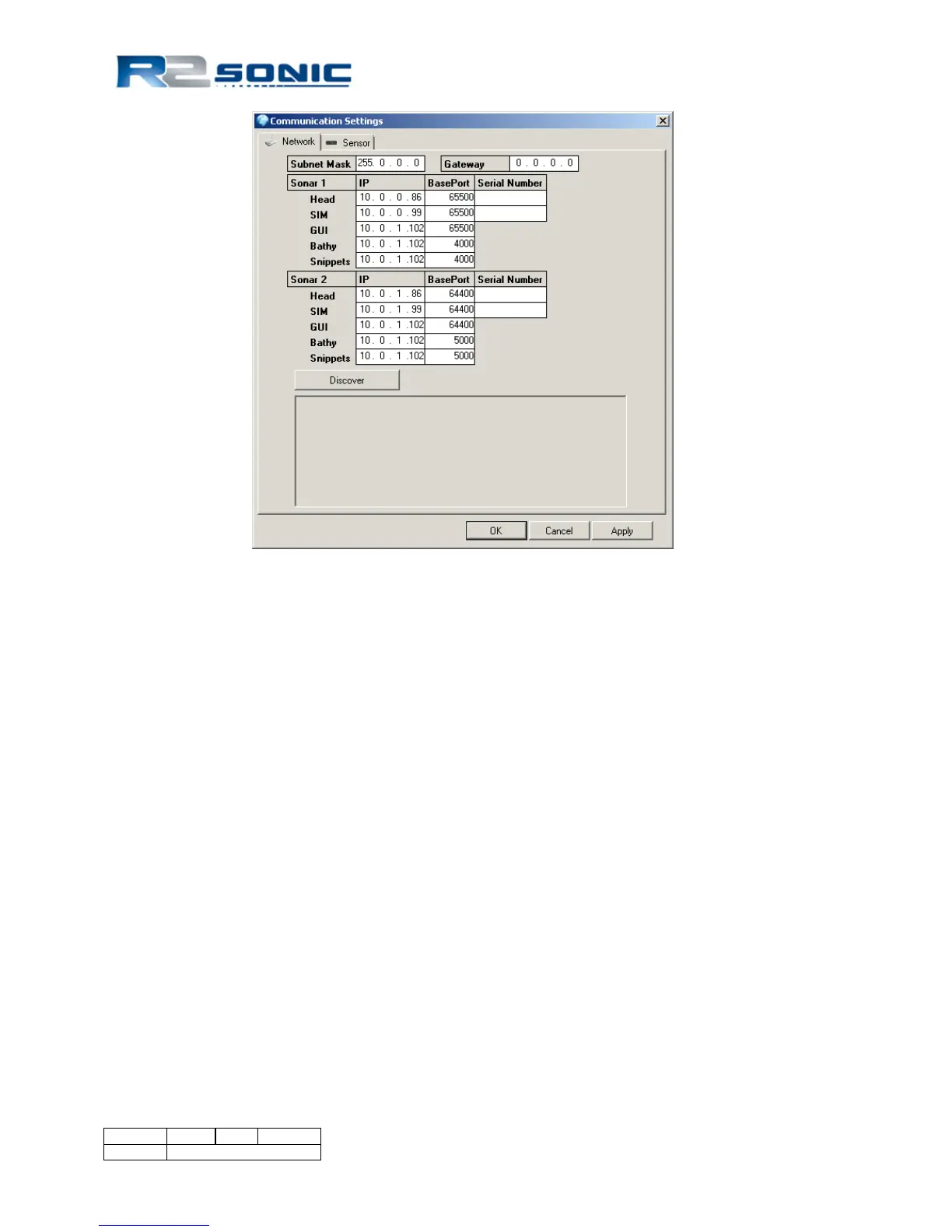
Figure 48: Default dual head network settings
6.4.9 Snippets Enable
If the Snippet option is installed in the Sonic 2024/2022, the Snippets can be turned on and off by
ticking the box next to Snippets Enable.
6.4.10 Mount
6.4.10.1 Projector Orientation
The preferred orientation is with the projector facing forward. This configuration has been tested at
speeds up to 12 knots, with excellent results (hull and moon pool mounting). However, if
installation requires the projector to face aft, this setting is used to renumber the beams to reflect
the aft orientation
6.4.10.2 Projector Z Offset (m)
Using the standard R2Sonic mounting frame, the projector is mounted at a precise distance, relative
to the receive array, with a Z offset of 0.119m: the default. If the projector is not mounted in the
same vertical relationship to the receive array, an offset can be entered here to compensate for that
vertical offset.
The default Z offset value is 0.119m; this is the physical distance between the receive array ceramic
face and the centre point of the projector array, as used with the standard R2Sonic mounting frame
(with 35mm projector standoffs). Do not change this value unless the projector is mounted with a



 To Next Page